
How AI Receipt Scanning Works: A Manager's Technical Guide
A practical, data-backed guide to controlling costs and automating expense workflows.
How AI Receipt Scanning Works: A Comprehensive Guide for Managers
As a manager, you're likely no stranger to the hassle of managing receipts and expenses. From lost receipts to tedious manual entry, the process can be time-consuming and prone to errors. That's where AI receipt scanning comes in – a game-changing technology that streamlines the process and boosts accuracy. In this article, we'll delve into the inner workings of AI receipt scanning, exploring the key technologies, features, and benefits that make it an indispensable tool for modern businesses.
OCR Technology: The Foundation of AI Receipt Scanning
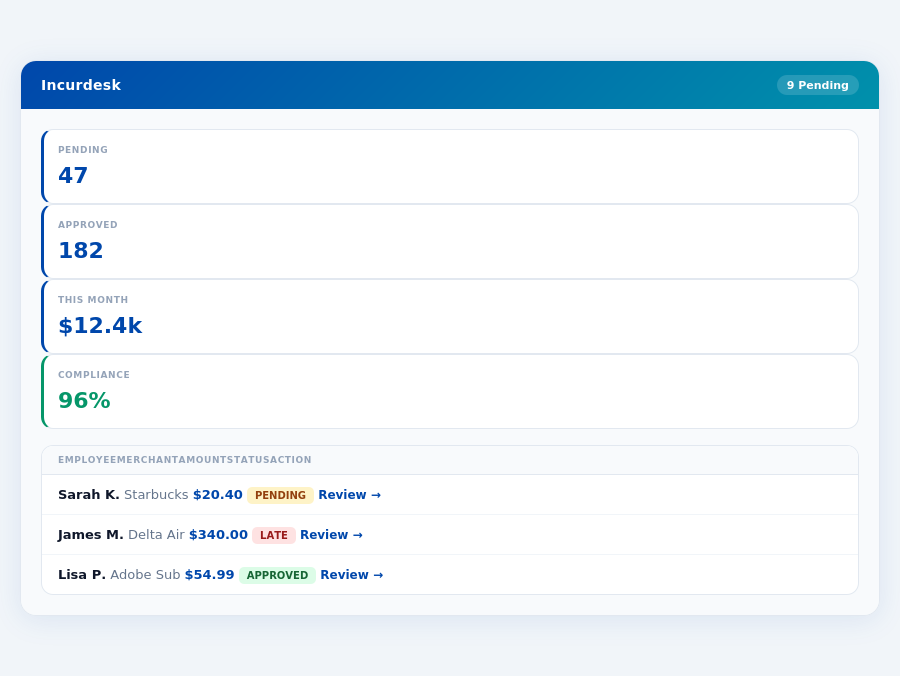
At the heart of AI receipt scanning lies Optical Character Recognition (OCR) technology. OCR is a sophisticated software that can read and interpret text from images, including receipts. When you scan a receipt using an AI-powered scanner, the OCR engine kicks in, extracting relevant information such as dates, amounts, and vendor names. This information is then used to populate expense reports, invoices, and other financial documents.
Machine Learning (ML) Categorization: The Brain Behind AI Receipt Scanning
While OCR technology lays the foundation, Machine Learning (ML) categorization is the brain behind AI receipt scanning. ML algorithms analyze the extracted data and categorize the expenses into predefined categories, such as food, transportation, or entertainment. This process is incredibly accurate, with some AI receipt scanning solutions boasting a 98% accuracy rate. The more receipts the system processes, the more accurate it becomes, thanks to continuous learning and improvement.
98% Accuracy: The Benchmark for AI Receipt Scanning
AI receipt scanning solutions have made significant strides in recent years, with many achieving an impressive 98% accuracy rate. This means that out of 100 receipts scanned, 98 will be accurately extracted and categorized. This level of accuracy is unprecedented in the industry, making AI receipt scanning an attractive solution for businesses looking to streamline their expense management processes.
Offline Mode: Scanning Receipts on the Go
One of the most significant advantages of AI receipt scanning is its ability to function in offline mode. This means that you can scan receipts even without an internet connection, making it perfect for business travelers or remote workers. The scanned receipts are stored locally on your device and synced with the cloud when you're back online, ensuring that your expenses are always up-to-date and accurate.
Supported Formats: AI Receipt Scanning for All Receipt Types
AI receipt scanning solutions support a wide range of receipt formats, including:
- Paper receipts
- Digital receipts (e.g., email receipts, PDFs)
- Receipts from mobile payment apps (e.g., Apple Pay, Google Pay)
- Receipts from online marketplaces (e.g., Amazon, eBay)
This means that you can scan receipts from various sources, making it easy to track and manage expenses across different channels.
Accounting Integrations: Seamless Expense Management
AI receipt scanning solutions often integrate with popular accounting software, such as QuickBooks, Xero, or SAP. This means that you can automatically sync your expenses with your accounting system, eliminating the need for manual entry and reducing errors. Some solutions also offer custom integrations, allowing you to connect with your existing accounting system.
In conclusion, AI receipt scanning is a powerful tool that streamlines expense management processes, boosts accuracy, and saves time. With its advanced OCR technology, ML categorization, and offline mode, it's an indispensable solution for modern businesses. Whether you're a manager looking to optimize your expense management processes or an accountant seeking to reduce errors, AI receipt scanning is the way to go.
Related articles
Related articles
Stop losing 4+ hours a week
30-day free trial · No credit card · Setup in 15 minutes