
Expense Approval Workflow for Multifamily Property Teams
A practical, data-backed guide to controlling costs and automating expense workflows.
To do so, consider implementing a real estate expense management system that can handle the complexity of your business for under $10/user (2026). By streamlining your expense approval process, you can reduce errors and improve overall financial management. For the bigger picture, see our guide to real estate expense management for under $10/user (2026). For a complete overview, see our expense management guide.
Establish Clear Expense Approval Policies
-
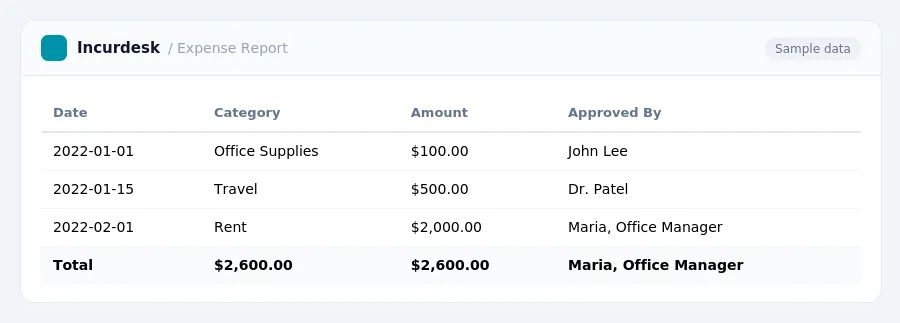
Develop a clear expense approval policy that outlines the types of expenses that can be reimbursed, the maximum amounts that can be claimed, and the required documentation for each expense type.
For example, you may establish categories for expenses such as travel, meals, and supplies, and specify the maximum daily meal allowance or the types of receipts that are acceptable for reimbursement.
-
Define the roles and responsibilities of team members involved in the expense approval process, including the employee submitting the expense report, the supervisor reviewing and approving the report, and the accountant processing the reimbursement.
-
Establish a deadline for submitting expense reports, such as weekly or bi-weekly, to ensure timely reimbursement and minimize the risk of lost or misplaced receipts.
-
Specify the procedures for handling exceptions or discrepancies, such as disputes over reimbursement amounts or missing documentation.
Remember to communicate the expense approval policy clearly to all team members and provide training on the procedures and requirements to ensure a smooth and efficient expense approval process.
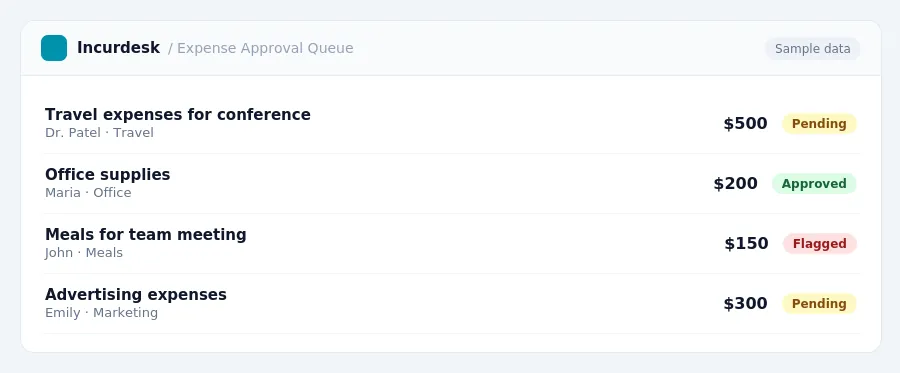
To ensure compliance, you must stay up-to-date on these rates.
- 72.5 cents per mile for business use from January 1 to June 30, 2026
- 76 cents per mile for business use from July 1 to December 31, 2026
These rates vary by location and type of expense. For the transportation industry, the M&IE rates are:
- $80 for CONUS (Continental United States)
- $86 for OCONUS (Outside Continental United States)
It's essential to verify these rates annually to ensure compliance and accuracy in your expense reimbursement process.
Implement Internal Controls and Verification Procedures
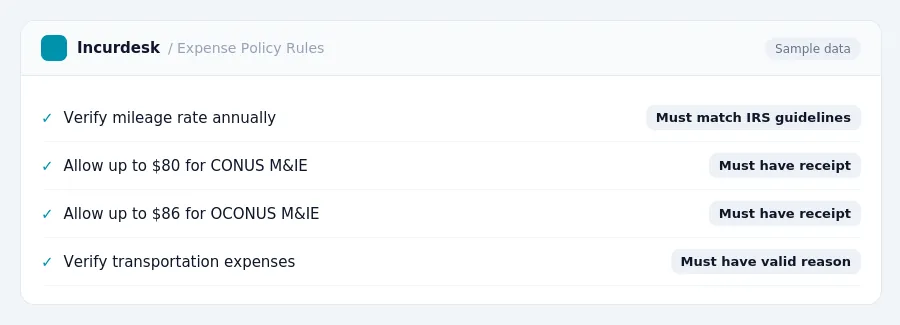
- Establish a system to verify receipts and invoices. Ensure that all receipts and invoices are properly documented, dated, and itemized. This can be done by implementing a centralized document storage system, either physical or digital, where all receipts and invoices are kept for a minimum of three years.
- Set up a process to track and monitor employee expenses. This can be done by assigning a specific employee or department to review and approve employee expenses, and by setting up a system to track and monitor employee spending habits.
- Implement a procedure to review and verify expense reports for accuracy and completeness. This can be done by having a designated employee review and verify expense reports, and by ensuring that all expense reports are thoroughly checked for errors and discrepancies.
- Use a third-party auditor
- Consider implementing a lockbox system to securely store and manage employee expense reports, receipts, and invoices.
When implementing a lockbox system, consider the following:
- Use a secure, password-protected digital storage system to store employee expense reports, receipts, and invoices.
- Ensure that all documents are properly scanned and saved in a digital format, with clear and legible images.
- Set up a system to track and monitor access to the digital storage system, to ensure that only authorized employees can access the documents.
Monitor and Audit Expense Reports
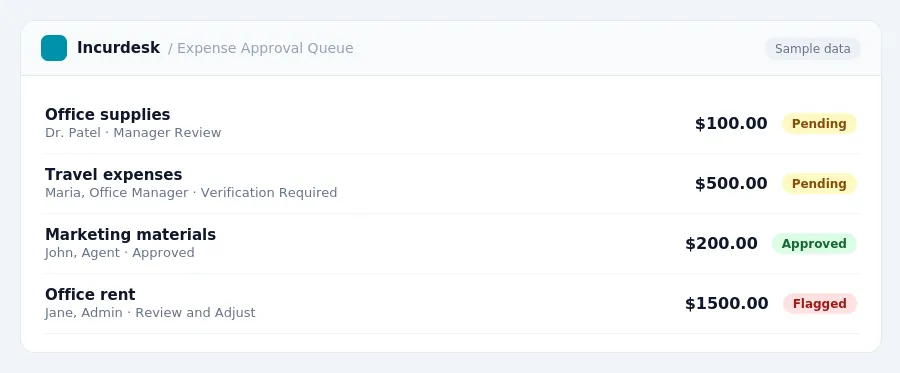
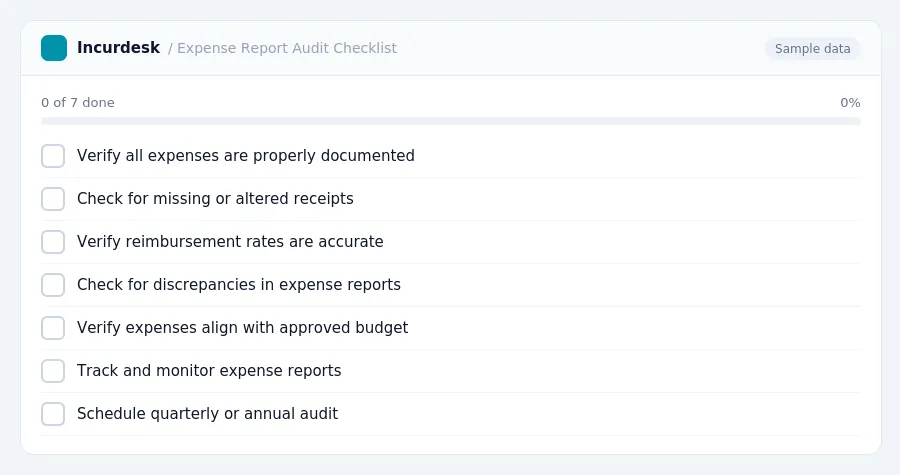
- This should include verifying that all expenses are properly documented, receipts are attached, and reimbursement rates are accurate.
- Check for any discrepancies or irregularities in expense reports, such as missing or altered receipts, or excessive expenses.
- Verify that all expenses are properly categorized and accounted for, and that they align with the approved budget.
- Implement a system for tracking and monitoring expense reports, including a timeline for review and approval.
- Consider hiring an independent third-party auditor to review and audit expense reports on a quarterly or annual basis.
Review and Refine the Expense Approval Workflow
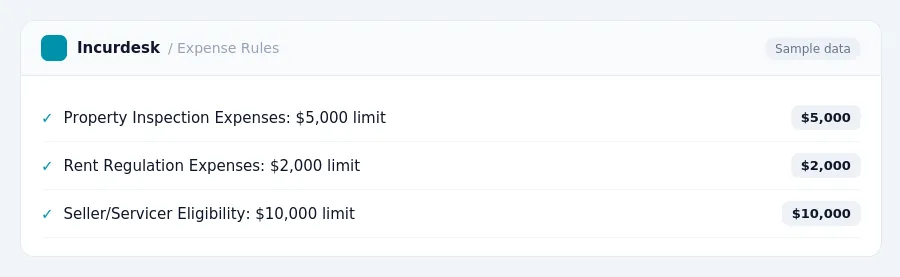
- Check for updates on requirements for property inspections and rent regulation in New York. Verify that your workflow meets the eligibility requirements for seller/servicers.
- Assess your workflow's effectiveness in preventing errors, inefficiencies, and potential fraud. Identify areas for improvement and opportunities to streamline processes. Consider implementing automation tools to reduce manual handling and minimize the risk of human error.
- Establish a regular review schedule to ensure your workflow remains compliant with changing regulations and industry best practices. Set a benchmark to measure the efficiency of your workflow, such as the percentage of approved expenses processed within a certain timeframe.
- Make adjustments to your workflow as needed to ensure it remains aligned with your business goals and objectives. Consider seeking input from team members and stakeholders to ensure that the revised workflow meets their needs and expectations.
- Document all changes to your expense approval workflow and communicate them to all relevant parties, including team members, vendors, and stakeholders. Ensure that all parties understand their roles and responsibilities within the revised workflow.
By following these steps, you can refine your expense approval workflow to ensure it remains efficient, effective, and compliant with the latest industry guidelines.
Keeping this simple: Incurdesk routes each expense to the right person for approval and keeps a record of who approved what. It is built for small real estate teams. Try it free.
Stop losing 4+ hours a week
30-day free trial · No credit card · Setup in 15 minutes