Handling Maintenance and Repair Receipts per Unit
A practical, data-backed guide to controlling costs and automating expense workflows.
Effective real estate expense management for under $10/user (2026) requires a clear understanding of these rules and a system for tracking and documenting expenses. For a complete overview, see our expense management guide.
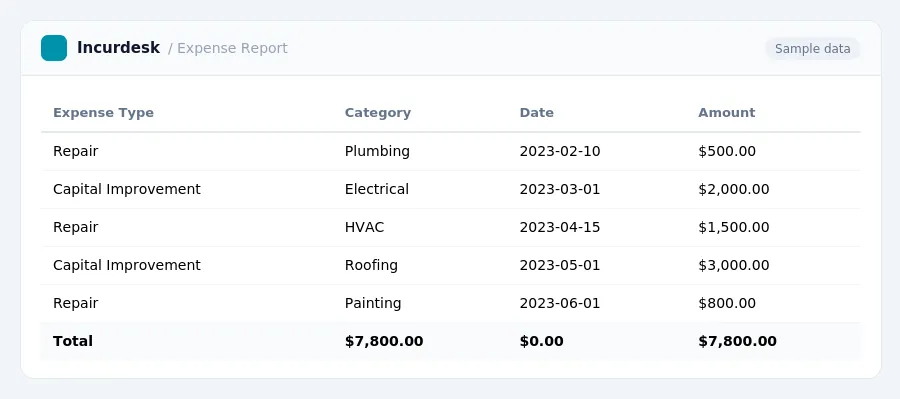
Identify the Type of Expense: Repair or Capital Improvement
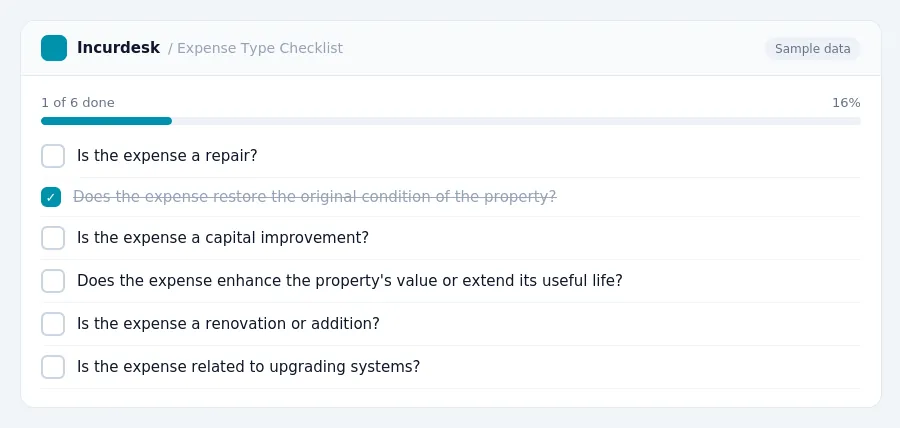
- When categorizing maintenance and repair expenses, it's crucial to distinguish between repairs and capital improvements. Repairs are expenses that restore or maintain the original condition of a property, while capital improvements enhance the property's value, extend its useful life, or adapt it to new uses.
- Examples of capital improvements include:
- Adding a new bathroom
- Renovating a kitchen
- Replacing an entire roof
- Upgrading electrical systems
- Examples of capital improvements include:
- Capital improvements are depreciated separately from the original property over 27.5 years for residential rentals.
- For 2026, landlords can expense items costing $2,500 or less per invoice, or $5,000 with audited financials, rather than depreciating them. This requires a written accounting policy at the start of the year.
The rules in this guide
| Amount | Required | In Incurdesk |
|---|---|---|
| Above $75 | Itemised receipt | Checked on every expense |
| Above $250 | Written business purpose | Checked on every expense |
| Above $500 | Names of attendees | Checked on every expense |
| Above $5,000 | Senior sign-off; never auto-approved | Checked on every expense |
Each rule is checked on every expense by Incurdesk’s approval agent.
- Keep detailed records of all maintenance and repair expenses, including invoices, receipts, and payment records. Store these documents in a secure and easily accessible location, such as a file cabinet or digital storage system.
- Take clear photos of any repairs or improvements before and after completion. Note the date and description of the work performed, and include any before-and-after notes or comments.
- Record the date and amount of each payment, as well as any relevant details about the expense. This will help you track and categorize your expenses for tax purposes.
- Consider keeping a separate log or journal to record maintenance and repair activities, including the date, description, and cost of each expense.
- For example, you might include the following information in your log:
- Review and update your records regularly to ensure they remain accurate and complete.
Calculate Depreciation and Apply Safe Harbors
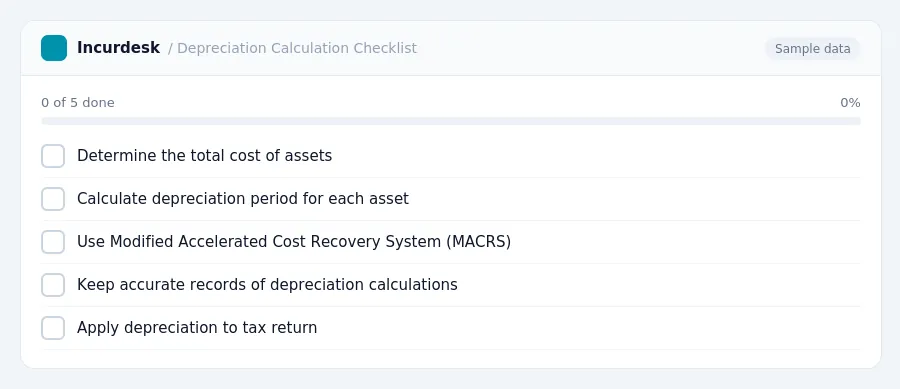
- Calculate the depreciation period for each asset. Major appliances, furniture, and carpet typically have a shorter depreciation period, usually five years. This is a general guideline and may vary depending on the specific asset and its useful life.
- Determine the total cost of the assets and calculate their depreciation. You can use the Modified Accelerated Cost Recovery System (MACRS) to calculate depreciation. This system allows you to depreciate assets over a set period of years.
- Keep accurate records of your depreciation calculations and apply them to your tax return. Make sure to keep track of the assets' original cost, depreciation period, and annual depreciation amount.
You can use a table to keep track of your depreciation calculations:
- This includes all receipts, invoices, and bank statements related to maintenance and repair expenses. Organize these documents in a clear and easily accessible manner, such as a dedicated folder or digital file.
- For each expense, clearly indicate the date, description, and amount.
- Keep all records and documentation for at least three years in case of an audit. This includes receipts, invoices, bank statements, and any other supporting documentation. Store these documents securely and ensure they are easily accessible in case of an audit.
- When filing taxes, submit all eligible expenses along with the supporting documentation.
- Keep accurate records of all expenses, including receipts, invoices, and bank statements.
- Clearly categorize each expense as a repair, maintenance, or capital improvement.
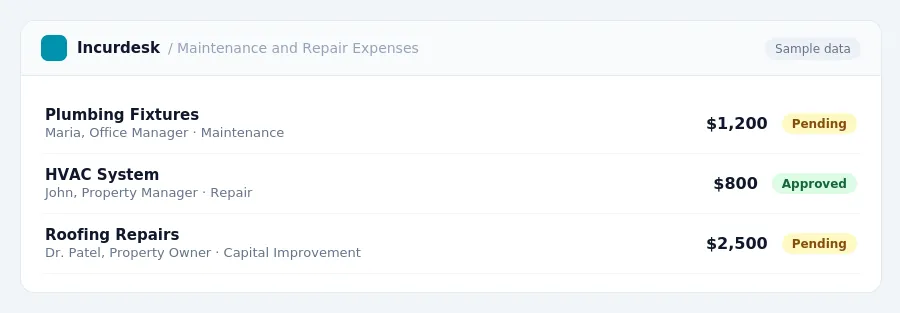
Keeping this simple: Incurdesk lets your team snap a photo of a receipt and fills in the details for you. It is built for small real estate teams. Try it free.
AI expense management for finance teams and whoever keeps the books. It checks every expense against your rules, approves the routine ones and chases missing receipts for you.
Try it free for 30 days →Stop losing 4+ hours a week
30-day free trial · No credit card · Setup in 15 minutes