
Hospital Expense Audit Preparation Checklist
A practical, data-backed guide to controlling costs and automating expense workflows.
Effective expense management for hospitals involves maintaining accurate records, adhering to regulations, and avoiding common audit triggers. To get started, review your business's financial records and ensure all expenses are properly documented and categorized.
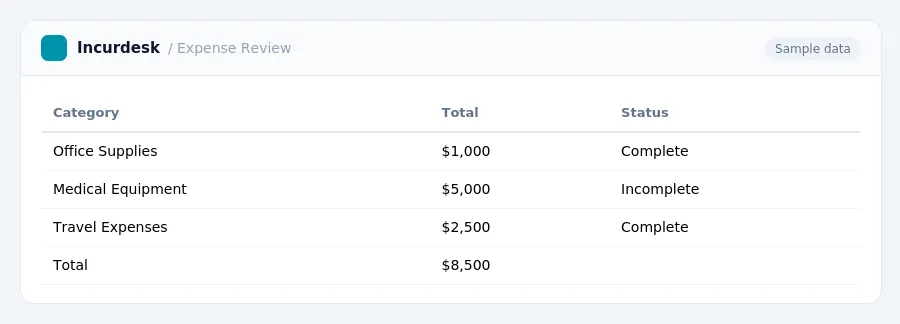
Common Audit Triggers for Small Hospitals
- Unreported income: Make sure to accurately report all income earned by the hospital, including cash payments and other sources.
- Any discrepancies in the hospital's financial records or tax returns may trigger an audit.
- Bank statements and deposit slips
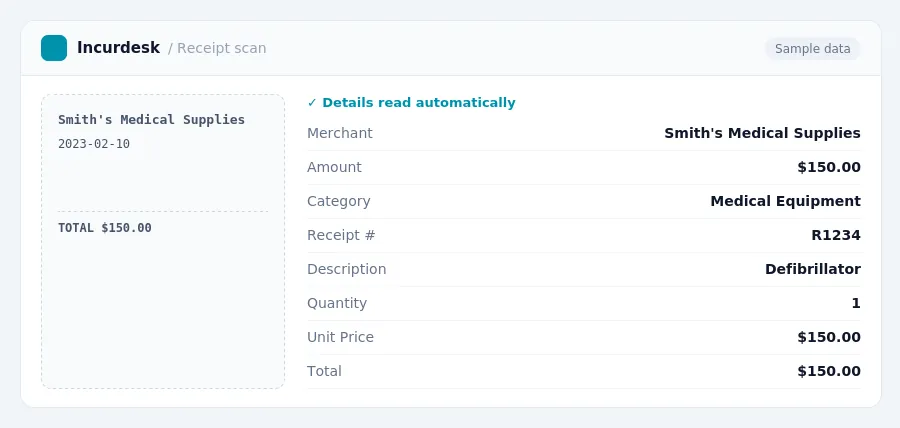
- Invoices and receipts for business expenses
- Tax returns and supporting documentation
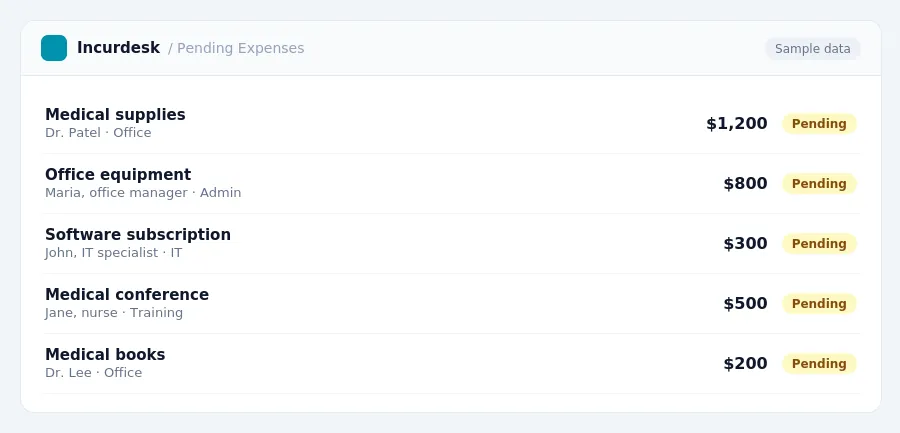
Preparation and Compliance Checklist
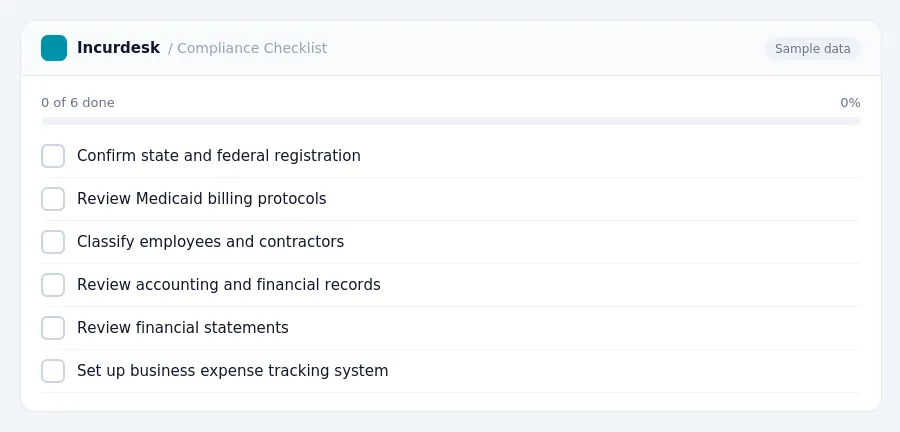
Review your business's financial records and tax compliance to ensure you're prepared for an audit. Start by:
- Confirming that your business is registered with the state and federal government.
- Reviewing your business's Medicaid billing protocols to ensure compliance with state-specific requirements.
- Ensuring that all employees are properly classified as employees or independent contractors.
- Reviewing your business's accounting and financial records to ensure accuracy and completeness.
Also, consider the following:
- Reviewing your business's financial statements, including the balance sheet and income statement.
- Ensuring that your business has a system in place for tracking and documenting business expenses.
Avoiding Audit Mistakes and Triggers
- Be Aware of Common Audit Triggers
- Repeated business losses for three or more consecutive years can trigger an audit.
- Consult with an accountant or tax professional to review your financial statements and identify potential issues.
- Maintain Accurate Financial Records
- Keep all financial records, including invoices, receipts, and bank statements, for at least three years.
- Organize your records in a clear and accessible manner, making it easy to locate specific documents.
- Watch for Red Flags
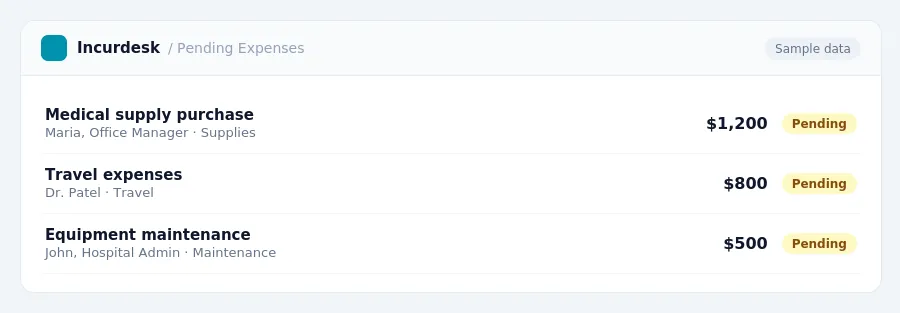
Record Keeping and Documentation Best Practices
- Check for math errors on tax returns and correct any discrepancies.
- Ensure all records are properly categorized and organized, making it easier to locate specific documents during an audit.
- Implement a system to track and document business expenses, including receipts and invoices, to support expense claims.
- Consider hiring a professional to review and audit your financial records to identify potential issues before an external auditor does.
Here are some frequently asked questions and answers to help you stay compliant.
- What should I do if I receive an audit notice?
- Are there any deadlines for responding to an audit notice?
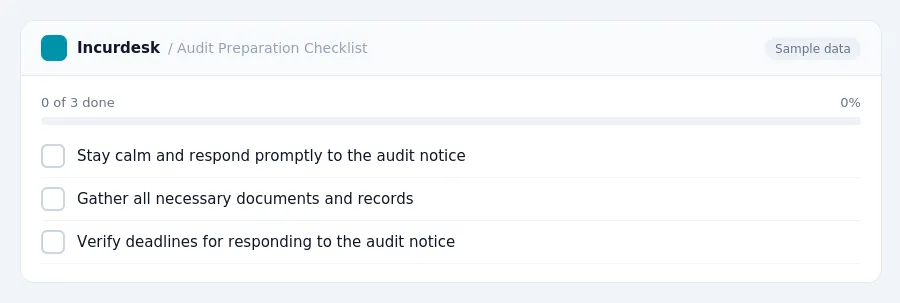
Stay calm and respond promptly to the audit notice. Gather all necessary documents and records to support your expenses and income.
Keeping this simple: Incurdesk turns submitted expenses into clean expense reports. It is built for small hospital teams. Try it free.
Stop losing 4+ hours a week
30-day free trial · No credit card · Setup in 15 minutes