
How to Choose Expense Software for a Dental Practice
A practical, data-backed guide to controlling costs and automating expense workflows.
To streamline expense management for dental practice, consider software that offers user-friendly tracking, integration with practice management systems, and clear financial reporting. By doing so, you can stay on top of expenses, reduce administrative burdens, and make informed decisions about your practice's financial health.
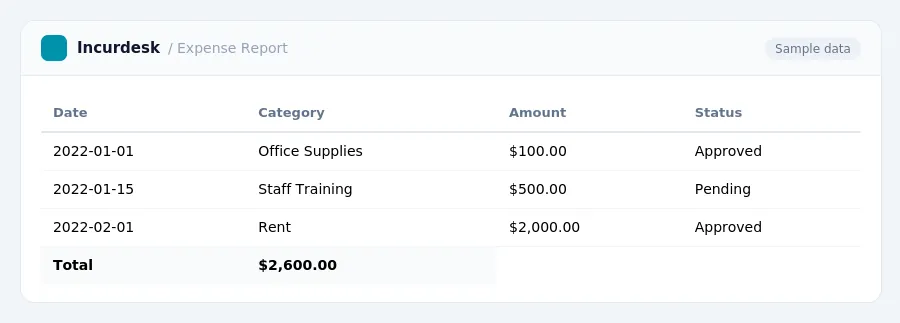
Avoiding Common Mistakes and Best Practices for Expense Tracking
When choosing expense software for your dental practice, it's essential to avoid common mistakes that can lead to financial mismanagement and regulatory non-compliance. Here are some best practices to keep in mind:
1. Ensure seamless integration with your practice management system to avoid manual data entry and reduce errors.
2.
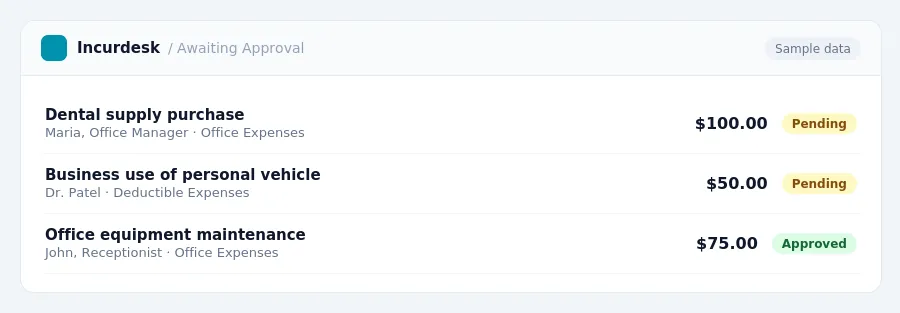
3. Don't overlook deductible expenses, such as business use of your personal vehicle or home office expenses, and ensure you're documenting them properly.
4. Don't underestimate the costs associated with HIPAA compliance, and prioritize budgeting for these expenses.
5.
6.
7.
8.
Keeping this simple: Incurdesk lets your team snap a photo of a receipt and fills in the details for you. It is built for small dental practice teams. Try it free.
Choosing the Right Expense Software for Your Dental Practice
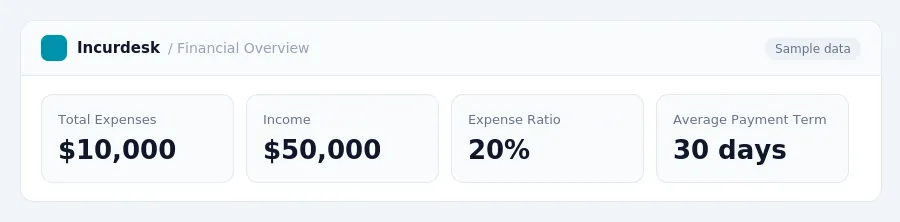
When selecting expense software for your dental practice, consider your specific needs and goals. Start by evaluating your current financial situation. Check your practice's overhead percentage, which should generally fall between 58-65% of gross collections.
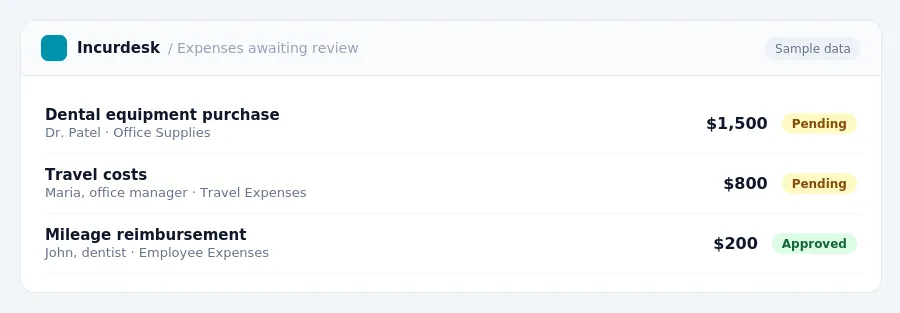
To determine the right software for your practice, make a list of essential features. Consider what you need to track, such as employee expenses, travel costs, and equipment purchases. Think about integration with your practice management system, as this can streamline your workflow and reduce errors. You may also want to look for clear financial reporting and user-friendly navigation.
Take your time when researching software options. Don't be afraid to ask for demos or trials to test the user interface and features. Consider your practice's specific needs, such as tracking mileage or per diem expenses, and ensure the software can accommodate these requirements.
Finally, set clear goals for your expense tracking system. Do you want to reduce your overhead percentage? By understanding your goals and evaluating software options carefully, you can choose the right expense software for your dental practice.
Key Features to Look for in Expense Software for Dental Practices
- User-friendly interface: Choose software with an intuitive interface that makes it easy for your staff to track expenses, even if they're not accounting experts.
- Integration with practice management systems: Ensure the software can seamlessly integrate with your existing practice management system to streamline data entry and reduce errors.
- Clear financial reporting: Select software that provides detailed financial reports, including income statements, balance sheets, and cash flow statements, to help you make informed business decisions.
- Alerts and notifications: Select software that provides alerts and notifications for upcoming deadlines, such as quarterly estimated tax payments.
- Customizable dashboards: Opt for software that allows you to create customizable dashboards to provide real-time insights into your practice's financial performance.
- Security and data protection: Ensure the software has robust security measures in place to protect sensitive patient and financial data.
- Scalability: Choose software that can grow with your practice, supporting an increasing number of employees and patients.
- Support for dental practice overhead management: Select software that helps you manage overhead costs, which should generally be between 58-65% of gross collections.
Stop losing 4+ hours a week
30-day free trial · No credit card · Setup in 15 minutes