
How to Reconcile Dental Supplier Invoices with Receipts
A practical, data-backed guide to controlling costs and automating expense workflows.
Reconciling dental supplier invoices with receipts is a crucial aspect of expense management for dental practice, helping you ensure accurate payments and avoid financial discrepancies. To start, you'll want to gather all relevant documents, including invoices, receipts, and bank statements, and review them carefully to identify any discrepancies or errors. By following a systematic approach to reconciliation, you can prevent duplicate payments, identify potential issues, and maintain a healthy financial record for your practice. For a complete overview, see our expense management guide.
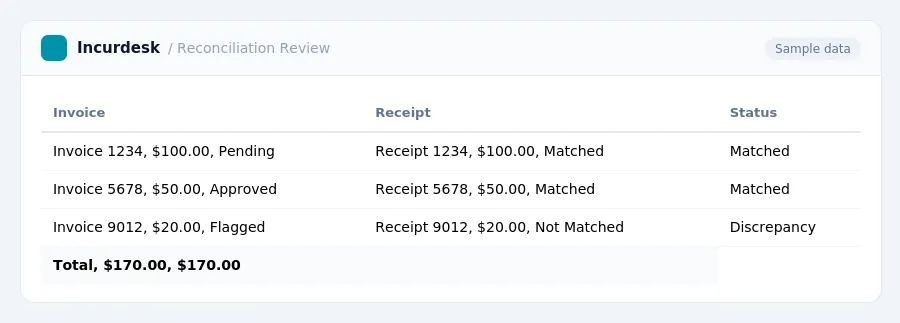
Define Reconciliation and Accounts Payable Management
- Reconciliation is the process of comparing two sets of financial records to ensure they match and to identify discrepancies. This involves verifying that internal financial records, such as accounts payable, match with external statements like bank statements, credit card statements, and vendor statements.
- For a dental practice, diligent reconciliation is essential to manage what a practice owes to suppliers and vendors. This involves comparing balances on vendor statements against the amounts recorded as accounts payable in the internal system.
- It's crucial to keep business and personal finances separate. All business transactions should flow through dedicated business accounts, and personal and business finances should not be mixed. This helps avoid complications with tax credits and ensures accurate separation of funds.
- Reconciliation helps identify any discrepancies or errors in financial records, allowing for prompt correction and maintaining the accuracy of financial statements.
- Regular reconciliation is essential to ensure that financial records are accurate and up-to-date, providing a clear picture of a practice's financial situation.
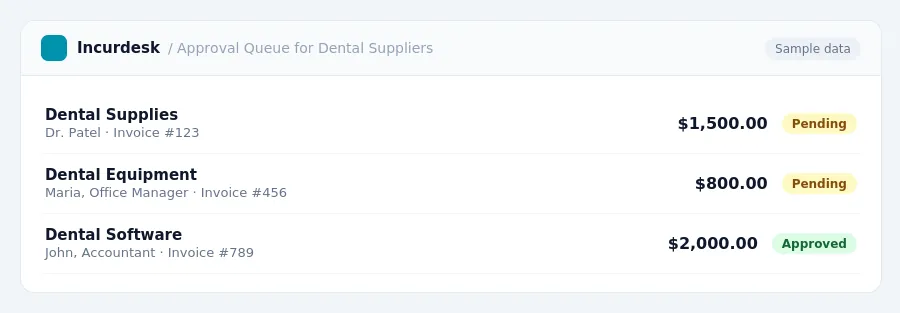
Implement the Three-Way Match Method
- Implement the Three-Way Match Method by matching a purchase order against a receiving report and the vendor invoice to ensure all items ordered have been received in the correct quantities and at the agreed price before payment is made. This involves verifying that the items ordered match the items received, the quantities match, and the prices match the agreed amounts. To do this, review your purchase orders and receiving reports to ensure that all items have been received and accounted for. Then, review your vendor invoices to ensure that the items and quantities match the purchase orders and receiving reports.
- Update your CDT codes annually to ensure that you are using the most current codes. Using outdated codes can lead to claim denials, so it's essential to stay up-to-date. You can check the official CDT code website for the most current codes.
Verify Invoice Accuracy and Prevent Duplicate Payments
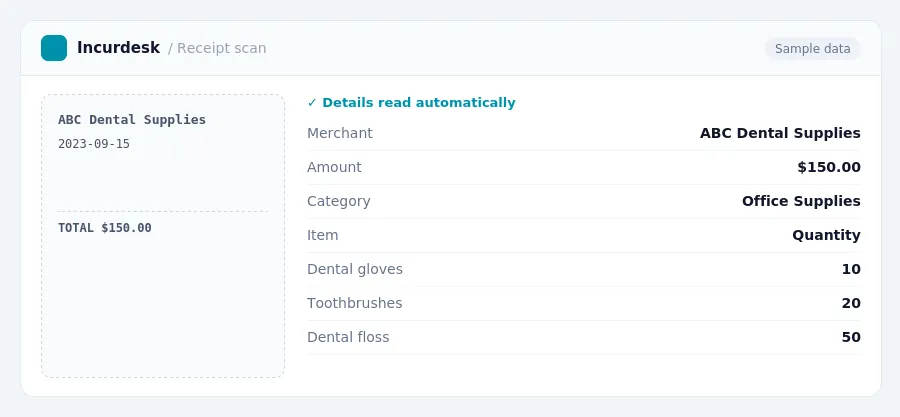
- Verify that all invoices are accurate according to the orders placed before processing expenses. This includes checking the date, itemized list, and total amount of the invoice against the original order. You can also compare the invoice with the receipt to ensure they match.
- Regularly review accounts payable to prevent duplicate payments on invoices. Vendors may send multiple invoices for one order, or invoices might be billed to both a corporate card and individually. Check for any duplicate invoices and contact the vendor to resolve the issue.
- Understand the Fair Debt Collection Practices Act (FDCPA), which regulates how overdue payments are handled. Be aware of the time limits for collecting debts and the rules for communicating with customers about overdue payments.
- Ensure that all invoices are properly categorized and coded according to your accounting system. This will help prevent errors and ensure accurate tracking of expenses.
It's also essential to regularly review your accounts payable process to identify any potential issues and make adjustments as needed. By taking these steps, you can help prevent duplicate payments and ensure accurate tracking of expenses.
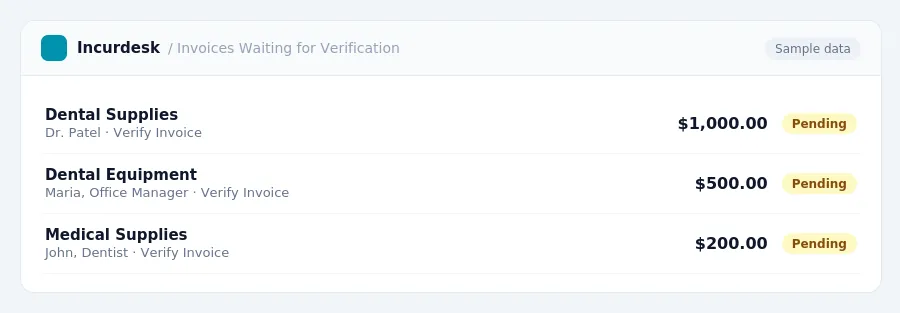
Maintain a Vendor List and Track Receipts
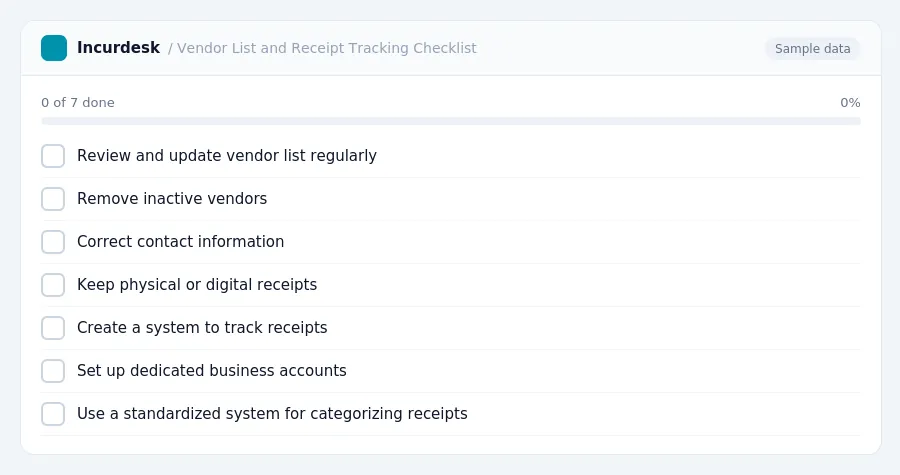
- Review and update your vendor list regularly to ensure accuracy. Remove inactive vendors and correct contact information to decrease the chances of fraud or incorrectly paying inactive vendors.
- Keep physical or digital receipts for all purchases, including seemingly inconsequential ones. This will help you track expenses and ensure that you have a record of all transactions.
- Create a system to track receipts, such as a designated folder or digital storage system. This will make it easier to locate receipts when needed for reconciliation or review.
- Consider setting up a dedicated business account for each vendor to separate personal and business expenses. This will help prevent mixing of funds and ensure accurate tracking of business expenses.
- Use a standardized system for categorizing and labeling receipts, such as using a specific color or label for each vendor or expense type.
Reconcile Monthly and Review for Discrepancies
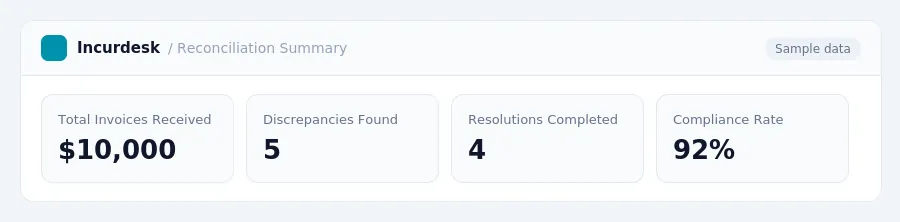
- Perform a monthly reconciliation of invoices received from banks and credit card companies to track, identify, and resolve discrepancies. This allows for early detection of issues, such as unauthorized transactions or incorrect charges.
- Compare the bank statements with the credit card statements to ensure all transactions are accounted for. Verify that all payments made have been properly recorded.
- Review the Good Faith Estimate (GFE) provided to uninsured and self-pay patients, as required by the No Surprises Act, to ensure that the estimate is accurate and compliant with federal regulations.
- Check for any discrepancies between the GFE and the actual charges. If discrepancies are found, investigate and resolve the issue promptly.
- Verify that all deductions, such as insurance claims, are properly applied to the patient's account. Ensure that all claims are filed within the timely filing limits, which vary by state and insurance provider.
Keeping this simple: Incurdesk lets your team snap a photo of a receipt and fills in the details for you. It is built for small dental practice teams. Try it free.
Stop losing 4+ hours a week
30-day free trial · No credit card · Setup in 15 minutes