
Receipt Documentation for Client-Billed Expenses
A practical, data-backed guide to controlling costs and automating expense workflows.
To ensure accurate tax filings and correct client billing, it's essential to keep track of receipts and maintain proper documentation. Fortunately, there are tools available, such as architecture expense management for under $10/user (2026), that can help streamline this process.
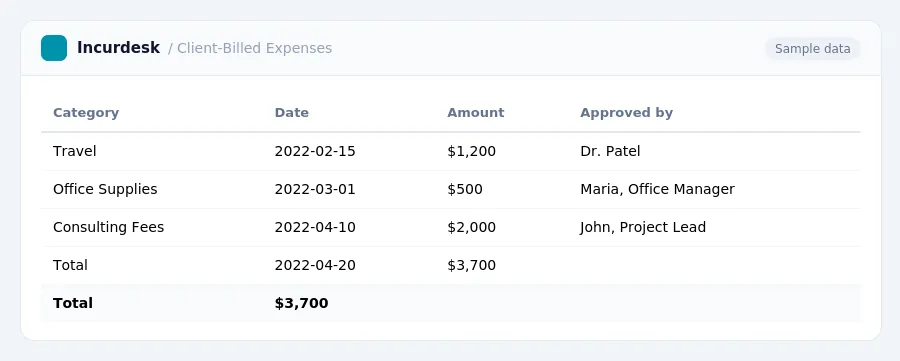
Understanding these requirements is crucial for small architecture businesses.
- For most business expenses, a receipt is required for any single expense of $75 or more.
- Lodging expenses always require a receipt, regardless of the amount.
- Even for expenses under $75 where a receipt isn't strictly required, a record showing the amount, date, place, and business purpose is still necessary.
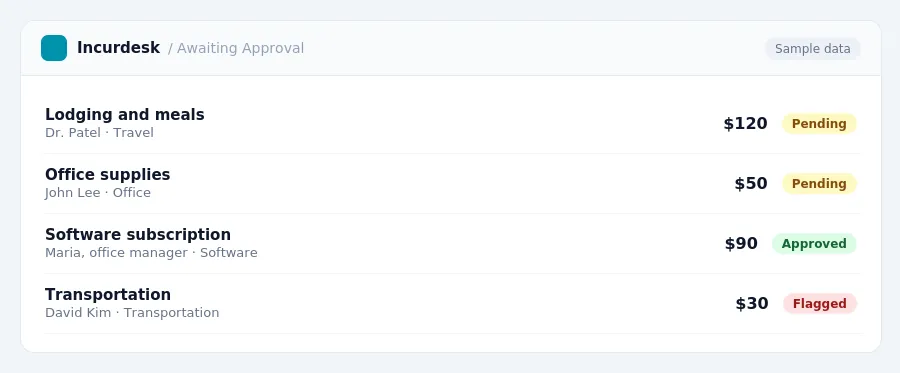
Here's what you need to include:
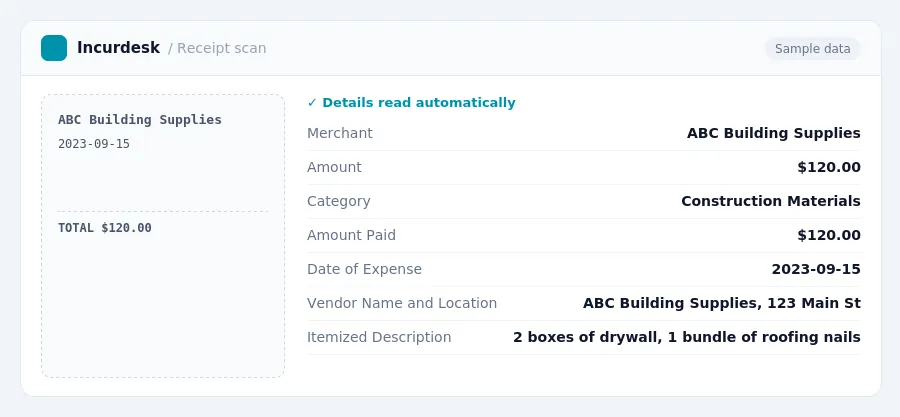
- The amount paid
- The date of the expense
- The vendor name and location
- An itemized description of what was purchased
For meals and entertainment, receipts must also include:
- Who was present
- Their business relationship
Mandatory Information for Receipts
- Business connection: This means the expense should be related to your business, such as a client meeting or a purchase for a project.
- Receipt date and amount: Your receipt should include the date of purchase and the total amount paid. This will help you track your expenses and ensure you're claiming the correct amount on your tax return.
- Merchant information: Your receipt should include the name and address of the merchant or supplier, as well as any relevant details such as the item purchased or the service provided.
- Itemized list: If you're purchasing multiple items, your receipt should include an itemized list of each item, including the quantity and cost. This will help you accurately track your expenses and ensure you're not missing any items on your tax return.
- Substantiation: This means you must have a receipt or other documentation to prove the expense was incurred. For employee reimbursements, this also means you must have a business connection, and the reimbursement must be paid under an accountable plan.
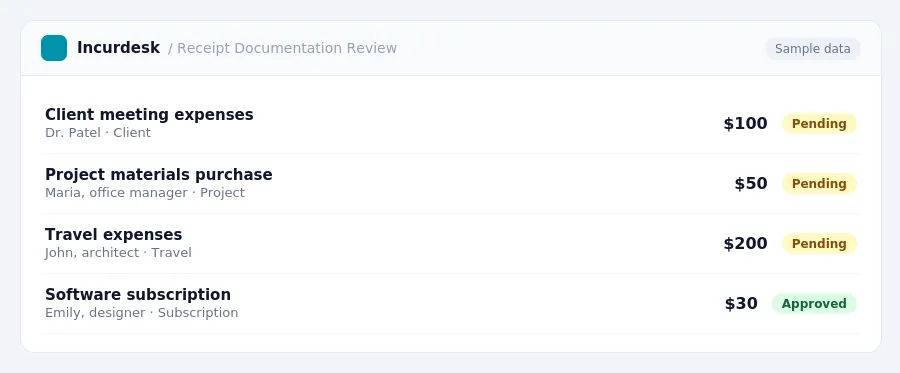
Record Retention and Storage
- Keep all receipts and supporting documentation, including invoices, bank statements, and canceled checks, in a secure and organized manner.
- Consider using a secure online storage solution to store digital copies of receipts and supporting documentation.
- Make sure to store receipts in a way that allows for easy retrieval and review, such as by date or by client.
Keep a log or spreadsheet to track business-related expenses, including dates, amounts, and descriptions of expenses.
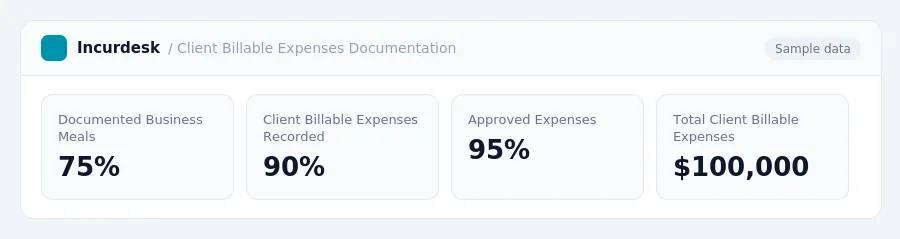
Best Practices for Client Billable Expenses Documentation
- Document business meals in detail, including:
- The amount spent on the meal
- The date of the meal
- The place where the meal was held
- The names of the attendees and their business relationship with your firm
- The business purpose of the meal
- Keep detailed records of client billable expenses, including:
- Receipts
- Dates of purchase or service
- Project codes
- Only include costs directly related to client work in client billable expenses, as these costs can be charged back to the client.
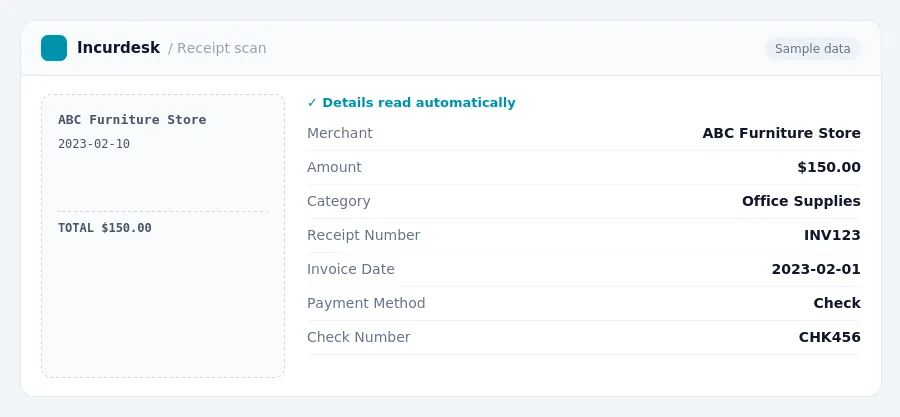
Keeping this simple: Incurdesk lets your team snap a photo of a receipt and fills in the details for you. It is built for small architecture teams. Try it free.
Stop losing 4+ hours a week
30-day free trial · No credit card · Setup in 15 minutes