Receipt Requirements for Billable IT Expenses
A practical, data-backed guide to controlling costs and automating expense workflows.
For the bigger picture, see our guide to expense management for it consulting. For a complete overview, see our expense management guide.
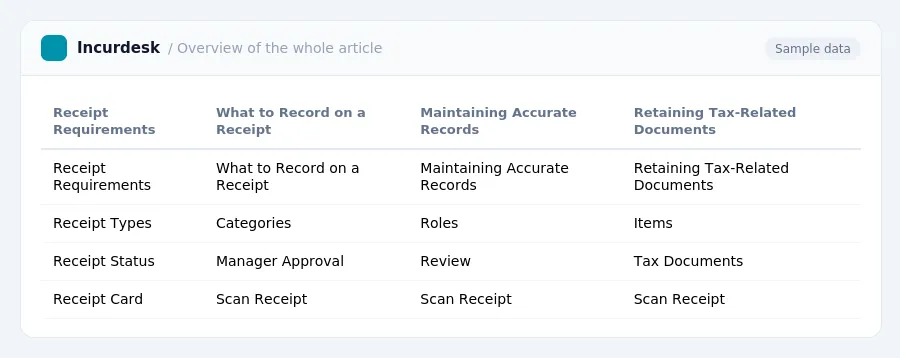
Receipt Requirements for Billable IT Expenses
When a Receipt is Required
- For travel, gifts, and listed property (like vehicles), a receipt is generally required for expenses of $75 or more.
- For lodging, a receipt is always required, regardless of the amount.
- For expenses under $75 (except lodging), a receipt is not legally required, but you must still maintain adequate records of the amount, date, place, and business purpose.
Maintaining Accurate Records
- Keep a record of all business expenses, including receipts, invoices, and bank statements.
- Clearly show the payee, amount paid, proof of payment, date incurred, and a description of the item or service that demonstrates it was for a business expense.
Types of Expenses That Require Receipts
- Travel expenses (including business and personal travel)
- Gifts
- Listed property (like vehicles)
- Lodging (hotels, motels, and other places where you pay for room and board)
- Meals and incidental expenses (food, drinks, and other expenses related to meals)
Retaining Tax-Related Documents
- Store receipts in a safe and secure location, such as a fireproof safe or a secure online storage service.
The rules in this guide
| Amount | Required | In Incurdesk |
|---|---|---|
| Above $75 | Itemised receipt | Checked on every expense |
| Above $250 | Written business purpose | Checked on every expense |
| Above $500 | Names of attendees | Checked on every expense |
| Above $5,000 | Senior sign-off; never auto-approved | Checked on every expense |
Each rule is checked on every expense by Incurdesk’s approval agent.
What to Record on a Receipt
- For meals and gifts, you must also record the business purpose and the business relationship of the people you dined or gifted with.
- When recording a receipt, make sure to include the date, location, and description of the item, as well as the business purpose and relationship of the recipient.
- Include any supporting documentation, such as a receipt stub or a note from the recipient, to verify the expense.
- Keep a record of all receipts, including those for meals, gifts, and business-related expenses, and store them in a secure and accessible location.
- If you have multiple receipts for the same expense, you can keep them all and report them on your tax return.
Maintaining Accurate Records
Many professionals recommend keeping records for at least seven years as a safe practice.
Employment Tax Records --------------------
Asset Records -------------
This is a requirement to ensure that you have adequate documentation in case of an audit.
Documentation Requirements -------------------------
In addition to keeping records, it is essential to maintain accurate records throughout the year. This includes:
- Keeping accurate and detailed records of all IT expenses, including receipts, invoices, and bank statements
- Saving copies of all receipts and supporting documents
- Keeping a log of all IT projects and initiatives
- Documenting any changes or updates to IT systems or equipment
Retaining Tax-Related Documents
The general rule for retaining tax records is three years from the date of filing. This means that if you file your tax return for the year ending [insert year], you should retain all relevant tax-related documents, including receipts, invoices, and bank statements, for a minimum of three years.
This means that the business must have a legitimate business purpose for the expense and must have a reasonable connection to the employee.
This is a safe harbor deadline, but it's always best to provide substantiation as soon as possible.
Tax rules, limits and rates change. Confirm current figures with the IRS or your accountant before you file.
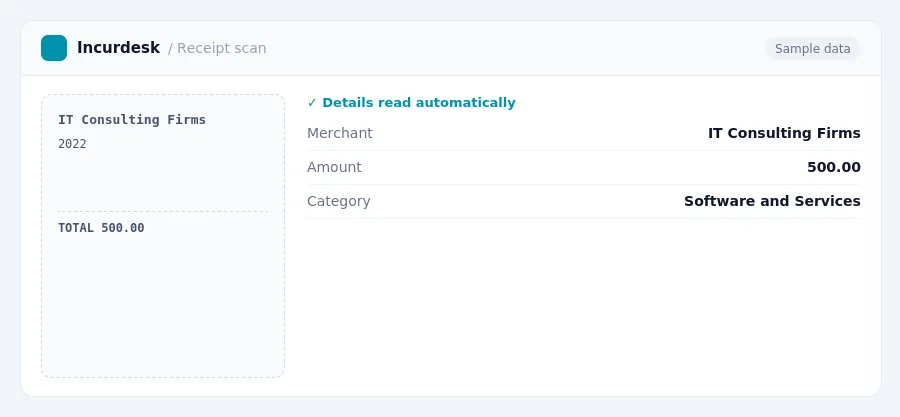
Keeping this simple: Incurdesk lets your team snap a photo of a receipt and fills in the details for you. It is built for small it consulting teams. Try it free.
AI expense management for finance teams and whoever keeps the books. It checks every expense against your rules, approves the routine ones and chases missing receipts for you.
Try it free for 30 days →Stop losing 4+ hours a week
30-day free trial · No credit card · Setup in 15 minutes