
Subcontractor Costs vs Direct Costs: How to Record Each
A practical, data-backed guide to controlling costs and automating expense workflows.
Small construction businesses need to accurately record both direct and subcontractor costs for effective project costing, bidding, and financial reporting. To streamline construction expense management for under $10/user (2026), businesses should understand the IRS requirements for reporting payments to subcontractors, including thresholds and deadlines, to avoid penalties. For a complete overview, see our expense management guide.
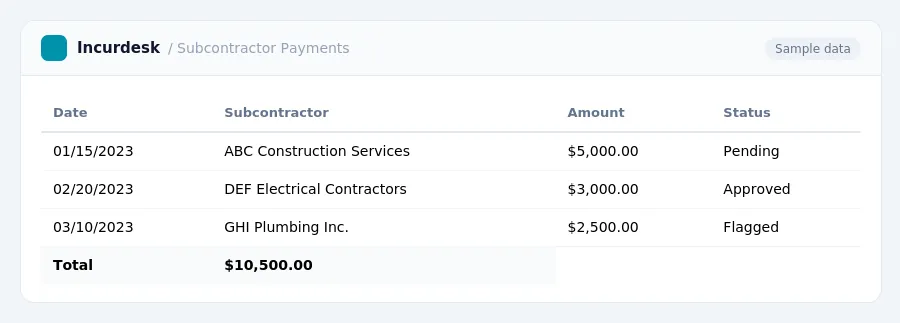
Direct Costs: Definition and Examples
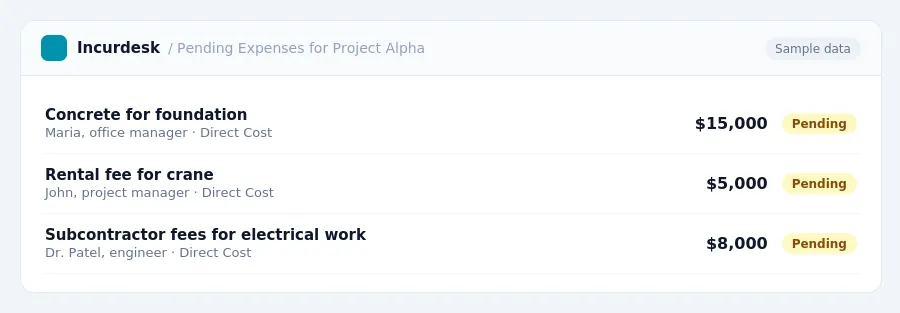
Direct costs are expenses directly tied to a specific project. They include:
- On-site labor wages
- Materials
- Subcontractor fees for that job
- Equipment rented exclusively for that site
Examples of direct costs include:
- The cost of concrete for a foundation
- The labor cost of a carpenter working on a specific job site
- The rental fee for a crane used exclusively for a project
On the other hand, indirect costs, also known as overhead or general conditions, support the overall business or multiple projects and cannot be tied to a single job. Examples of indirect costs include:
- Site supervision spread across projects
- Temporary facilities
- Project insurance
- Home office overhead
When estimating costs for a project, contractors typically add 10-20% of total direct costs to cover overhead in standard estimates.
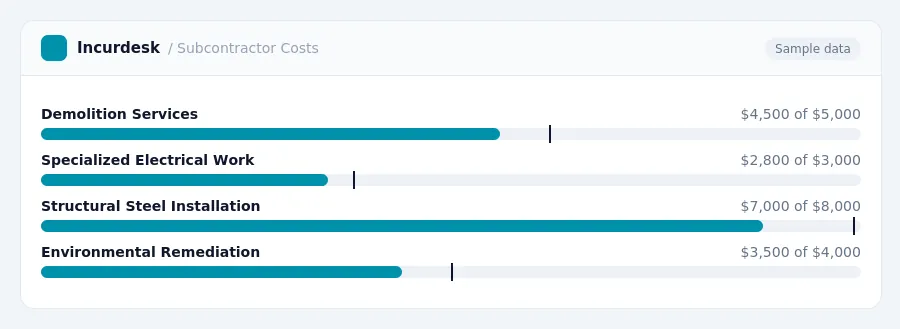
Subcontractor Costs: Definition and Examples
When managing a construction project, it's essential to understand the difference between direct costs and subcontractor costs. Direct costs are expenses directly associated with the project, such as materials and labor. Subcontractor costs, on the other hand, involve hiring specialized labor or equipment to complete specific tasks.
Here are some examples of subcontractor costs:
- Demolition or excavation services
- Specialized electrical or plumbing work
- Structural steel installation or roofing services
- Environmental remediation or asbestos removal
Subcontractor costs can also include fees for project management, engineering, or design services. When deciding whether to use subcontractors, consider the following factors:
- Whether the task requires specialized expertise or equipment
- The availability of in-house staff or resources
- The potential impact on project timelines and budgets
This may influence your decision to hire subcontractors or manage tasks in-house.
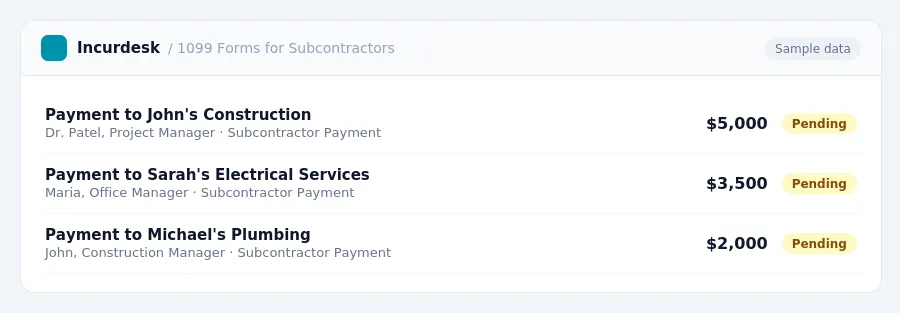
Recording Subcontractor Costs on 1099 Forms
When it's time to report payments to subcontractors, accuracy and timeliness are crucial.
To avoid tiered IRS penalties, ranging from approximately $60 to $680 or more per return, make sure to:
- Keep accurate records of payments to subcontractors throughout the year.
- Ensure the correct information is included on each 1099 form, such as the subcontractor's name, address, and payment amount.
Failure to meet these requirements can result in penalties, so it's essential to stay on top of your reporting duties. Consult the IRS website for more information on 1099 forms and penalty rules.
| Deadline | Penalty Range |
|---|---|
| January 31st of the following year | Approximately $60 to $680 or more per return |
IRS Requirements for Reporting Payments to Subcontractors
When it comes to reporting payments to subcontractors, small construction businesses must adhere to specific IRS requirements to avoid penalties. The following guidelines outline the rules for reporting payments to subcontractors.
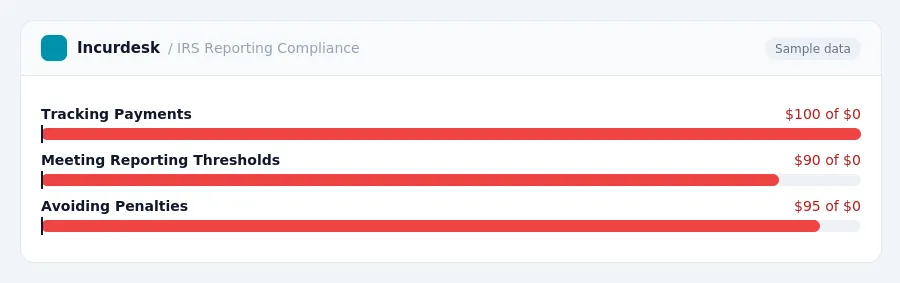
For accurate financial reporting, contractors should track their payments to subcontractors throughout the year and ensure they meet the reporting thresholds and deadlines. This will help avoid penalties and ensure compliance with IRS regulations.
Accurate Project Costing and Financial Reporting
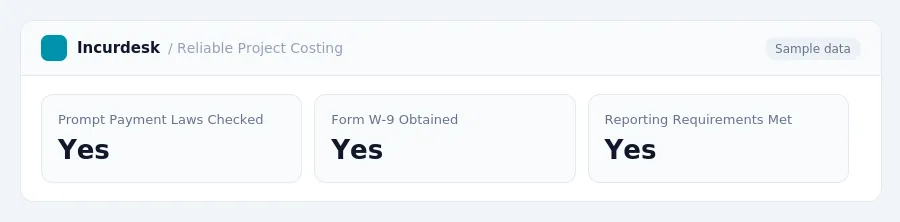
Collecting accurate information is essential for reliable project costing and financial reporting. A best practice is to obtain a completed Form W-9 from contractors before making the first payment. This ensures you have the correct payee information, including their legal name, address, and Taxpayer Identification Number (TIN).
Additionally, ensure you're aware of the prompt payment laws in your state. These laws vary significantly and may apply differently to private and public projects. Check your state's laws to understand the specific requirements for your projects.
This can impact your overall project costs, so be sure to factor this into your calculations.
To avoid errors and penalties, double-check your calculations and ensure you're meeting all necessary reporting requirements. Keep accurate records and stay informed about any changes to laws or regulations that may affect your business.
Be sure to verify the information you collect from contractors and ensure it's accurate and up-to-date. This will help you maintain accurate financial records and avoid any potential issues with the IRS.
Always review your contracts and understand the specific payment terms and requirements for your projects. This will help you avoid any misunderstandings and ensure you're meeting your obligations.
Keeping this simple: Incurdesk lets your team snap a photo of a receipt and fills in the details for you. It is built for small construction teams. Try it free.
Stop losing 4+ hours a week
30-day free trial · No credit card · Setup in 15 minutes