
Tracking Subcontractor Receipts Without Chasing Paper
A practical, data-backed guide to controlling costs and automating expense workflows.
Small construction businesses can track subcontractor receipts without excessive paperwork by implementing a streamlined system. For the bigger picture, see our guide to construction expense management for under $10/user (2026).
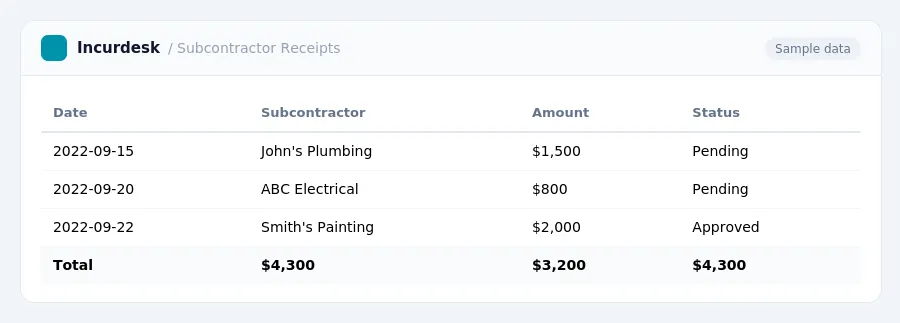
This threshold applies to payments made to individuals and some business entities, but not to corporations.
It's essential to verify the taxpayer identification number (TIN) of each subcontractor on file. To avoid this, obtain a valid TIN from each subcontractor before making payments.
State reporting requirements may also apply. Check with your state's tax authority to determine if you need to file additional reports or meet specific requirements. Keep accurate records of all payments made to subcontractors, including the date, amount, and purpose of each payment.
For payments made in 2025 and earlier, the threshold was $600.
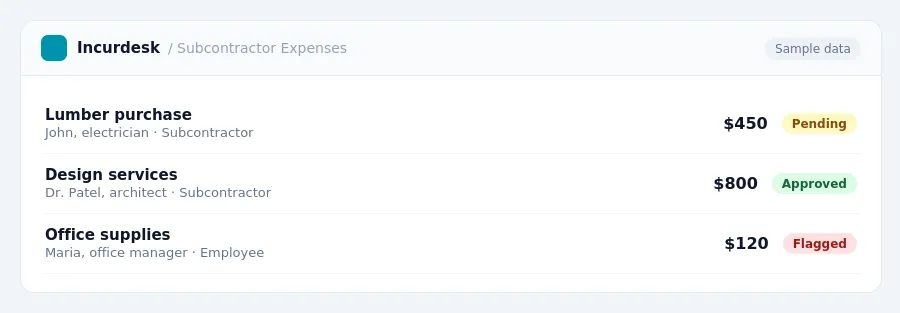
Keeping this simple: Incurdesk turns submitted expenses into clean expense reports. It is built for small construction teams. Try it free.
To start, ensure all subcontractor payments are accurately documented, including the date, payment amount, and any relevant invoices or contracts. This information should be stored securely, either electronically or in a designated file cabinet, and easily accessible for reference.
Keep detailed records of all expenses, including receipts, invoices, and bank statements. Consider implementing a system for categorizing and tracking expenses, such as by project or category, to make it easier to identify trends and patterns.
This can be a significant financial burden, so it's essential to verify TINs regularly.
Regularly review and update your records to ensure accuracy and compliance with tax regulations.
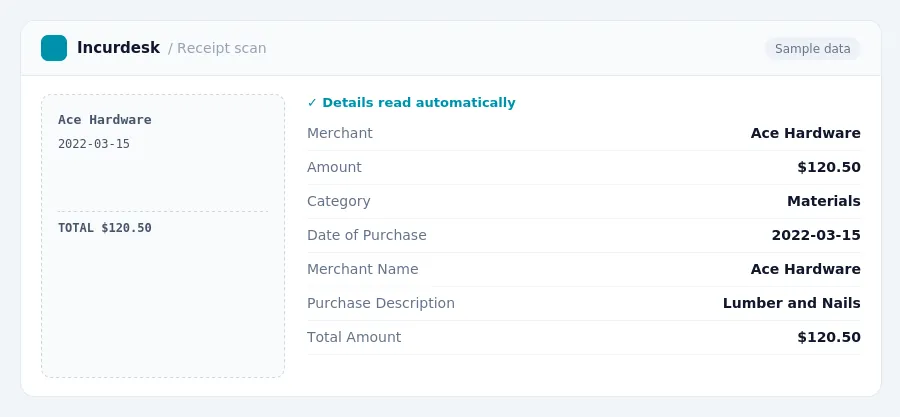
However, this rule does not apply to all third-party settlement organizations, so be sure to check with the organization to confirm their reporting requirements.
Make sure to verify that all contractors provide a valid TIN on their W-9 form. If a contractor fails to provide a valid TIN, a 24% backup withholding rate may apply to payments. Proper documentation is crucial when deducting ordinary and necessary contractor payments, as there is no fixed dollar cap on deductibility.
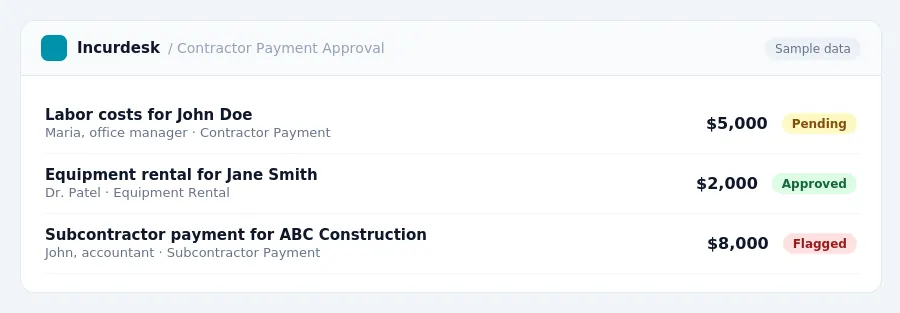
Streamlining Subcontractor Receipts with a Construction Audit Trail
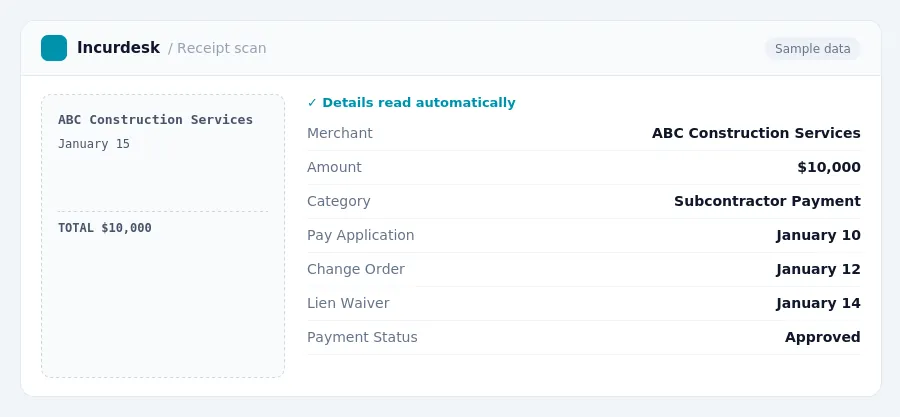
A construction audit trail is a linked, time-stamped record of subcontractor payments, including pay applications, change orders, lien waivers, and approvals.
To set up a construction audit trail, start by creating a digital database for all subcontractor information, including their name, address, and tax ID number (TIN).
- Store pay applications, change orders, and lien waivers in the audit trail.
- Link each payment to the corresponding pay application, change order, or lien waiver.
- Include a timestamp for each entry to track the payment process.
For example, if a subcontractor submits a pay application on January 10, you would create a digital record of the pay application and link it to the payment made on January 15. This ensures that all payments are properly documented and easily accessible for reporting and compliance purposes.
Remember to regularly review your audit trail to ensure accuracy and completeness. This will help you identify any discrepancies or errors before they become major issues.
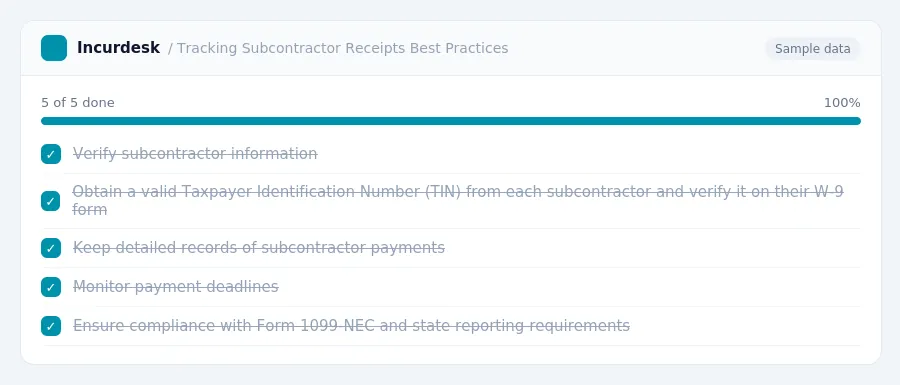
To avoid these issues, follow these best practices:
- Verify subcontractor information Obtain a valid Taxpayer Identification Number (TIN) from each subcontractor and verify it on their W-9 form.
- Keep detailed records of subcontractor payments, including dates, amounts, and payment methods. This will help you track payments and ensure compliance with Form 1099-NEC and state reporting requirements.
- Monitor payment deadlines to avoid late payment penalties. The IRS requires payments to be made within 30 days of receiving a valid invoice.
- This rate applies to payments made to non-compliant contractors.
- This will help you identify and address any potential issues before they become major problems.
By following these best practices, small construction businesses can minimize penalties and excessive paperwork associated with subcontractor payment tracking.
Stop losing 4+ hours a week
30-day free trial · No credit card · Setup in 15 minutes