
Tracking Vendor Rebates on Veterinary Supplies
A practical, data-backed guide to controlling costs and automating expense workflows.
Accurate expense management for veterinary clinics requires proper accounting for vendor rebates on supplies. To ensure accurate financial reporting and tax compliance, small veterinary businesses need to understand the correct accounting treatment for vendor rebates and implement effective tracking mechanisms. By doing so, they can maximize their savings and minimize potential pitfalls. For a complete overview, see our expense management guide.
Define Rebate Agreements and Tracking Mechanisms
-
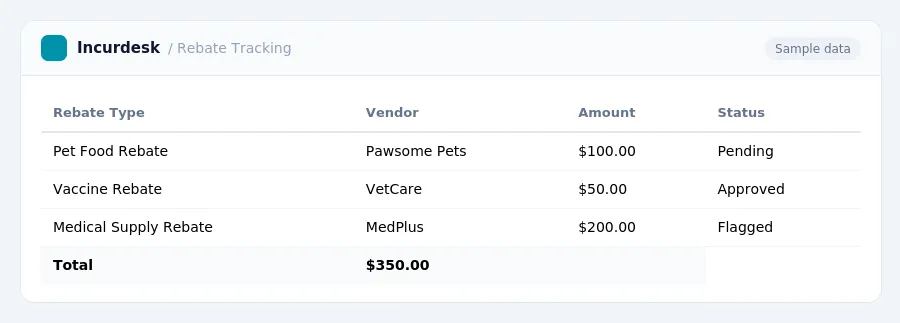
Review your rebate agreements with suppliers to ensure they are in writing and clearly outline the terms of the agreement. This includes qualifying products, trigger points, rebate rates, measurement periods, and claim deadlines. A well-defined agreement is crucial for accurate tracking and compliance.
-
Understand the requirements for submitting claims to the supplier after the measurement period closes. You will need to submit claims with supporting records to receive the rebate, which may be paid via credit note, check, or transfer.
-
Examine the specific rebate terms for each supplier, such as:
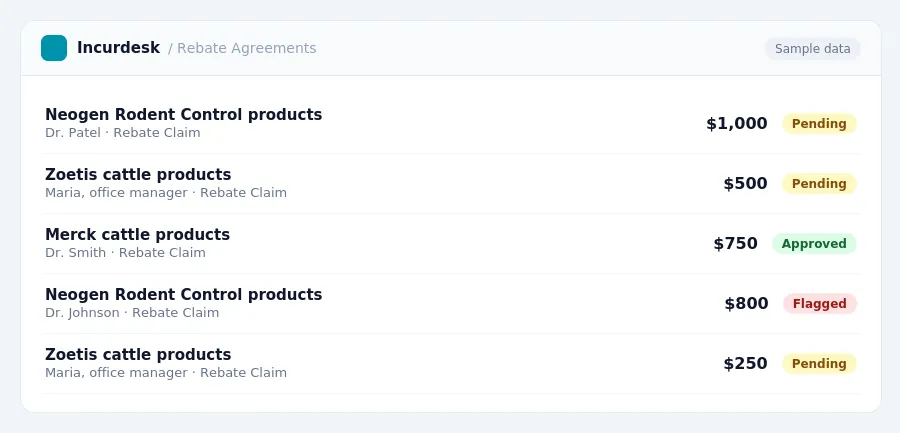
- Promotions that offer a 20% rebate on Neogen Rodent Control products for every $500 purchased between August 1-October 31, 2026.
- Zoetis and Merck programs that offer percentage rebates on qualifying cattle products and tiered rebates based on annual purchase volume, valid through December 31, 2026.
Make sure you understand the specific terms and deadlines for each program to ensure accurate tracking and compliance.
Accrue Rebates as Earned
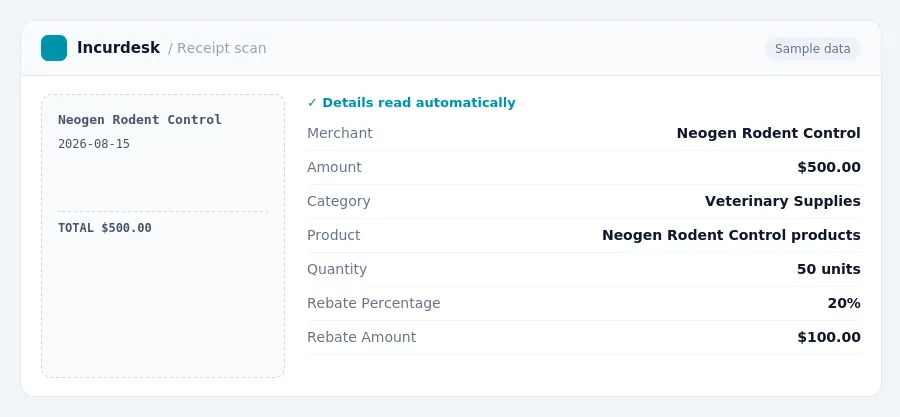
- Accrue rebates as earned to reflect the true cost of goods sold for 2026. This means recognizing the reduction in cost in the same period as the related inventory is sold. To do this, identify the qualifying purchases and the corresponding rebate amount. For example, if you purchase $500 worth of Neogen Rodent Control products between August 1-October 31, 2026, and are eligible for a 20% rebate, you would accrue $100 as a reduction in cost of goods sold.
- The accounting treatment of rebates is governed by ASC 705-20, which dictates that rebates received from suppliers reduce cost of goods sold (COGS) or inventory basis.
- Rebates should be accrued as earned, rather than waiting for the cash payment.
Track Qualifying Purchases and Monitor Progress
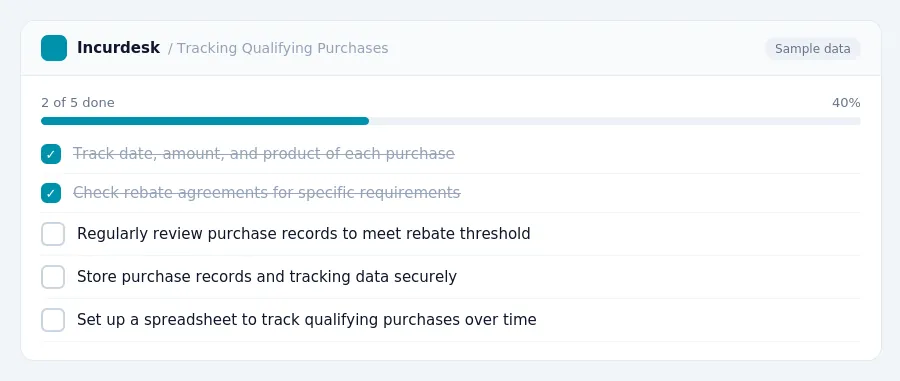
- Track qualifying purchases diligently to monitor progress toward rebate thresholds. You can use your accounting system to hold detailed information about purchases. Be sure to track the date, amount, and product purchased to ensure accurate claims.
- Check your rebate agreements for specific requirements on tracking qualifying purchases.
- Regularly review your purchase records to ensure you're meeting the rebate threshold. This will also help you identify any potential issues or discrepancies in your tracking process.
- Consider setting up a spreadsheet or table to track your qualifying purchases over time. This can help you visualize your progress and make it easier to submit accurate claims.
- Make sure to store your purchase records and tracking data securely, in case you need to reference them for future claims or audits.
Submit Claims for Rebates
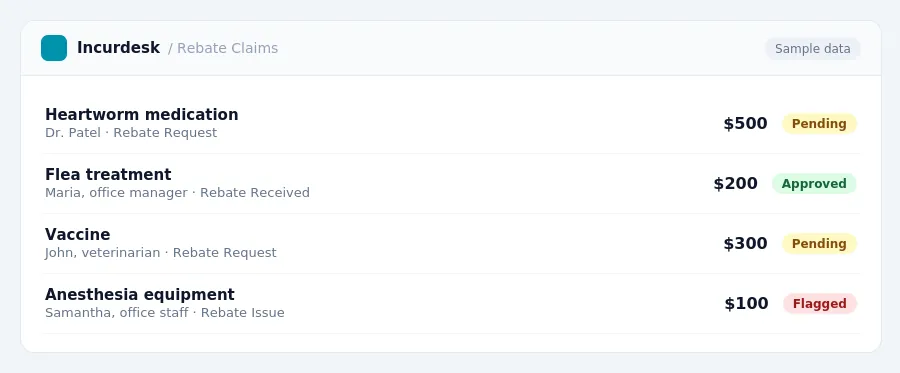
- Submit claims for rebates in a timely manner to avoid missing out on potential savings. Review the terms of each rebate agreement to understand the submission deadlines and required documentation. Check with the vendor for specific requirements, such as proof of purchase or certification of use.
- Keep a record of all submitted claims, including the date submitted and the amount claimed. This will help you track the status of your claims and ensure compliance with vendor requirements.
- Review and verify the accuracy of your rebate claims before submitting them. Make sure you have all required documentation and that the claims are complete and legible.
- Follow up with the vendor to ensure that your claims are processed correctly and that you receive the rebate amounts due to you. If you encounter any issues or discrepancies, work with the vendor to resolve them promptly.
Ensure Compliance with Accounting and Tax Regulations
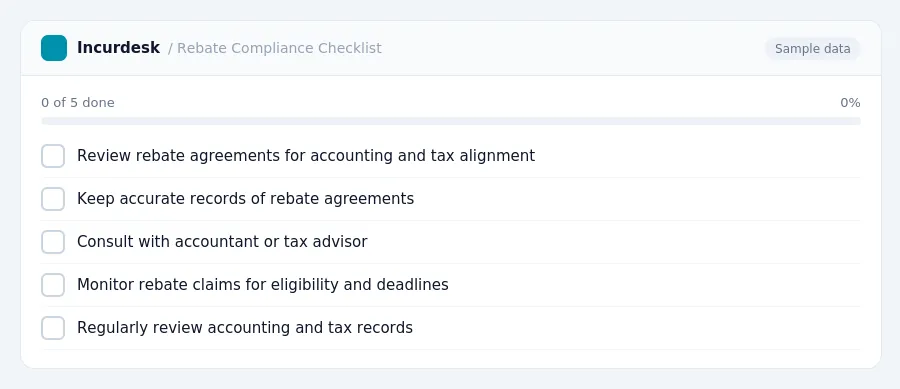
- Review your rebate agreements to ensure they align with accounting and tax regulations.
- Keep accurate records of all rebate agreements, including the terms, conditions, and deadlines for submitting claims. This documentation will help you track compliance and identify potential issues.
- Consult with your accountant or tax advisor to ensure that you are properly accounting for rebates in your financial statements. They can help you determine the correct accounting treatment and ensure that your records comply with tax regulations.
- Monitor your rebate claims to ensure that you are meeting the requirements for eligibility and that the claims are submitted on time. Late or incomplete claims may be rejected, resulting in lost rebates.
- Regularly review your accounting and tax records to ensure that you are in compliance with all relevant regulations. This includes verifying that you are accurately reporting rebates on your tax returns and financial statements.
Keeping this simple: Incurdesk collects every receipt and expense report in one place, so spending is easy to review. It is built for small veterinary teams. Try it free.
Stop losing 4+ hours a week
30-day free trial · No credit card · Setup in 15 minutes