
Billable vs Non-Billable Expenses in a Law Firm
A practical, data-backed guide to controlling costs and automating expense workflows.
Billable and non-billable expenses are two distinct categories that can significantly impact the financial health of a small law firm. Understanding the difference between these expenses is crucial for effective expense management for law firms, as it directly affects client billing and profit margins. For instance, billable expenses are reimbursed to clients, while non-billable expenses are typically absorbed by the firm.
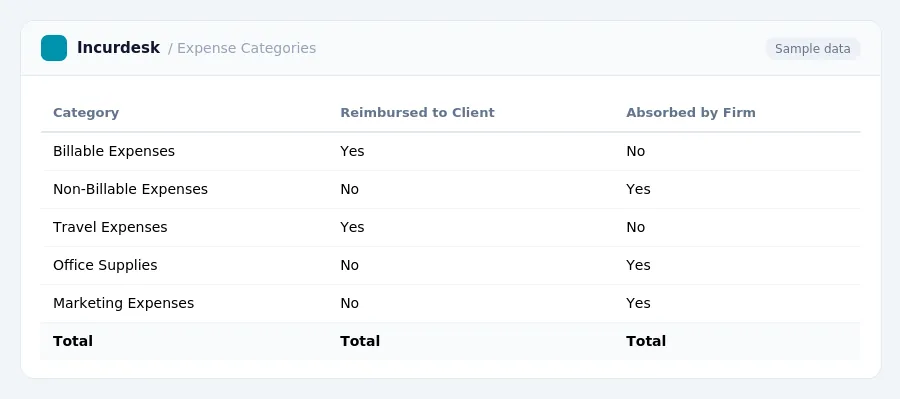
Billable Expenses: Definition and Reimbursement
Billable expenses are those costs directly associated with providing services to clients and generating revenue for your law firm. These expenses can include travel, meals, lodging, and other incidentals that are necessary for a lawyer to perform their duties.
However, some states like California and Illinois require employers to reimburse all necessary business expenses, regardless of wage level.
In California, Labor Code §2802 indemnifies employees for all necessary expenditures or losses incurred in direct consequence of their duties, including a reasonable portion of remote work expenses like internet and cell phone use.
| Expense Type | Examples |
|---|---|
| Billable Expenses | Travel, meals, lodging, and other incidentals necessary for a lawyer to perform their duties |
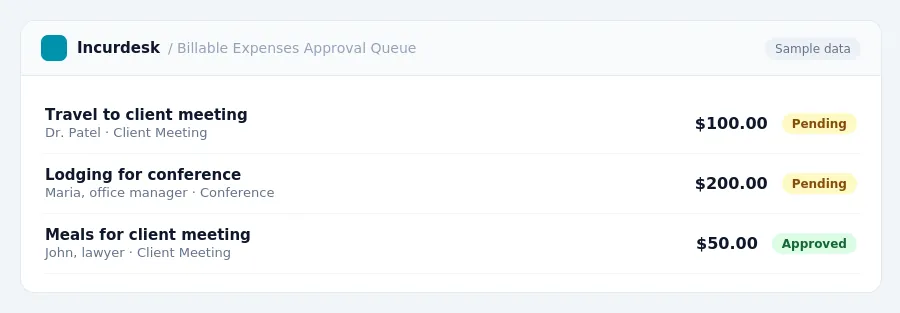
Non-Billable Expenses: Definition and Reimbursement
Non-billable expenses are costs incurred by a law firm that are not directly related to client work or billable hours. These expenses can include overhead costs, such as office rent, utilities, and equipment, as well as non-client related expenses like training and professional development for staff.
- Examples of non-billable expenses include:
- Office supplies and materials
- Staff salaries and benefits (beyond the lawyer FTE)
- Marketing and advertising expenses
- Insurance premiums
- Bank fees and interest charges
- Charitable donations
When tracking non-billable expenses, it's essential to separate them from billable expenses to ensure accurate financial reporting and compliance with tax laws. Non-billable expenses are typically not reimbursed by clients, but rather absorbed by the law firm as a business expense.
To manage non-billable expenses effectively, law firms should regularly review and adjust their budgets to ensure they are allocating resources efficiently.
For the transportation industry, special M&IE rates apply: $80 for travel within CONUS and $86 for travel outside CONUS.
| Travel Location | M&IE Rate (2026-2027) | ||||||
|---|---|---|---|---|---|---|---|
| CONUS - High-Cost Localities | $329 | $86 | 72.5 cents (Jan 1 - Jun 30), 76 cents (Jul 1 - Dec 31) | ||||
| CONUS - Other Localities | $230 | $74 | |||||
| CONUS - Transportation Industry | Varies | $80 (within CONUS), $86 (outside CONUS) |
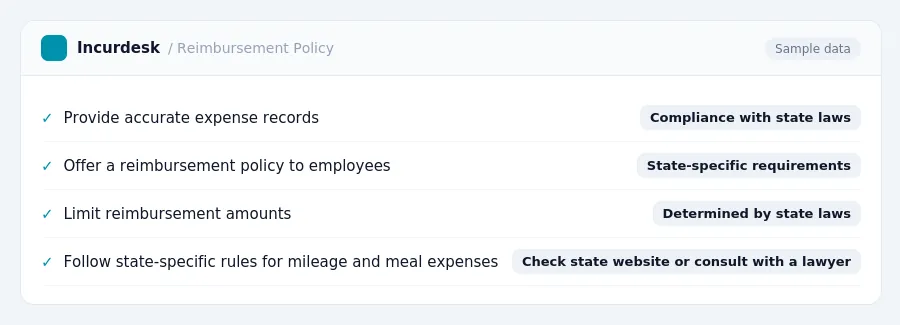
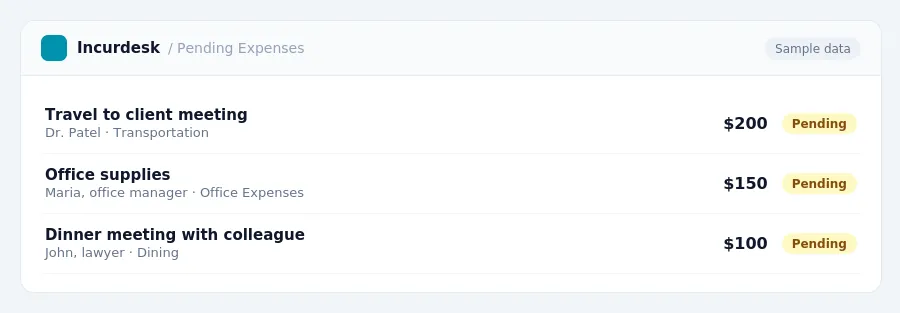 State-Specific Reimbursement Laws and RequirementsAs a law firm owner or office manager, it's essential to understand the reimbursement laws and requirements in your state. To ensure compliance, research your state's laws and regulations regarding employee reimbursement. Some states have specific requirements for employee reimbursement, such as:
Additionally, some states have specific rules for reimbursing employees for mileage, meals, and other expenses. For example: To stay compliant, regularly review your state's laws and regulations and update your reimbursement policies accordingly. You can check your state's website or consult with a lawyer for more information. As a result, it's essential to carefully manage your expenses and ensure that you're in compliance with state-specific reimbursement laws. Action Item:
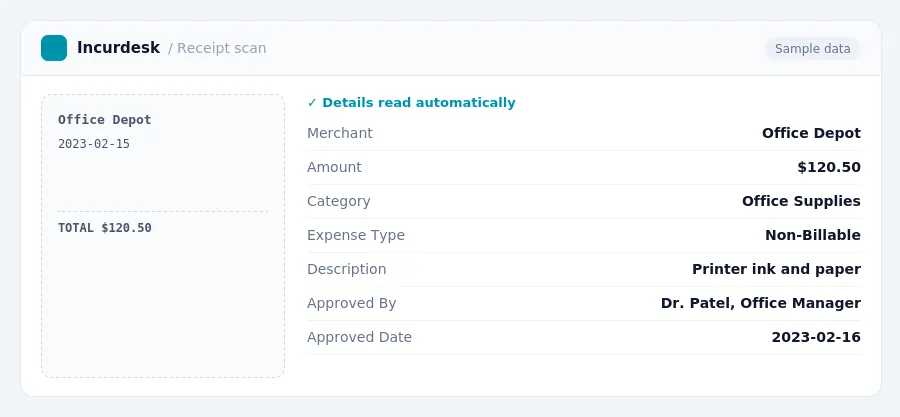
 The Impact of AI on Billable Work and Client BillingThe increasing use of artificial intelligence (AI) in law firms is transforming the way lawyers work and bill clients. One area where AI is making a significant impact is in electronic research. By doing so, firms can provide clients with accurate estimates of costs and avoid any potential disputes. When billing clients for AI-assisted tasks, law firms should clearly outline the scope of work, the tools used, and the expected outcomes. This transparency will help clients understand the value of the services provided and enable them to make informed decisions about their legal expenses. Tax rules, limits and rates change. Confirm current figures with the IRS or your accountant before you file. Keeping this simple: Incurdesk lets your team snap a photo of a receipt and fills in the details for you. It is built for small law firm teams. Try it free. Stop losing 4+ hours a week30-day free trial · No credit card · Setup in 15 minutes |