
Client Cost Advance Tracking for Law Firms
A practical, data-backed guide to controlling costs and automating expense workflows.
For law firms advancing client costs, understanding the tax treatment, accounting, and ethical rules is crucial for effective expense management for law firms.
Determine the Tax Treatment of Advanced Client Costs
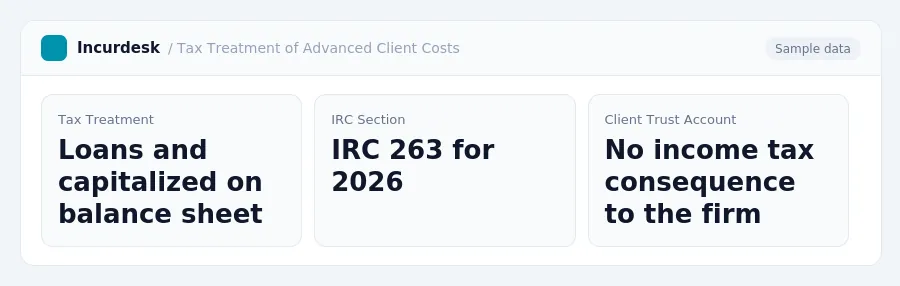
- Advanced costs are treated as loans and must be capitalized on the firm's balance sheet under IRC 263 for 2026. This means that the costs will be listed as a receivable on the balance sheet, rather than being immediately deducted as an expense.
- This means that the firm will not be able to deduct the costs as an expense until it is clear that the client will not be able to repay them.
- Costs paid from a client's trust account, also known as an IOLTA, are considered the client's own money and have no income tax consequence to the firm.
Track Advanced Client Costs Properly in Your Accounting System
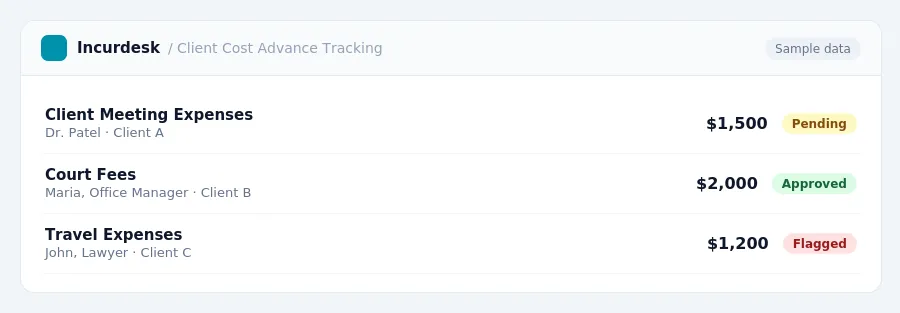
- Set up a separate tracking system in your accounting software to monitor advanced client costs. This will allow you to easily reconcile the balance with what your billing software shows as outstanding.
- Reconcile the advanced cost balance in your accounting system on a monthly basis to ensure accuracy. Compare the balance in your accounting system to what your billing software shows as outstanding, and make adjustments as necessary.
- This means you may not be able to deduct the bad debt until it is written off.
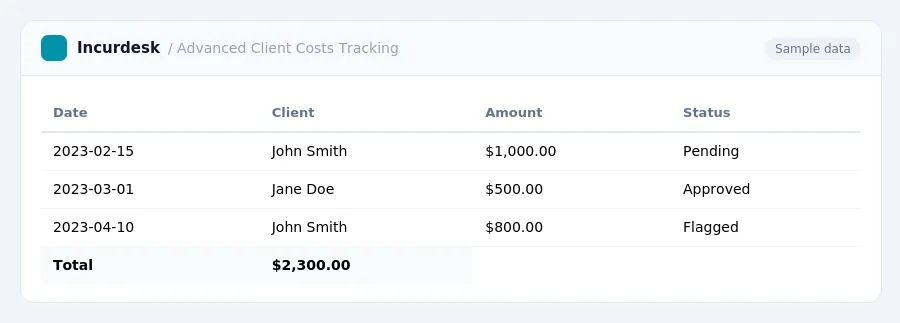
- Keep detailed records of all advanced client costs, including the date paid, the amount, and the client's name. This will help you track the costs and ensure accurate accounting.
- Regularly review your accounting system to ensure it is accurately tracking advanced client costs. This will help you catch any errors or discrepancies before they become a problem.
It's also important to note that the accounting system should be set up to track the advanced costs separately from other expenses, so they can be easily identified and reconciled. This will help ensure accurate financial reporting and compliance with tax laws.
Establish Clear Fee Agreements with Clients
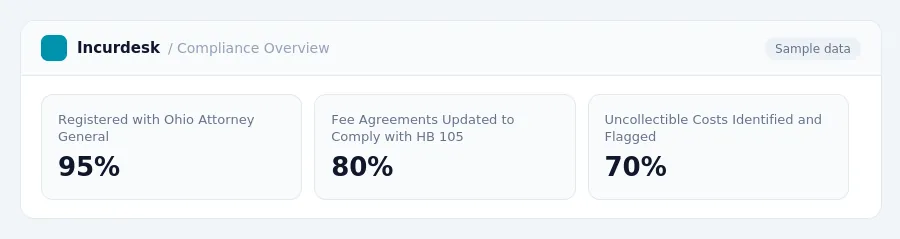
- When establishing clear fee agreements with clients, consider the requirements of Ohio's House Bill 105, signed in July 2026. This law mandates consumer and commercial funders to register with the Attorney General and disclose funding agreements. Ensure that your fee agreements comply with these regulations.
- Clearly outline the terms of your fee agreement, including the client's responsibility to pay advanced costs. Specify when these costs will be considered uncollectible, such as when the client fails to pay the invoice and the firm has exhausted collection efforts or determined further collection is not cost-effective.
- Use a table or chart to outline the fee structure, including the hourly rate, any additional fees, and the client's responsibility to pay advanced costs. This will help prevent misunderstandings and ensure that both parties are on the same page.
- Consider including a clause in your fee agreement that outlines the process for handling uncollectible advanced costs. This will help ensure that your firm is in compliance with state bar rules and regulations.
Manage Trust Accounts and Comply with State Bar Rules
- Confirm the rules on advancing costs and paying them from trust accounts with your state bar. These rules vary by jurisdiction, so it's essential to verify the requirements in your area.
- Be aware of California's 2026 State Bar ethics opinion, which confirms that flat fees are generally refundable if the work isn't finished. Avoid using "nonrefundable" labels, except for a true retainer.
- Ensure these contracts are in writing and clearly state the terms.
- Manage trust accounts properly by keeping accurate records of all transactions, including advances and payments. This will help you comply with state bar rules and avoid any potential issues.
- Review and update your trust account procedures regularly to ensure they align with changing regulations and state bar rules.
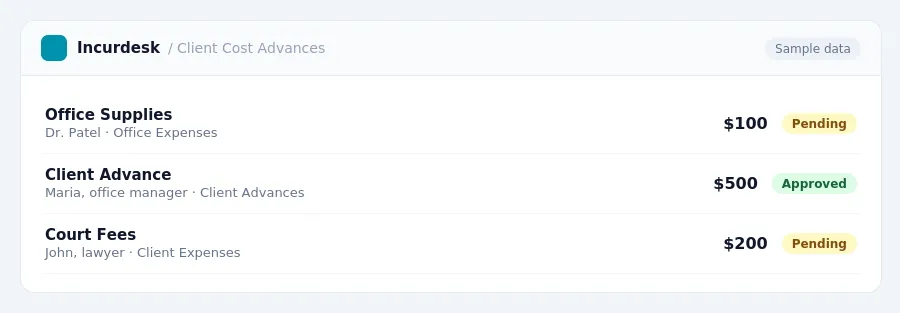
Monitor and Reconcile Advanced Client Costs Regularly
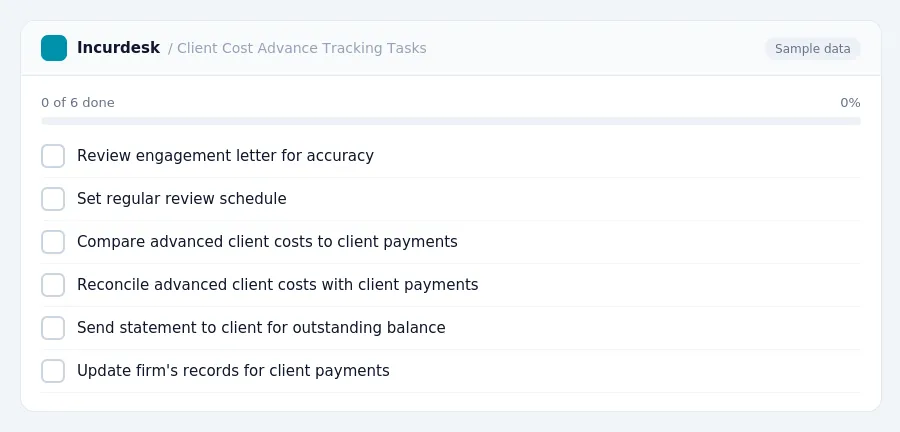
- Review the engagement letter to ensure it accurately reflects the firm's policies on advancing client costs. The letter should clearly state that the firm will advance costs, the client is obligated to reimburse the firm, and the firm's right to reimbursement exists regardless of the case outcome (for hourly matters) or from recovery proceeds (for contingency matters).
- Set a regular review schedule to monitor advanced client costs. This can be done on a monthly or quarterly basis, depending on the firm's needs.
- Compare the firm's advanced client costs to the client's payments and settlements. Use a to track the outstanding balance for each client.
- Reconcile the advanced client costs with the client's payments and settlements. If the client has not made a payment, send a
statement to the client requesting payment. If the client has made a payment, update the firm's records to reflect the payment.
- Document all interactions with clients regarding advanced client costs, including correspondence and phone calls. This will help the firm maintain accurate records and protect against potential disputes.
Keeping this simple: Incurdesk turns submitted expenses into clean expense reports. It is built for small law firm teams. Try it free.
Stop losing 4+ hours a week
30-day free trial · No credit card · Setup in 15 minutes