
Does QuickBooks Nonprofit Handle Grant Expense Tracking
A practical, data-backed guide to controlling costs and automating expense workflows.
QuickBooks Nonprofit can effectively track grant expenses for compliance and accurate financial records, but its capabilities vary depending on the specific needs of your organization. For instance, it provides tools to manage grants, track expenses, and generate reports, making it a suitable option for expense management for non-profit organizations. However, nonprofits with complex grant structures or multiple funders may require additional customization or integration with other software to ensure accurate tracking.
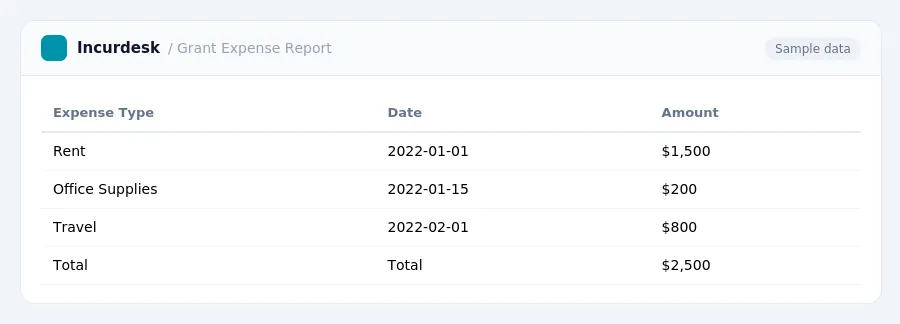
Class Tracking and Reporting in QuickBooks
Class Tracking and Reporting in QuickBooks Class tracking is a key feature in QuickBooks Nonprofit that allows you to categorize and track expenses by specific classes, such as grants.
To set up class tracking in QuickBooks, you will need to create a new class for each grant you receive. This can be done by going to the "Lists" menu and selecting "Classes." From there, you can create a new class and assign it a unique name and number.
When tracking expenses by class, it is essential to ensure that you are using the correct class for each transaction. This can be done by assigning the class to each transaction in the "Transaction" window.
In terms of reporting, QuickBooks allows you to generate reports by class, which can be useful for tracking and analyzing grant expenses. You can generate a report by class by going to the "Reports" menu and selecting "Customize Reports." From there, you can select the "Class" column and choose the classes you want to include in the report.
It is worth noting that the OMB Uniform Guidance requires that nonprofits track and report expenses on a regular basis, typically quarterly or annually, depending on the grant requirements. QuickBooks can help streamline this process by allowing you to generate reports and track expenses in a centralized location.
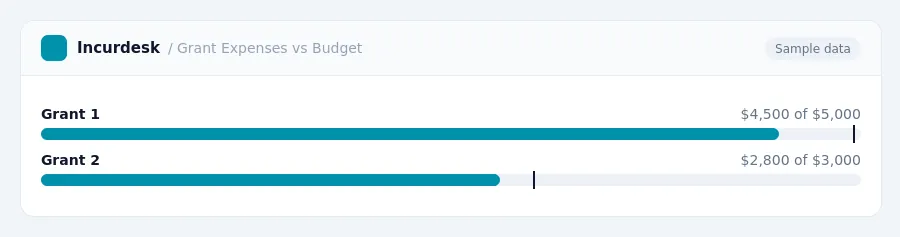
Keeping this simple: Incurdesk keeps receipts and approvals in one place, which makes a written policy easier to follow. It is built for small non profits teams. Try it free.
Limitations and Workarounds for Grant Management in QuickBooks
While QuickBooks Nonprofit provides a solid foundation for tracking grant expenses, there are some limitations to be aware of. For instance, the system doesn't automatically assign grant-specific tracking to expenses, so you'll need to manually set up classes and tracking codes to ensure accurate reporting.
- Manually set up classes and tracking codes for each grant to ensure accurate reporting.
- Regularly review and update your tracking codes to ensure they accurately reflect grant expenses.
- Consider implementing a separate chart of accounts for grant tracking to keep expenses organized.
- Regularly reconcile grant expenses with grant agreements to ensure compliance.
To avoid this, make sure to track UBIT by individual activity and adjust your financial planning accordingly.
By being aware of these limitations and implementing workarounds, you can effectively manage grant expenses in QuickBooks Nonprofit and maintain accurate financial records.
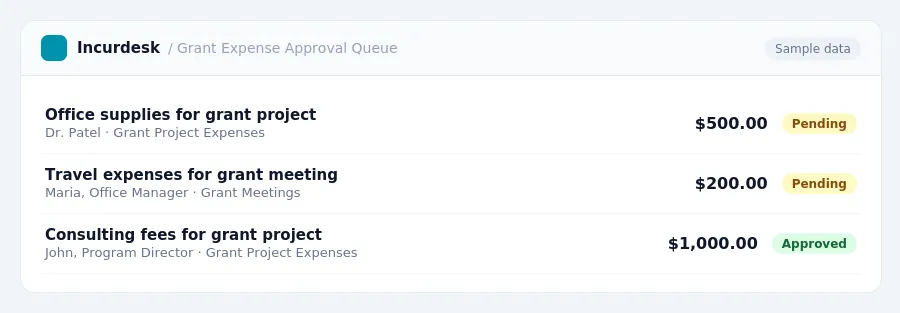
Grant Expense Tracking in QuickBooks Nonprofit: Understanding the Basics
QuickBooks Online (Plus or Advanced plans) allows you to enable "class tracking." This feature enables the creation of a specific class for each program and grant, which can then be assigned to every expense line item. This facilitates running "Profit and Loss by Class" and "budget vs. actual" reports for individual grants. It's crucial to run "budget vs. actual by grant" reports monthly and reconcile them before submitting funder reports.
While QuickBooks is widely used for nonprofit accounting, it was not specifically designed for grant management. It can lack real-time grant visibility, multi-grant tracking capabilities, and reporting flexibility tailored to specific grant requirements. Many organizations use workarounds like classes, tags, and spreadsheets, often needing additional tools to fill the gaps.
To ensure accurate tracking and compliance, consider the following:
- UBIT must be tracked by individual activity. (source: Unrelated Business Income Tax (UBIT))
- Understand the importance of running "budget vs. actual by grant" reports monthly and reconciling them before submitting funder reports.
By understanding the basics of grant expense tracking in QuickBooks Nonprofit, you can set the stage for effective tracking and compliance.
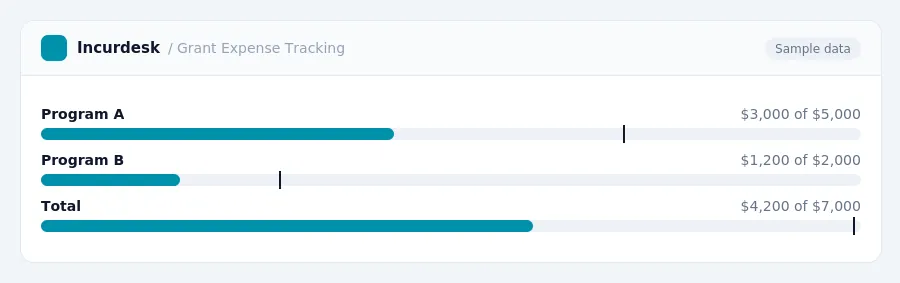
Tracking Expenses by Nature, Function, and Funding Source
Nonprofits must track every expense in three ways: by natural category, by function, and by funding source. This means that each expense should be categorized according to what it is (e.g., salaries, rent), what it supported (e.g., program services, management and general, fundraising), and which grant or restricted fund paid for it.
According to the FASB ASU 2016-14, nonprofits are required to report expenses by both nature and function.
The FASB ASC 958 (2026) standard requires dual reporting of expenses by both nature and function in a single location. This means that nonprofits should have a system in place to track and report expenses in both ways.
To comply with these standards, nonprofits can use the following methods:
- Use a chart of accounts that includes separate accounts for each function (e.g., program services, management and general, fundraising).
- Set up a separate fund for each grant or restricted fund, and track expenses to that fund.
By tracking expenses in this way, nonprofits can ensure compliance with the relevant accounting standards and requirements, and maintain accurate financial records.
Compliance and Record Keeping Requirements for Grant Expenses
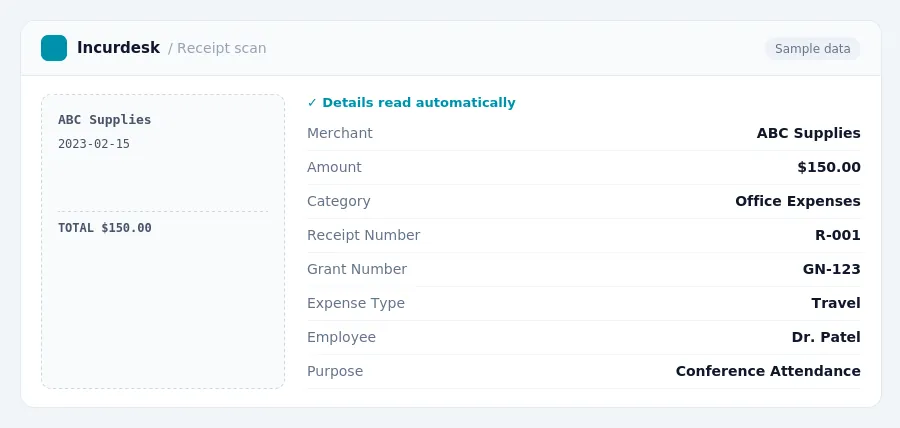
To ensure compliance with grant requirements, nonprofits must maintain accurate and contemporaneous records for grant-funded expenses. This includes receipts, invoices, contracts, payroll records, and time sheets. For personnel costs, it's essential to keep time-and-effort records to show how employee hours were allocated.
This involves examining financial statements and compliance with federal program requirements.
To meet these requirements, nonprofits should:
- Keep all grant-related documents in a designated folder or database
- Organize records by grant number, project, and expense type
- Ensure all records are easily accessible and up-to-date
- Regularly review and reconcile records to ensure accuracy
- Retain records for a minimum of three years after the grant period ends
This requires maintaining separate records for each activity and calculating the net income accordingly.
Stop losing 4+ hours a week
30-day free trial · No credit card · Setup in 15 minutes