
Expense Software vs Job Costing Software
Real trade-offs, pricing & decision guide — updated October 2026
Expense software and job costing software are two popular tools used by small construction businesses to manage their expenses and track labor costs. The primary difference between the two lies in their primary functions, with expense software focusing on expense categorization and reporting, while job costing software provides detailed information on labor costs, including hours worked, rates, and overtime. The decision to choose one over the other often depends on the specific needs of the business, such as the number of users, the complexity of labor costs, and the level of tax compliance required. For the bigger picture, see our guide to construction expense management for under $10/user (2026).
Frequently Asked Questions
Expense Software
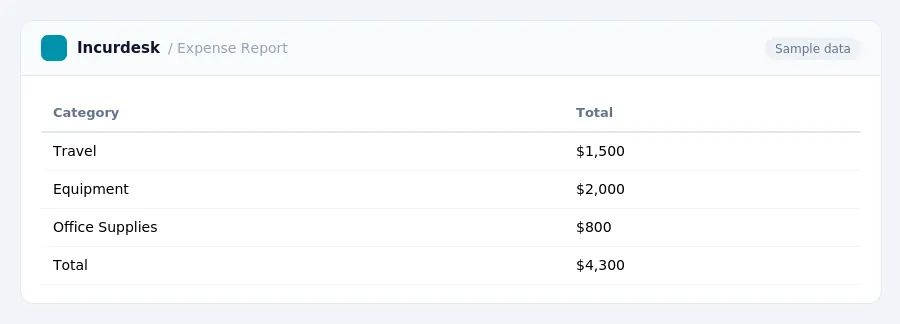
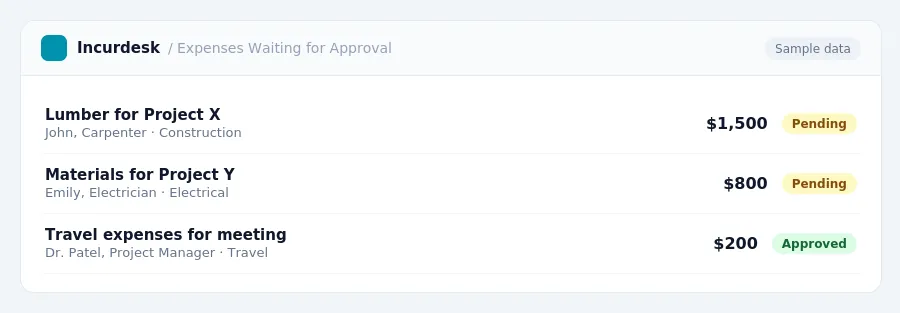
This software is designed to manage daily expenses for employees and track business expenses. It allows managers to approve or reject expenses on the go, reducing the time and effort required to process and record expenses.
- The software offers mobile accessibility, enabling employees to submit expenses and managers to approve them on the go.
- Most modern expense software allows employees to upload receipts, invoices, and other supporting documents.
What is Job Costing Software
This software is designed to track and manage labor costs for construction businesses. It allows managers to assign costs to specific jobs and track labor hours, materials, and equipment.
- The software is typically used for small to medium-sized construction businesses with a few hundred employees.
Frequently Asked Questions
* What is the difference between expense software and job costing software? Expense software is designed to manage daily expenses, while job costing software is designed to track labor costs. * Can I use expense software for tax purposes, such as FICA and self-employment tax? No, expense software is primarily designed for expense management, but some systems may offer some tax-related features. * What are the benefits of using expense software? Benefits include reduced administrative time, increased accuracy, and improved compliance with tax regulations. * Can I use job costing software for expense management? No, job costing software is typically used for labor cost tracking, but some systems may offer some expense management features.
State and Yearly Variations in Tax Regulations
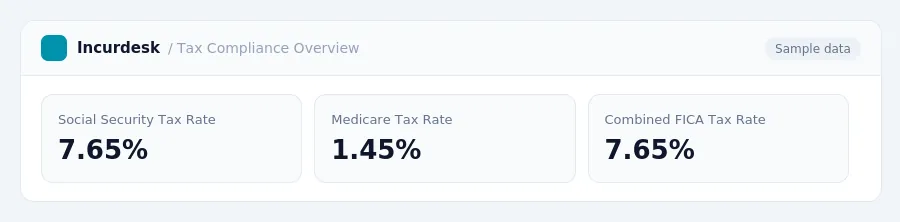
This means that if your business has employees, you will need to withhold and pay Social Security tax on their earnings, in addition to Medicare tax.
The combined rate for both is 7.65%. This applies to wages, tips, and net earnings, which are subject to Social Security tax.
Note: The FICA tax rate is subject to change, and the Social Security tax rate may increase.
What is Expense Software?
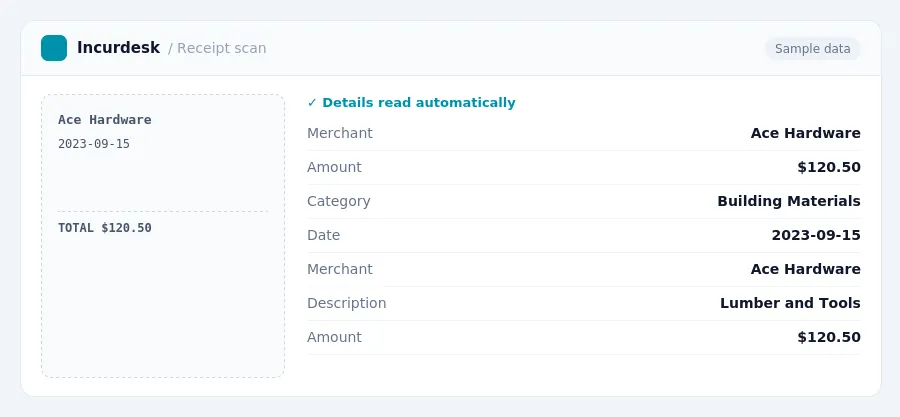
Expense software primarily focuses on tracking and managing outgoing money from the business, including categorizing expenses, processing reimbursements, and ensuring compliance with company spending policies. Many expense management tools allow users to snap photos of receipts via mobile apps, which are then digitized and stored for easy record-keeping. Expense software can automate the creation of expense reports, reducing manual data entry and saving time. Additionally, expense systems often include workflows for policy compliance and approval, ensuring that spending adheres to company guidelines. Expense management software can integrate with accounting and finance systems for a more streamlined financial process.
What is Job Costing Software?
Job costing software is specifically designed to track and allocate all costs associated with individual projects or jobs. This type of software is tailored to help businesses understand the true profitability of each project, allowing them to make informed decisions and optimize their financial performance. One of the key benefits of job costing software is that it tracks labor, materials, equipment, and subcontractor costs by phase or project. This provides real-time visibility into job and profit margins, enabling contractors to identify potential issues before a project is completed. With job costing software, businesses can also provide updated Work-in-Progress (WIP) calculations as costs and billing are processed, ensuring accurate financial reporting. By allocating costs accurately to specific jobs, job costing software helps businesses in allocating costs accurately to specific jobs, ensuring that each project's financial performance is clearly understood.
Neither gets it right. Incurdesk does.
30-day free trial. No credit card. Setup takes 15 minutes.