
Expense Software vs Practice Management Software for Dentists
Real trade-offs, pricing & decision guide — updated October 2026
When it comes to managing the finances of a small to medium-sized dental practice, two types of software can be particularly useful: expense management software and comprehensive practice management software. Expense management software is designed specifically for tracking and managing expenses, often with features like automated receipt scanning and categorization, making it easier to stay on top of expense management for dental practice. On the other hand, comprehensive practice management software offers a broader range of features, including patient scheduling, billing, and financial reporting, to help you run your practice more efficiently.
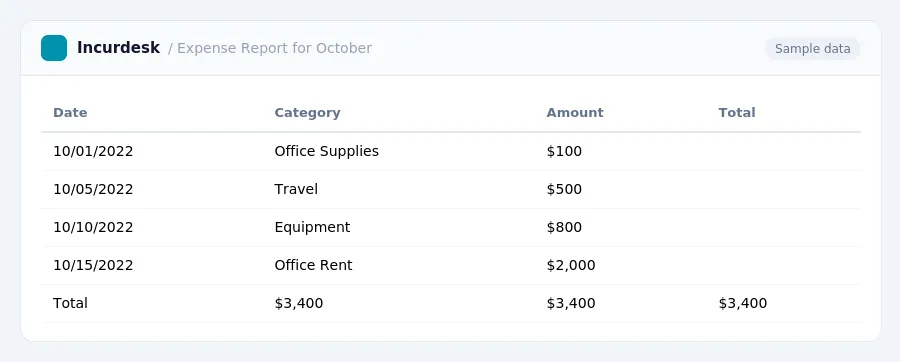
Expense Software: When to Use and What to Expect
Expense software is designed to track and manage business expenses, making it a suitable option for small to medium-sized dental practices that need to monitor employee expenses, particularly those related to travel and mileage. For the first half of 2026, the rate for business use is 72.5 cents per mile, and for medical or moving expenses, it's 20.5 cents per mile. From July 1 to December 31, 2026, the business use rate increases to 76 cents per mile, while the medical or moving rate rises to 23.5 cents per mile. Additionally, the charitable use rate is 14 cents per mile for the entire year.
When selecting an expense software, consider the following:
- Check if the software allows you to track and categorize expenses, including mileage and travel expenses.
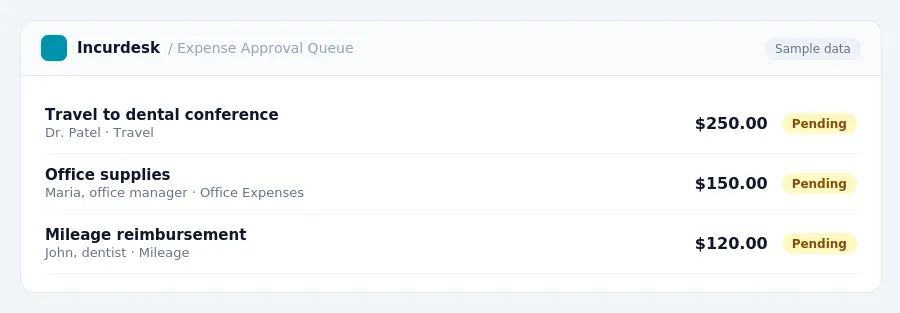
- Verify that the software provides real-time tracking and alerts for expense submissions and approvals.
Practice Management Software: Key Features for Dental Practices
- Dental Accounting Software Features:
- Practice-specific charts of accounts to track financial data
- Insurance/patient payment tracking to manage revenue
- Revenue recognition tuned to dental economics
- Dental Software Features:
- Core accounting and practice management features
- Dental-specific tools, which can vary significantly between software providers
Expense Tracking Software: A Practical Overview
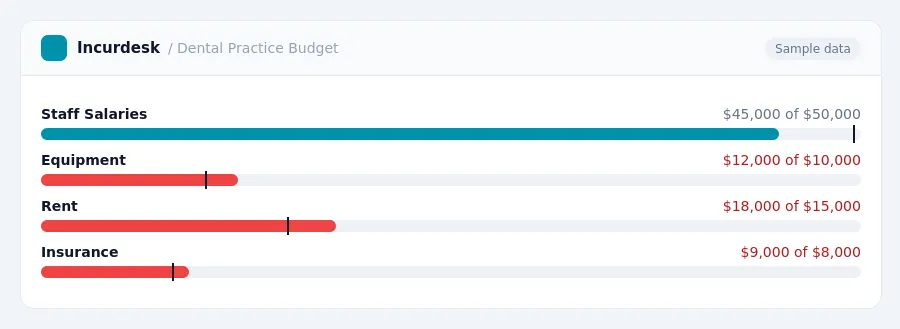
Expense tracking software helps dental practices manage their business expenses, providing a clear picture of financial spending. It's essential to understand what features to look for when choosing an expense tracking solution.
When evaluating expense tracking software, consider the following factors:
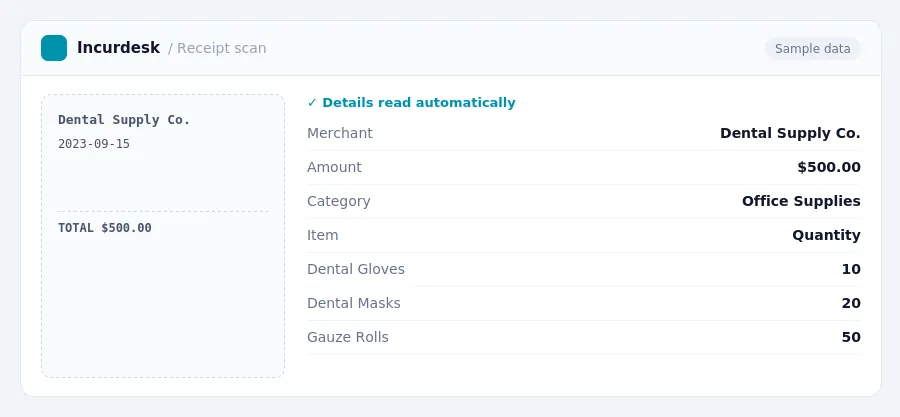
- Automated expense reporting: Ensure the software can automatically track and categorize expenses, eliminating manual data entry.
- Receipt scanning and storage: Look for software that allows you to easily scan and store receipts, making it easy to access and review expenses.
- Customizable expense categories: Choose software that allows you to create custom expense categories tailored to your practice's specific needs.
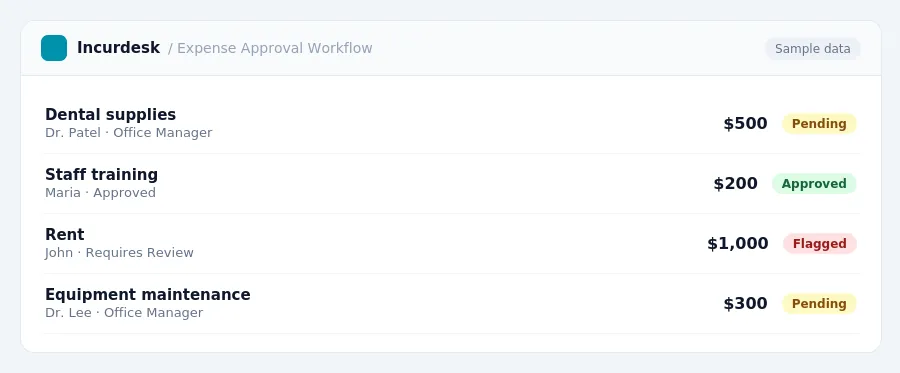
- Approval workflows: Consider software that offers approval workflows to ensure that expenses are properly reviewed and approved by authorized personnel.
- Integration with existing systems: Ensure the software integrates with your existing accounting and practice management systems to streamline financial management.
When selecting an expense tracking solution, consider your practice's specific needs and requirements. It's essential to choose a software that aligns with your financial management goals and workflows.
Here is a comparison of expense tracking software and practice management software:
| Feature | Expense Tracking Software | Practice Management Software |
|---|---|---|
| Expense tracking and reporting | Yes | Yes |
| Appointment scheduling | No | Yes |
| Insurance claims management | No | Yes |
| Financial reporting and analysis | Yes | Yes |
Distinguishing Features: Expense Software vs Practice Management Software
Expense tracking software and practice management software serve different purposes in dental practices. Expense software focuses on financial management, while practice management software encompasses a broader range of functions, including operational efficiency and compliance.
Expense software typically includes features such as income/expense tracking, bank reconciliation, financial reporting, practice management integration, accounts receivable, expense management, payroll support, and multi-location management.
| Feature | Expense Software | Practice Management Software |
|---|---|---|
| Income/Expense Tracking | ✓ | ✓ |
| Bank Reconciliation | ✓ | ✓ |
| Financial Reporting | ✓ | ✓ |
| Accounts Receivable | ✓ | ✓ |
| Practice Management Integration | ✓ | ✓ |
| Expense Management | ✓ | ✓ |
| Payroll Support | ✓ | ✓ |
| Multi-Location Management | ✓ | ✓ |
| Patient Scheduling | ✓ | |
| Insurance Claims Processing | ✓ | |
| Audit/Compliance Controls | ✓ |
Practice management software, on the other hand, often integrates with accounting functions and includes features such as patient scheduling, billing, insurance claims processing, and financial reporting.
Choosing the Right Software: Financial Management, Operational Efficiency, and Compliance
When choosing the right software for your dental practice, it's essential to consider financial management, operational efficiency, and compliance.
Familiarize yourself with state and local regulations, as well as yearly changes, to ensure you're meeting all necessary requirements.
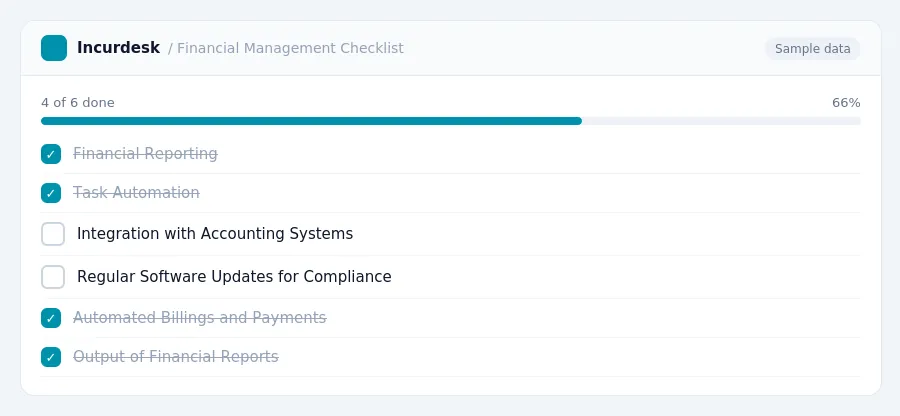
- Output financial reports that accurately track expenses, revenues, and profits.
- Automate tasks, such as billings and payments, to increase operational efficiency.
- Use software that integrates with other tools, like accounting systems and patient management software, to streamline workflows.
- Regularly review and update software to ensure compliance with changing regulations.
When evaluating software, consider the following key features:
| Feature | Description |
|---|---|
| Financial Reporting | Automated output of financial reports |
| Task Automation | Automated tasks, such as billings and payments |
| Integration | |
| Compliance | Regular updates to ensure compliance with changing regulations |
Neither gets it right. Incurdesk does.
30-day free trial. No credit card. Setup takes 15 minutes.