
Nonprofit Month-End Expense Close Checklist
A practical, data-backed guide to controlling costs and automating expense workflows.
It's also essential for maintaining donor trust, supporting grant applications, and informing strategic decisions. By following a structured process for expense management for non-profit organizations, you can ensure that your financial records are accurate and up-to-date, and that you're meeting all necessary regulatory requirements.
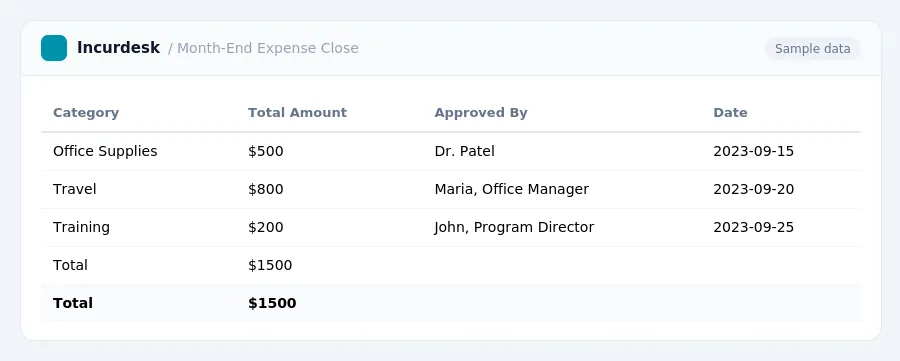
Month-End Expense Close Process
Nonprofits need a structured month-end financial close process to ensure accuracy, completeness, and compliance.
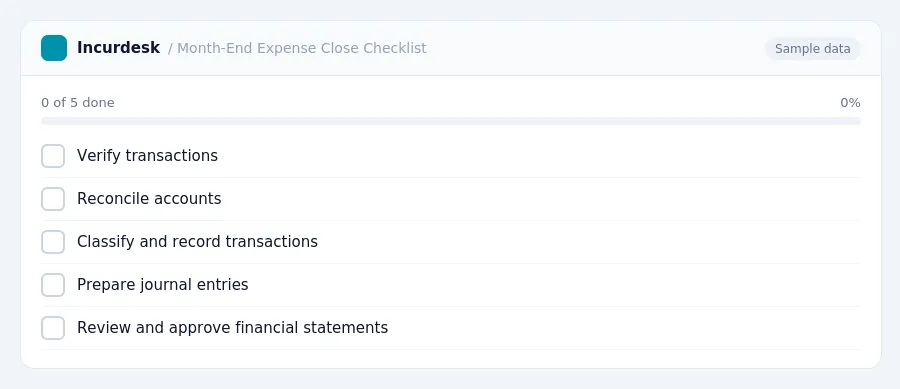
Here's a checklist to guide you through the process:
- Verify transactions: Review all transactions for the month, including invoices, receipts, and payroll. Ensure that all transactions are accurately recorded and match the supporting documentation.
- Reconcile accounts: Reconcile all bank and credit card statements to ensure accuracy and completeness. Investigate any discrepancies and make necessary adjustments.
- Classify and record transactions: Classify all transactions according to the nonprofit's chart of accounts and record them in the general ledger.
- Prepare journal entries: Prepare and record any necessary journal entries to ensure accurate financial reporting.
- Review and approve financial statements: Review and approve the financial statements, including the balance sheet and income statement, to ensure accuracy and completeness.
- Complete any necessary adjustments: Complete any necessary adjustments to the financial statements, including accruals and deferrals.
- Finalize financial statements: Finalize the financial statements and ensure they are complete and accurate.
Record Retention and Compliance
- Segregation of Duties: Ensure no single person controls all aspects of a financial transaction, including authorization, recording, and custody, to prevent fraud and protect compliance.
- Review IRS Updates:
- Form 990 Filing Thresholds:
- Record Retention:
- State-Specific Requirements: Familiarize yourself with state-specific audit and reporting requirements to ensure compliance.
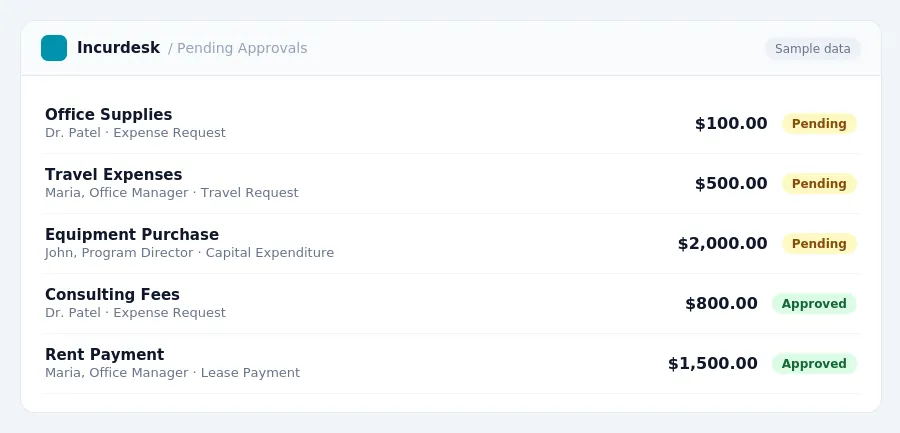
Financial Statement Preparation and Reconciliation
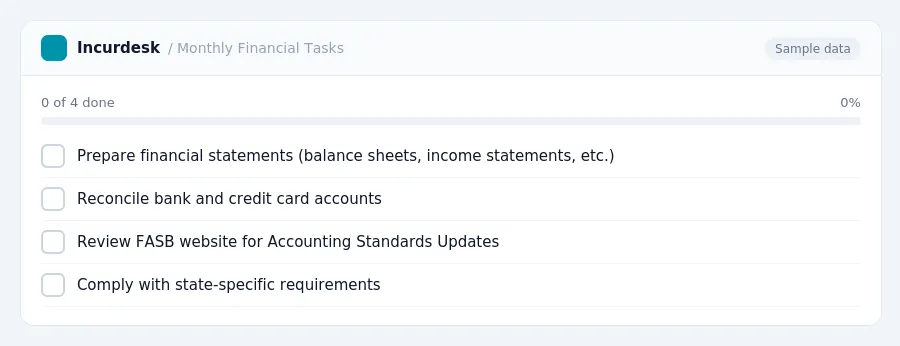
- Prepare financial statements, including balance sheets, income statements, and statements of cash flows, to provide a clear picture of your organization's financial health.
- Ensure all financial statements are accurate and complete, and that they are prepared in accordance with Generally Accepted Accounting Principles (GAAP).
- Reconcile bank and credit card accounts on a monthly basis to ensure accuracy and detect any discrepancies.
- Have someone other than the person handling cash review the bank and credit card reconciliation to ensure its accuracy.
- Review the Financial Accounting Standards Board (FASB) website for Accounting Standards Updates (ASUs) that may impact your organization's financial reporting.
- Comply with state-specific requirements, such as California nonprofits with $2 million or more in gross revenue in any fiscal year, which must have audited financial statements, regardless of federal funding.
Internal Controls and Fund Accounting
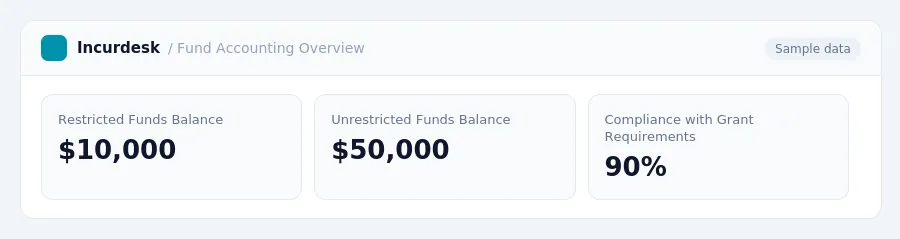
- Use fund accounting principles to track restricted and unrestricted funds separately.
- Review recent Accounting Standards Updates (ASUs) to determine if they affect your organization's accounting policies.
- Stay informed about the International Non-Profit Accounting Standard (INPAS), launched in October 2025, which may influence future reporting for some organizations.
- Segregation of duties: Ensure that financial tasks are distributed among staff members to prevent any one person from controlling all aspects of financial management.
- Fund accounting: Maintain accurate records of restricted and unrestricted funds to ensure compliance with grant requirements and donor agreements.
- Review and update accounting policies: Regularly review your organization's accounting policies to ensure they align with current accounting standards and best practices.
State-Specific Requirements and Regulatory Updates
- Review state-specific audit requirements, as they vary significantly. Check your state's official website or contact your state's non-profit regulatory agency for more information.
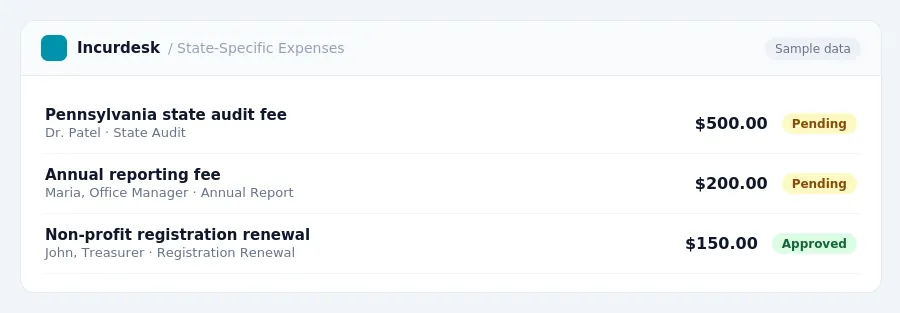
- Verify if your state has specific annual reporting requirements, such as Pennsylvania, which has updated its requirements. Check the state's website or contact the relevant agency to confirm the requirements.
- Keep records of state-specific compliance, including copies of submitted reports and audit documents, in case of an audit or review.
- Stay informed about any updates to state-specific regulations and requirements by regularly checking the state's website or contacting the relevant agency.
Keeping this simple: Incurdesk turns submitted expenses into clean expense reports. It is built for small non profits teams. Try it free.
Stop losing 4+ hours a week
30-day free trial · No credit card · Setup in 15 minutes