
Setting Spending Approval Limits in a Medical Practice
A practical, data-backed guide to controlling costs and automating expense workflows.
Setting clear spending approval limits is crucial for financial accountability and compliance in small healthcare businesses. For the bigger picture, see our guide to healthcare expense management for under $10/user (2026). For a complete overview, see our expense management guide.
Set Clear Spending Approval Limits
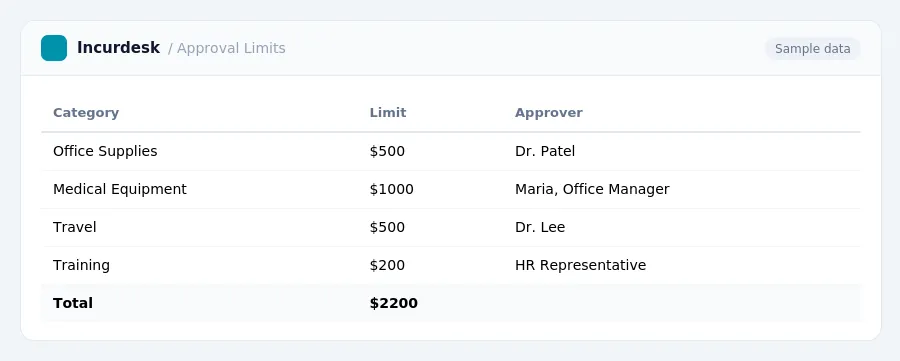
- Set clear spending approval limits by considering federal and state regulations, as well as your medical practice's specific needs.
- Understand that some states are implementing or considering legislation to set targets for primary care spending as a percentage of total healthcare expenditures. For example, goals and timelines may vary, so be sure to check for specific requirements in your state.
- Establish spending approval limits that align with these regulations and your practice's needs. This may include limits on categories such as equipment purchases, staff salaries, and marketing expenses.
- Consider setting a maximum percentage of total healthcare expenditures for primary care spending, as proposed in some state legislation.
- Regularly review and update your spending approval limits to ensure they remain compliant with changing regulations and your practice's evolving needs.
Define Categories for Expenditure Approval
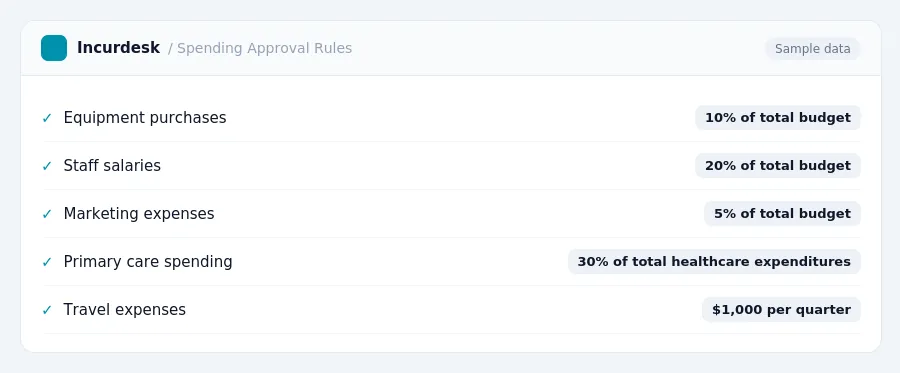
When establishing spending approval limits, it's essential to categorize expenditures to ensure that all necessary expenses are covered. Start by creating a list of categories, such as:
- Office supplies and equipment
- Staff training and education
- Marketing and advertising
- IT and software expenses
- Travel and entertainment
- Professional fees (e.g. attorney, accountant)
- Insurance premiums
- Compliance and regulatory expenses (e.g. HIPAA, OSHA)
- PFML benefits and administrative costs
For PFML benefits, note that many states have their own programs that may offer benefits beyond federal FMLA. You'll need to research the specific requirements for your state, including eligibility, benefit amounts, and effective dates. Keep in mind that rules and regulations can vary, so it's essential to stay up-to-date on any changes.
Some states may require employers to pay a portion of the PFML benefit, while others may have different contribution rates. Be sure to review your state's specific requirements to ensure compliance.
Create a table to outline the categories and their corresponding spending limits, such as:
By categorizing expenditures and setting clear spending limits, you can ensure that your medical practice is operating within its means and meeting its financial obligations.
Determine Appropriate Spending Thresholds
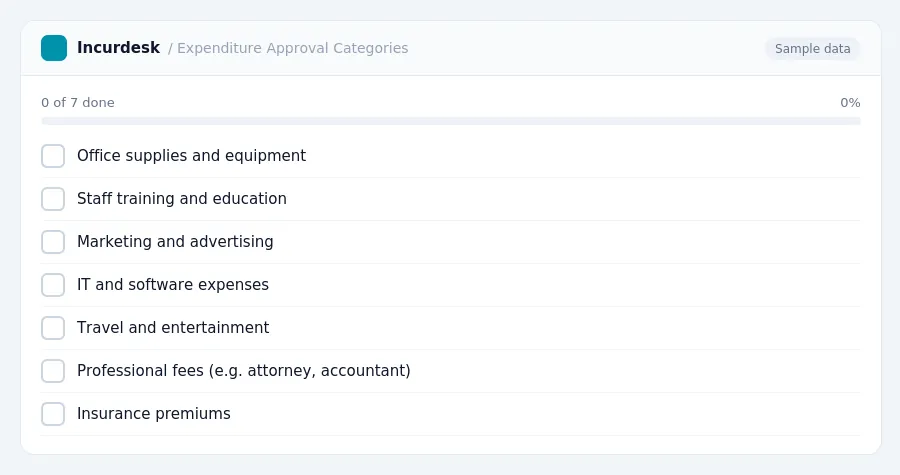
- Determine the spending threshold for each category based on the type of expenditure. Some states have specific rules for medical practices, such as requiring a certain percentage of revenue to be spent on patient care. Check with your state's medical board or regulatory agency to determine the specific rules that apply to your practice.Example:
Establish a System for Requesting and Approving Expenditures
-
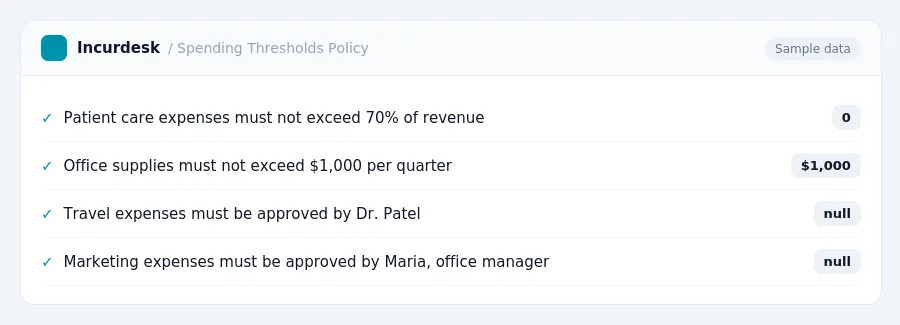
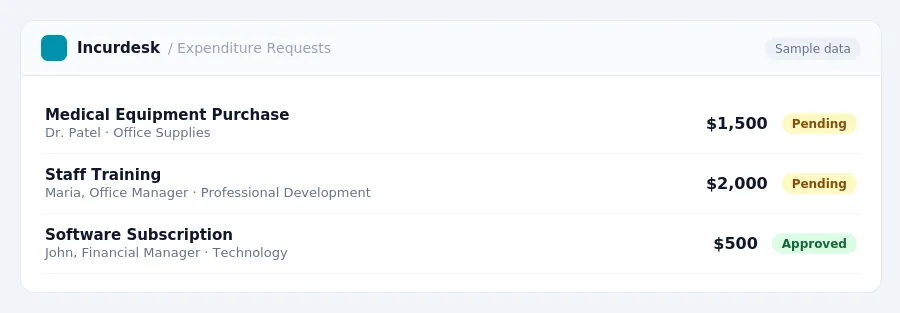
Establish a system for requesting and approving expenditures to ensure transparency and accountability. Create a formal process that outlines the steps for submitting and approving requests.
Designate a person or department responsible for receiving and processing expenditure requests, such as a financial manager or administrative assistant.
-
Develop a template or form for submitting expenditure requests that includes essential details, such as the type of expenditure, amount, and justification.
Make sure the form is easily accessible and can be submitted electronically or in person.
-
Establish a timeline for submitting and approving expenditure requests, ensuring that requests are reviewed and approved in a timely manner.
Designate a specific person or group responsible for approving expenditures, such as a financial manager or owner.
-
Implement a system for tracking and recording expenditure requests, approvals, and denials.
This can be done using a spreadsheet or a digital tool, such as a project management software.
-
Consider implementing a two-step approval process, where requests are first reviewed by a designated person and then approved by a higher-level manager or owner.
This can provide an additional layer of oversight and ensure that expenditures align with the practice's financial goals and objectives.
Monitor and Review Spending to Ensure Compliance
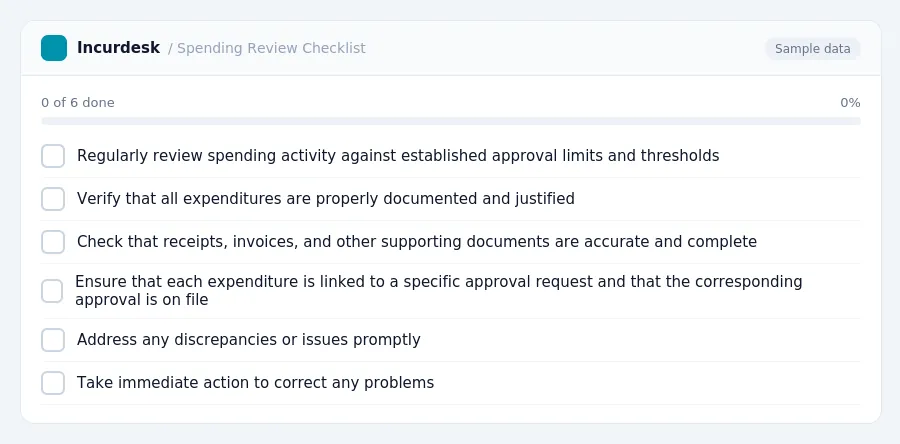
- Regularly review all spending activity against established approval limits and thresholds to ensure compliance. Create a schedule to check spending at least once a month, or more often if your practice has a high volume of transactions. This will help you identify any discrepancies or potential issues before they become major problems.
- Verify that all expenditures are properly documented and justified. Check that receipts, invoices, and other supporting documents are accurate, complete, and easily accessible. Ensure that each expenditure is linked to a specific approval request and that the corresponding approval is on file.
- Address any discrepancies or issues promptly. If you identify any problems, take immediate action to correct them. This may involve revising approval limits, re-approving expenditures, or taking disciplinary action against staff members who have not followed procedures.
- Update your spending approval policies and procedures as needed. Based on your review and audit findings, revise your policies to ensure that they are clear, concise, and effective in preventing non-compliance.
Keeping this simple: Incurdesk routes each expense to the right person for approval and keeps a record of who approved what. It is built for small healthcare teams. Try it free.
Stop losing 4+ hours a week
30-day free trial · No credit card · Setup in 15 minutes