
Tracking Mileage for Nonprofit Field Staff
A practical, data-backed guide to controlling costs and automating expense workflows.
Effective expense management for non-profit organizations
-
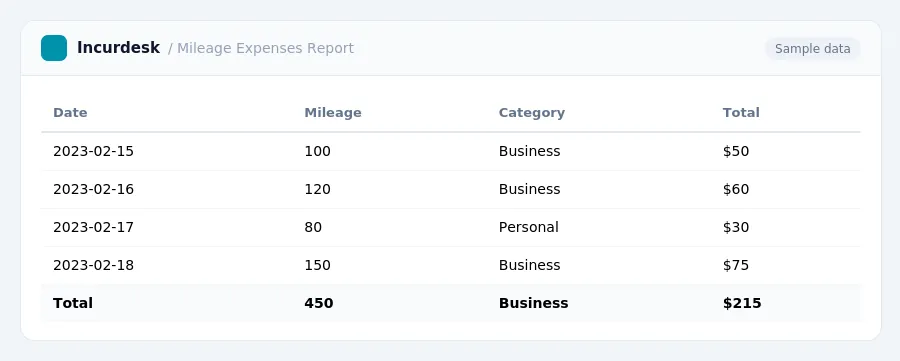
These rates include business, medical, moving, and charitable travel.
-
It's essential to note that these rates apply to all types of vehicles, including cars, vans, pickups, and panel trucks, regardless of their fuel type - gasoline, diesel, electric, or hybrid.
Set Up a Reliable Mileage Tracking System
-
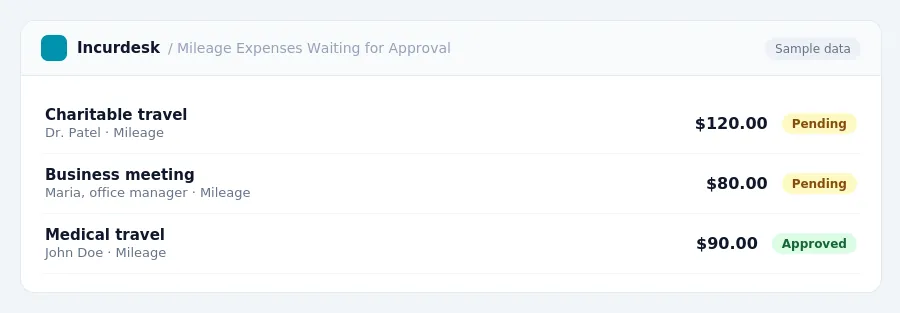
Nonprofits need clear policies and reliable mileage records to prevent tax issues and reimbursement errors.
Establish a system that allows field staff to easily track their business, medical, and charitable mileage. This can be done using a mileage log, a spreadsheet, or a mileage tracking app.
-
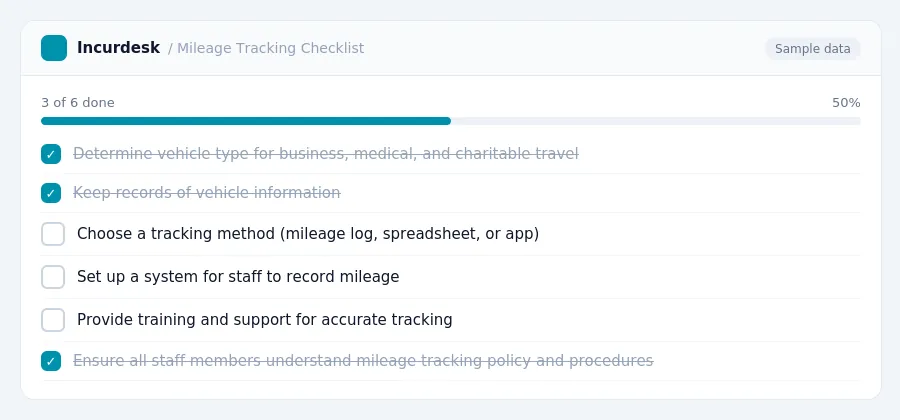
Determine the type of vehicle used for business, medical, or charitable travel.
Keep records of vehicle information, including make, model, year, and Vehicle Identification Number (VIN).
-
Choose a tracking method that suits your nonprofit's needs. Consider using a mileage log or a spreadsheet to track business, medical, and charitable mileage.
Set up a system for staff to record mileage, including date, start and end odometer readings, and purpose of trip.
Ensure all staff members understand the mileage tracking policy and procedures. Provide training and support to ensure accurate and consistent tracking.
Review and update the mileage tracking system regularly to ensure it is working effectively and efficiently.
Document Every Mileage-Related Expense
- When documenting every mileage-related expense, keep accurate records of the date, start and end time, and route taken for each trip. Note the purpose of the trip, whether it's business, medical, or charitable. Also, keep receipts for fuel, maintenance, and other vehicle-related expenses.
- Keep a log or spreadsheet to track mileage for each vehicle, including the odometer reading at the start and end of each trip. You can use a mileage log or a vehicle use log to record this information.
- Keep all records, including receipts and logs, in a secure and easily accessible location, such as a designated filing cabinet or digital storage system.
- Ensure all staff members understand the importance of accurate record-keeping and the consequences of not doing so. Make sure they know what expenses are eligible for reimbursement and what documentation is required.
Avoid Common Errors and Compliance Issues
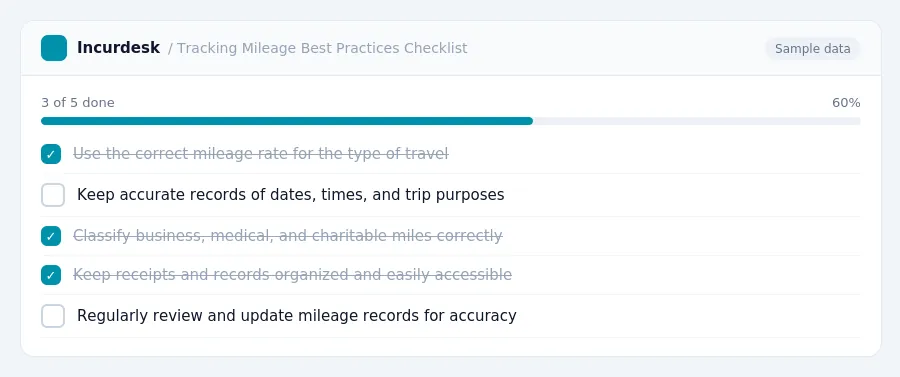
- When tracking mileage, ensure that you're using the correct rate for the type of travel and that you're not missing any miles. Keep accurate records, including dates, times, and the purpose of each trip.
- Keep these records for at least three years in case of an audit.
- Make sure to properly classify business, medical, and charitable miles.
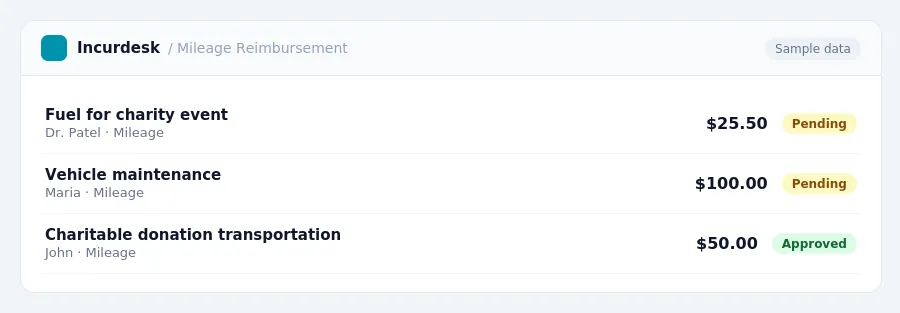
- Keep accurate records of all vehicle-related expenses, including fuel, maintenance, and repairs. These expenses can be deducted in addition to mileage.
- Don't wait until the end of the year to track your miles. Regularly review and update your records to ensure accuracy and compliance.
- If you're audited, be prepared to provide detailed records of your mileage and expenses. Keep all receipts and records organized and easily accessible.
Review and Update Your Vehicle Use Program
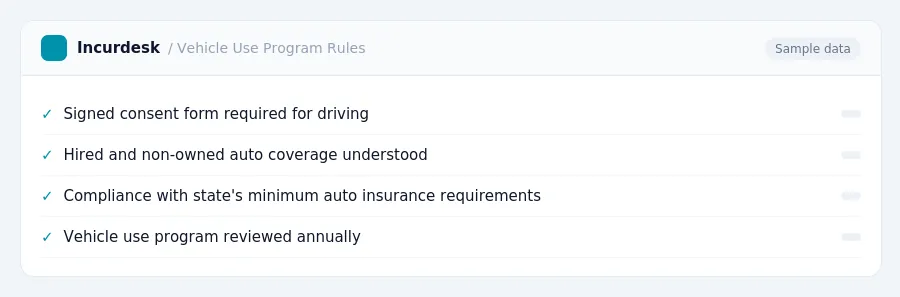
- Review your current vehicle use program to ensure it aligns with your organization's needs. Consider implementing a signed consent form outlining acceptable driving practices for agency business. This can help protect your organization and your employees in case of an accident.
- Understand the difference between hired and non-owned auto coverage. Hired and non-owned auto coverage is distinct from simply putting a vehicle on a commercial auto policy and may not cover all situations. Make sure you understand what is and isn't covered.
- Check your state's minimum auto insurance requirements. Research your state's requirements to ensure you're in compliance.
- Review your vehicle use program regularly. Vehicle use programs should be reviewed regularly to ensure they remain effective and compliant with changing laws and regulations. Set a reminder to review your program at least annually.
Keeping this simple: Incurdesk keeps receipts and approvals together, so you know exactly what to reimburse. It is built for small non profits teams. Try it free.
Stop losing 4+ hours a week
30-day free trial · No credit card · Setup in 15 minutes