
Vendor Payments vs Staff Reimbursement
Real trade-offs, pricing & decision guide — updated October 2026
Small property management businesses can benefit from automating both vendor payments and staff reimbursements to streamline expense management for property management Automating vendor payments can help businesses save time and money, while automating staff reimbursements can reduce errors and improve transparency. By knowing the current payment thresholds, reimbursement rates, and worker classification rules, business owners can make informed decisions about which expenses to automate.
Determining Worker Classification for Automation Decisions
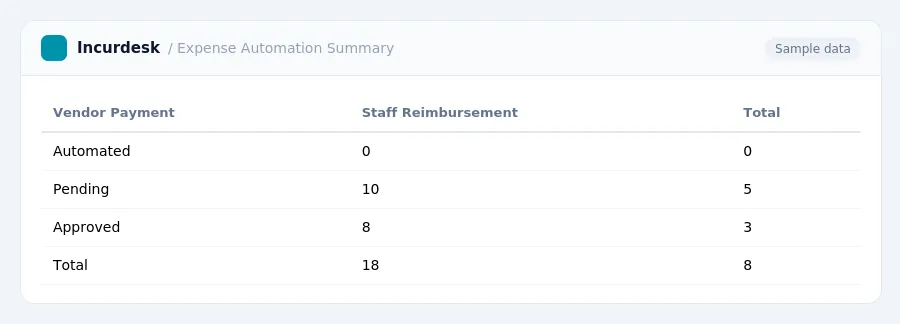
- Behavioral control refers to the degree of control the business exercises over the worker's behavior, such as training, direction, and evaluation.
- The type of relationship refers to the nature of the business's relationship with the worker, including the level of permanence and exclusivity.
Businesses should carefully review the worker classification rules in their state and federal jurisdictions to ensure compliance. This may involve:
- Conducting a thorough analysis of the worker's role and responsibilities.
- Evaluating the level of control exercised over the worker's behavior and finances.
By accurately determining worker classification, businesses can make informed decisions about automation and ensure compliance with relevant regulations.
Comparing Automation Options: Vendor Payments vs Staff Reimbursements
When deciding between automating vendor payments and staff reimbursements, consider the following comparison:
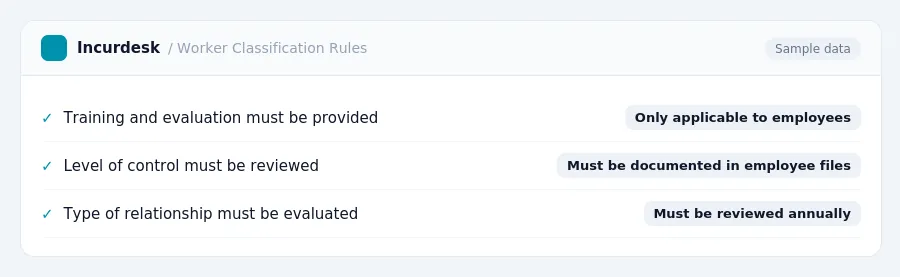
| Vendor Payments | Staff Reimbursements |
|---|---|
| Requires timely substantiation (receipts) and return of excess advances | |
| No record-keeping requirements for receipts | Record the amount, time, place, and business purpose for non-lodging expenses under $75 |
Automate vendor payments when dealing with large, regular payments to vendors. For non-lodging expenses under $75, record the required details and consider automating reimbursement for these expenses as well.
Vendor Payment Automation Requirements and Considerations
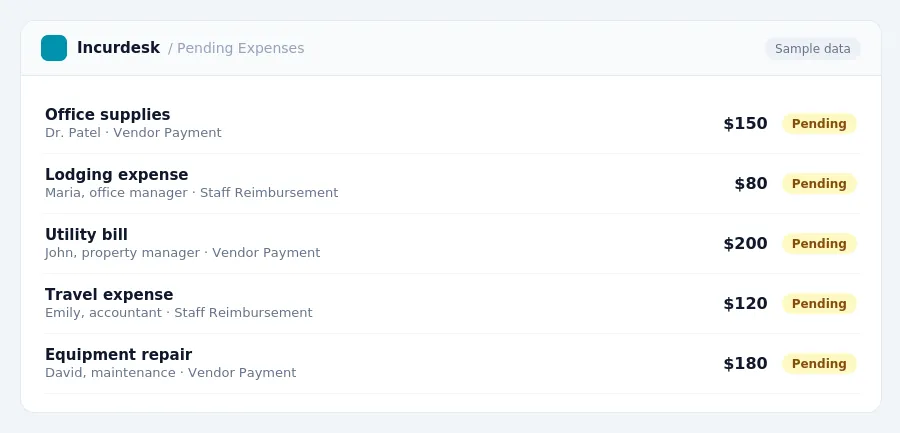
When considering automating vendor payments, it's essential to understand the requirements and considerations involved. Here are some key points to keep in mind:
This means that if you're using a third-party service for vendor payments, you'll need to ensure that any payments exceeding these thresholds are properly reported and documented.
- Verify the payment thresholds for your state, as some may have their own reporting requirements or thresholds that differ from federal rules.
- Keep accurate records of all vendor payments, including invoices, receipts, and payment records.
Automating vendor payments can help streamline your accounting processes and reduce the risk of errors. However, it's crucial to ensure that you're in compliance with all relevant regulations and guidelines.
When selecting a third-party service for vendor payments, consider the following:
- Look for services that offer secure payment processing and robust reporting capabilities.
By understanding the requirements and considerations involved in automating vendor payments, you can ensure that your business is operating efficiently and in compliance with all relevant regulations.
| Vendor Payment Automation Requirements | Considerations |
|---|---|
| Keep accurate records of all vendor payments | |
| Choose a compliant third-party service | Ensure secure payment processing and robust reporting |
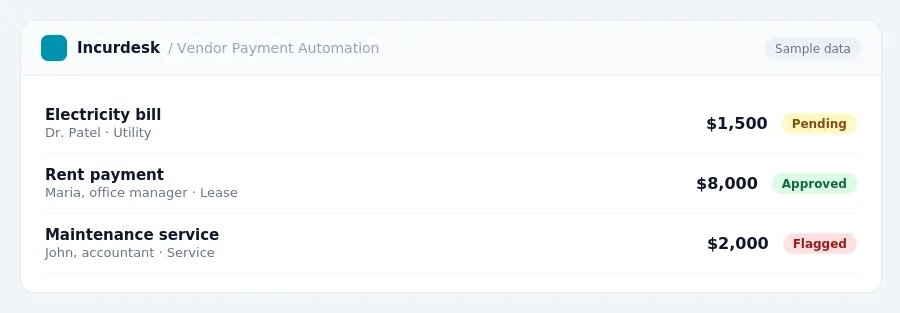
- This applies to payments made to individuals or unincorporated vendors.
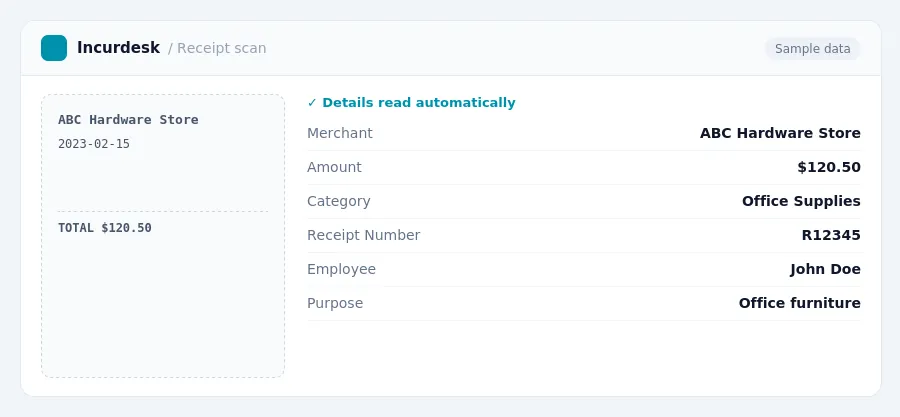
- Under Revenue Procedure 97-22, digital scans are as valid as paper receipts for reimbursement purposes.
When reimbursing employees, be sure to keep accurate records and follow these guidelines:
- Keep accurate records of business-related expenses, including receipts and digital scans.
- Reimburse employees only for expenses that are reasonable and necessary for business purposes.
Best Practices for Automating Vendor Payments and Staff Reimbursements
When automating vendor payments and staff reimbursements, it's essential to follow best practices to ensure accuracy, efficiency, and compliance. Here are some practical tips to keep in mind:
Vendor Payment Automation:
- Establish clear payment terms and conditions with vendors, including payment schedules and deadlines.
- Verify vendor information, including bank account details and tax identification numbers.
- Implement a robust approval process to ensure that payments are authorized and legitimate.
- Monitor and reconcile payments regularly to detect any discrepancies or errors.
Staff Reimbursement Automation:
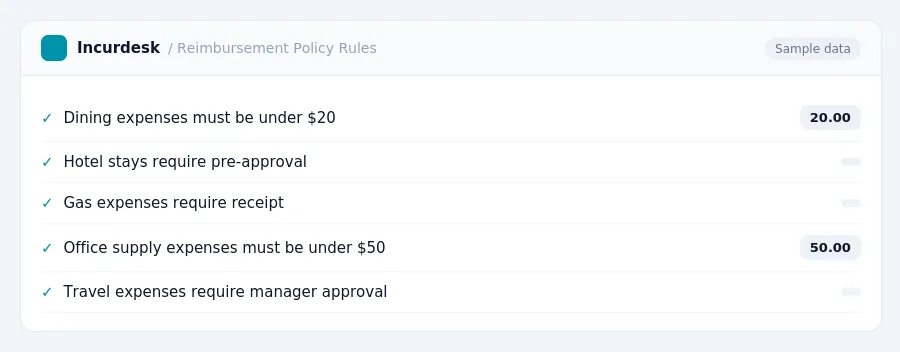
- Develop a clear reimbursement policy that outlines eligible expenses and reimbursement rates.
- Establish a process for employees to submit expense reports and supporting documentation.
- Implement a system for approving and processing reimbursement requests in a timely manner.
- Regularly review and update the reimbursement policy to ensure compliance with changing regulations.
Regardless of the automation option, it's crucial to:
- Regularly review and update payment and reimbursement policies to ensure compliance with changing regulations.
- Provide clear instructions and training to employees on the automation process.
- Monitor and audit the automation process regularly to detect any errors or discrepancies.
- Keep accurate records of payments and reimbursements for auditing and compliance purposes.
Neither gets it right. Incurdesk does.
30-day free trial. No credit card. Setup takes 15 minutes.