AI Expense Management for Nonprofits Teams in Austin
Purpose-built expense management for your team type, industry and city.
The rules in this guide
| Amount | Required | In Incurdesk |
|---|---|---|
| Above $75 | Itemised receipt | Checked on every expense |
| Above $250 | Written business purpose | Checked on every expense |
| Above $500 | Names of attendees | Checked on every expense |
| Above $5,000 | Senior sign-off; never auto-approved | Checked on every expense |
Each rule is checked on every expense by Incurdesk’s approval agent.
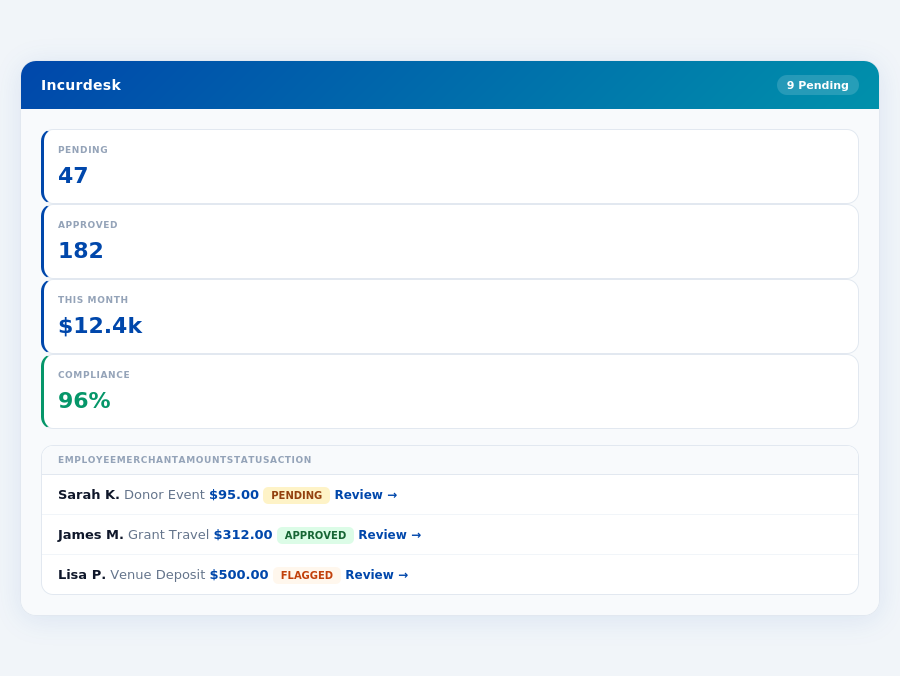
The Austin Nonprofits Expense Challenge
Nonprofit teams in Austin face unique challenges when it comes to managing expenses. With over 6,000 nonprofits operating in the city, the competition for funding and resources is fierce. Manual expense tracking and reimbursement processes can be time-consuming and prone to errors, taking away from the time and resources that could be spent on mission-driven work.
According to a survey by the Austin Nonprofit Sector Study, 71% of nonprofits in Austin reported that they struggle with financial management, including expense tracking and reimbursement. This can lead to delayed reimbursements, lost receipts, and inaccurate financial reporting.
How AI Solves Nonprofits Expense Management in Austin
AI-powered expense management solutions can help nonprofits in Austin streamline their expense tracking and reimbursement processes, freeing up more time and resources for their mission-driven work. AI can automate tasks such as:
- Receipt scanning and data extraction
- Expense categorization and coding
- Approval workflows and notifications
- Reimbursement processing and payment
By automating these tasks, nonprofits can reduce the time spent on expense management by up to 80%, according to a study by the Austin Technology Incubator.
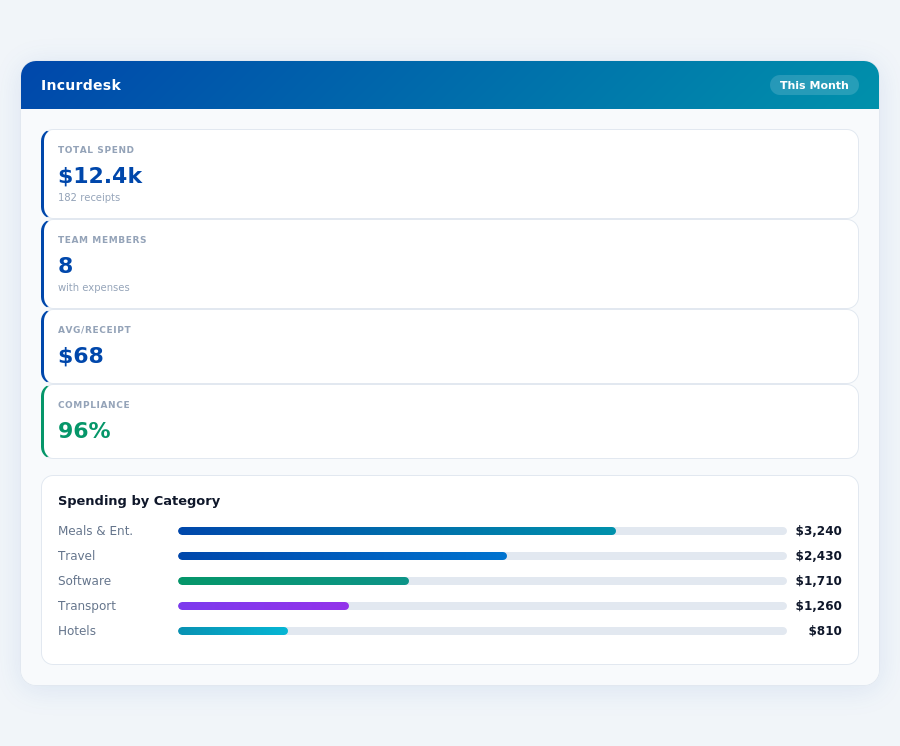
Benefits of AI Expense Management for Nonprofits in Austin
AI expense management solutions can provide numerous benefits for nonprofits in Austin, including:
- Improved accuracy: AI can reduce errors and inaccuracies in expense tracking and reimbursement.
- Increased efficiency: AI can automate tasks and streamline processes, freeing up more time for mission-driven work.
- Enhanced transparency: AI can provide real-time visibility into expense tracking and reimbursement, enabling better financial management and decision-making.
- Reduced costs: AI can help nonprofits reduce costs associated with manual expense tracking and reimbursement, such as paper, ink, and labor.
Key Features for Nonprofits Teams in Austin
When selecting an AI expense management solution, nonprofits in Austin should look for the following key features:
- Customizable workflows: The ability to create custom workflows that align with the nonprofit's specific needs and policies.
- Automated AI receipt scanning: The ability to scan and extract data from receipts, reducing manual entry and errors.
- Expense categorization and coding: The ability to automatically categorize and code expenses, streamlining financial reporting and compliance.
- Mobile accessibility: The ability to access and manage expenses on-the-go, enabling employees to submit expenses from anywhere.
- Integration with accounting software: The ability to integrate with existing accounting software, streamlining financial reporting and reconciliation.
Getting Started in 15 Minutes
Getting started with AI expense management is easier than you think. Here's a step-by-step guide to get you started in just 15 minutes:
- Step 1: Choose an AI expense management solution (5 minutes): Research and select a solution that meets your nonprofit's specific needs and budget.
- Step 2: Set up your account (3 minutes): Create an account and set up your nonprofit's profile, including custom workflows and expense categories.
- Step 3: Invite employees (2 minutes): Invite employees to join the platform and start submitting expenses.
- Step 4: Configure integrations (3 minutes): Configure integrations with existing accounting software and other systems.
- Step 5: Start submitting expenses (2 minutes): Start submitting expenses and tracking reimbursements in real-time.
By following these steps, nonprofits in Austin can quickly and easily get started with AI expense management, freeing up more time and resources for their mission-driven work.
- AI expense management consulting sydney
- AI expense management dallas
- AI expense management construction london
- AI expense management atlanta
Related articles
AI expense management for finance teams and whoever keeps the books. It checks every expense against your rules, approves the routine ones and chases missing receipts for you.
Try it free for 30 days →Ready to run expenses like a pro?
30-day free trial · No credit card · Setup in 15 minutes