
AI Expense Management for Nonprofits Companies
Tag expenses by project and team. Sync with QuickBooks, Xero, and Sage Intacct. Approve from your phone in 8 seconds.
AI Expense Management for Nonprofits Companies: A Comprehensive Guide
As nonprofit companies continue to navigate the complexities of financial management, AI-powered expense management software has emerged as a game-changer. By automating and streamlining expense tracking, approval, and reimbursement processes, AI expense management can help nonprofits reduce costs, increase efficiency, and improve compliance. In this guide, we'll explore the benefits, challenges, and key considerations for nonprofits looking to implement AI expense management. For the full picture, read our AI expense management guide.
Why Nonprofits Companies Need AI Expense Management
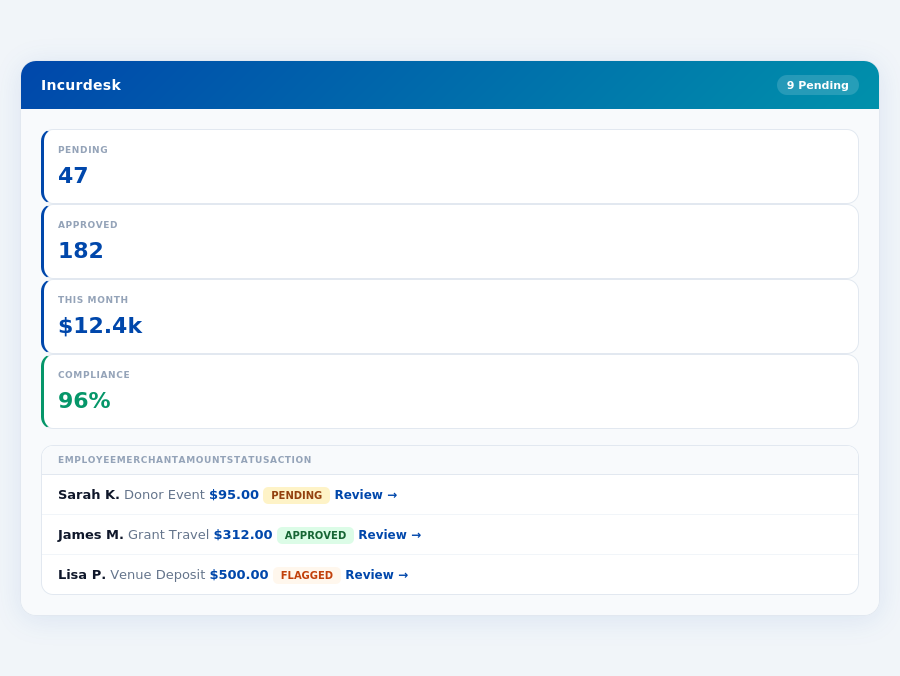
Nonprofits face unique financial challenges, including limited resources, strict regulatory requirements, and a high level of transparency. AI AI expense management software can help address these challenges in several ways:
- Improved Efficiency: Automating expense tracking and approval processes can save nonprofits an average of 20-30% of their accounting staff's time.
- Enhanced Transparency: AI-powered expense management provides real-time visibility into expenses, enabling nonprofits to make more informed decisions and reduce the risk of errors or mismanagement.
- Reduced Costs: By automating expense tracking and approval, nonprofits can reduce the risk of lost or duplicate receipts, and minimize the need for manual data entry.
The Nonprofits-Specific Expense Challenges AI Solves
Nonprofits face a range of expense-related challenges, including:
Data Quality and Consistency
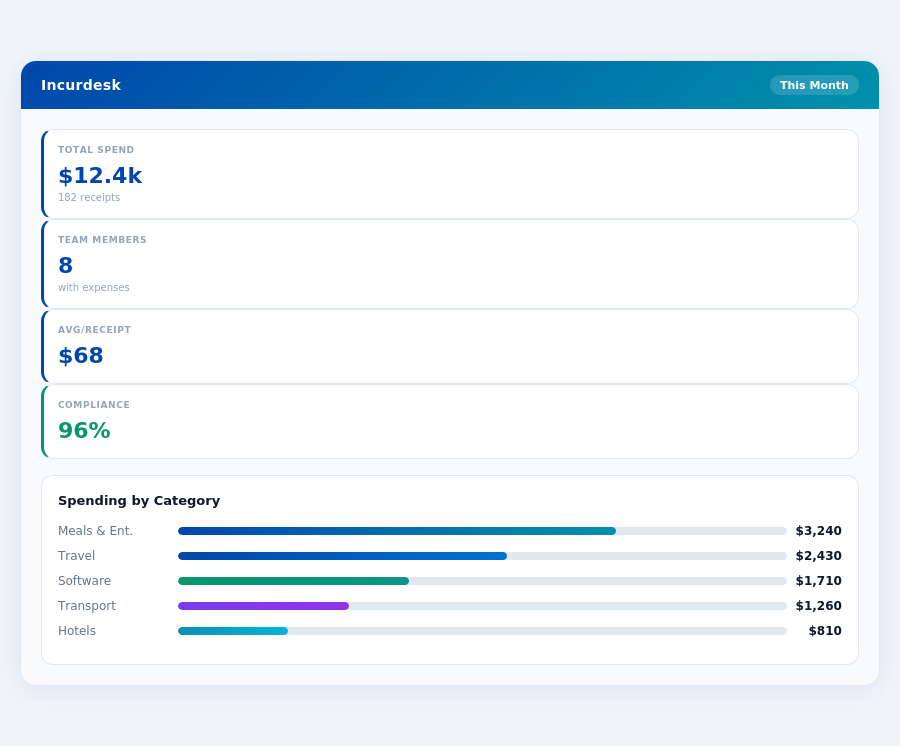
AI tools rely on clean, consistent, and well-organized data. Nonprofits may struggle with this if their financial operations are not already standardized, with issues like:
- Duplicate general ledger codes
- Inconsistent account names
- Changing ledger structures
AI expense management can help nonprofits overcome these challenges by:
- Automating data entry and validation
- Providing real-time visibility into expenses
- Enabling customizable workflows and approval processes
Key AI Features for Nonprofits Teams
When selecting an AI expense management solution, nonprofits should look for the following key features:
- Automated Expense Tracking: The ability to automatically track and categorize expenses, using machine learning algorithms to identify and classify expenses.
- Customizable Workflows: The ability to create customized workflows and approval processes that meet the unique needs of the nonprofit.
- Real-Time Visibility: The ability to provide real-time visibility into expenses, enabling nonprofits to make more informed decisions.
- Integration with Existing Systems: The ability to integrate with existing accounting and financial systems, minimizing disruption and ensuring seamless data transfer.
Compliance and Regulatory Considerations
Nonprofits must comply with a range of regulatory requirements, including:
- IRS Regulations: Nonprofits must comply with IRS regulations regarding expense reporting and reimbursement.
- GAAP and FASB: Nonprofits must comply with Generally Accepted Accounting Principles (GAAP) and Financial Accounting Standards Board (FASB) regulations.
AI expense management can help nonprofits comply with these regulations by:
- Automating expense tracking and reporting
- Providing real-time visibility into expenses
- Enabling customizable workflows and approval processes
ROI Calculation for Nonprofits Teams
When calculating the return on investment (ROI) of AI expense management, nonprofits should consider the following factors:
- Cost Savings: The cost savings achieved through automation and streamlining of expense tracking and approval processes.
- Increased Efficiency: The increased efficiency achieved through automation and streamlining of expense tracking and approval processes.
- Improved Compliance: The improved compliance achieved through automation and streamlining of expense tracking and approval processes.
By considering these factors, nonprofits can calculate the ROI of AI expense management and make an informed decision about whether to implement this technology.
According to a recent study, nonprofits that implement AI expense management can achieve an average ROI of 25-30% within the first year of implementation. This is achieved through a combination of cost savings, increased efficiency, and improved compliance.
Related articles
How does AI expense management work for nonprofits companies?
Is Incurdesk a good fit for nonprofits firms?
How long does Incurdesk take to set up for a nonprofits business?
What does Incurdesk cost?
Find guides tailored to your team and location.
Ready to manage expenses like a pro?
30-day free trial · No credit card · Setup in 15 minutes