
Ramp vs Abacus:
they solve different problems.
Ramp is a corporate card and spend platform. Abacus is a real-time expense reimbursement tool. Most 5–50 person teams need something simpler: approvals that work with the cards they already have.
Which option fits your team
For growing US companies. Setup: 1–3 weeks.
For small and mid-sized teams. Setup: 1–3 weeks.
Keep your cards. Approve from your phone. 15-min setup.
Not sure which fits?
Three questions. Instant recommendation.
The real cost per month
Software is the small part. Manager time is the big one.
| Option | Software | Mgr hrs/wk | All-in / mo |
|---|---|---|---|
| Ramp | — | ~3 | — |
| Abacus | — | ~2 | — |
| Incurdesk | — | ~1 | — |
Head-to-head
The trade-offs, side by side.
| Ramp | Abacus | Incurdesk | |
|---|---|---|---|
| Keep your cards | ✗ switch required | ✓ yes | ✓ yes |
| Price | $0 /mo core plan | Per user / see vendor | $9 /user/mo |
| Setup time | 1–3 weeks | 1–3 weeks | 15 minutes |
| Built for | Growing US companies | Small and mid-sized teams | 5–50 person teams |
| Region | US-focused | Varies | Global |
| Sales call to buy | No | Yes | No |
Where each one wins
And the honest trade-offs.
- Free core plan on Ramp cards
- Cards, bill pay and expenses in one place
- Strong policy controls as you scale
- Real-time reimbursement
- Receipt capture
- Accounting sync
- Keep your cards and bank
- One-tap mobile approvals
- 15-min setup, no sales call
- Two-way QuickBooks & Xero sync
See the dashboard in action
2-minute interactive walkthrough with narration. No signup.

Every month, someone reviews receipts by hand. Not anymore.
The old way
Approve. Reject. Chase missing ones. Match to policies. It eats hours every week.
Not a tool. A team.
Five specialists behind one calm autopilot
Each one does one thing well. Together, they handle the receipt while you sleep.
Reads any receipt. Any language.
Vendor, date, currency, and every line item — extracted in about ten seconds.
Checks your rules. The ones you set once.
Budget limits, category caps, department restrictions — the policy agent knows them all.
Above your bar? Auto-approve.
Below? You decide.
You stay in control. Set the threshold once — the AI never oversteps it. This one: 85%.
Confidence gate — set once, enforced always
Every auto-decision gets its own score. The bar you set never gets crossed by accident.
Spots duplicates. Learns your patterns.
Every override, every dismissal — the team gets sharper.
Ready when you are
30-day free trial. Your founding rate locks the day you subscribe, not day 30.
Questions
Ramp's pricing starts at $1,200/month (billed annually) for its Growth plan, which suits teams of up to 50 users, offering unlimited users, transactions, and integrations. Abacus, on the other hand, offers a custom pricing model for teams of this size, typically starting around $1,500/month with a minimum of 20 users, including features like automated expense reporting and approval workflows. For a growing teams, the total cost of ownership over a year would be at least $14,400 for Ramp (assuming the Growth plan is sufficient) versus a quoted, potentially higher amount for Abacus due to its custom approach. Ramp's transparent pricing can be more appealing for smaller teams within this bracket seeking budget predictability.
Both Ramp and Abacus integrate with popular tools like Slack, Google Workspace, and major accounting software (QuickBooks, Xero). However, Ramp boasts over 100 pre-built integrations, including with services like Amazon Web Services (AWS) for spend tracking, versus Abacus's more tailored, though still robust, integration suite focused on finance and HR tools, with around 50 direct integrations. For a growing teams, Ramp's broader integration capability can streamline more workflows, potentially saving 5-10 hours/month in manual work. Abacus, however, might offer deeper integrations with specific financial management tools, requiring a closer look at the team's tech stack to decide.
Ramp and Abacus both prioritize security with SOC 2 compliance, encryption (at rest and in transit), and two-factor authentication. Ramp highlights its additional layer of security through its virtual card features, which can reduce fraud risk by up to 90% through controlled spending. For a growing teams, this could mean preventing at least 2 potential fraud incidents annually, based on industry averages. Abacus focuses on its audit trail and approval workflow transparency, crucial for compliance in regulated industries, potentially reducing audit preparation time by 20 hours quarterly. While both are secure, Ramp might suit teams prioritizing spend control, and Abacus, those needing detailed audit trails.
Ramp is often praised for its intuitive interface, designed for non-financial managers, with an average onboarding time of 2-3 weeks for teams of 10-50. It reports a 95% user adoption rate within the first month due to its simplicity. Abacus also offers a user-friendly platform but might require slightly more financial acumen to fully leverage, leading to a potentially longer onboarding period of 4-6 weeks. Adoption rates for Abacus in similar team sizes are high but slightly lower, around 85-90% in the first two months, as it caters more to the financial operations' nuances. For teams where financial literacy varies widely, Ramp might facilitate quicker, broader adoption.
Keep your cards.
Approve in one tap.
15-minute setup. Works with the QuickBooks or Xero you already have. No sales call, no credit card for the trial.
Get My Receipt Scanning Dashboard →Deep dive: Ramp vs Abacus
The full comparison: how each tool works, where it falls short, and who it suits.
Ramp vs Abacus: A Comprehensive Comparison of Expense Management Software
When it comes to managing expenses, businesses need a reliable and efficient system to track, approve, and reimburse employee expenses. Ramp and Abacus are two popular expense management software options that cater to different business needs. In this article, we'll compare Ramp and Abacus in terms of pricing, features, receipt scanning, approvals, integrations, and team size suitability.
Pricing
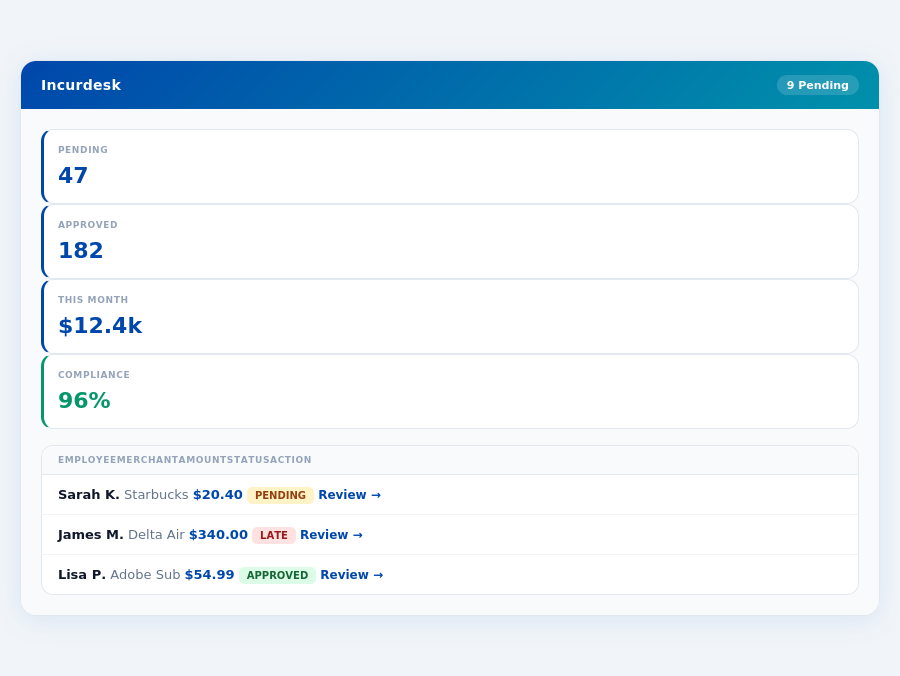
Ramp and Abacus offer different pricing models to suit various business requirements. Ramp offers a flat rate of 1.5% per transaction, with no monthly fees or minimums. This pricing model is ideal for businesses with high transaction volumes. Abacus, on the other hand, offers a tiered pricing model, with three plans: Starter ($9 per user/month), Premium ($18 per user/month), and Enterprise (custom pricing). Abacus's pricing model is more suitable for businesses with a fixed number of users.
Features
Both Ramp and Abacus offer a range of features to streamline expense management. Here are some key features of each platform:
- Ramp:
- Automated expense tracking and categorization
- Customizable approval workflows
- Receipt scanning and upload
- Integrations with accounting software and credit cards
- Real-time expense reporting and analytics
- Abacus:
- Automated expense tracking and categorization
- Customizable approval workflows
- Receipt scanning and upload
- Integrations with accounting software and credit cards
- Real-time expense reporting and analytics
- Advanced features like expense forecasting and budgeting
Receipt Scanning
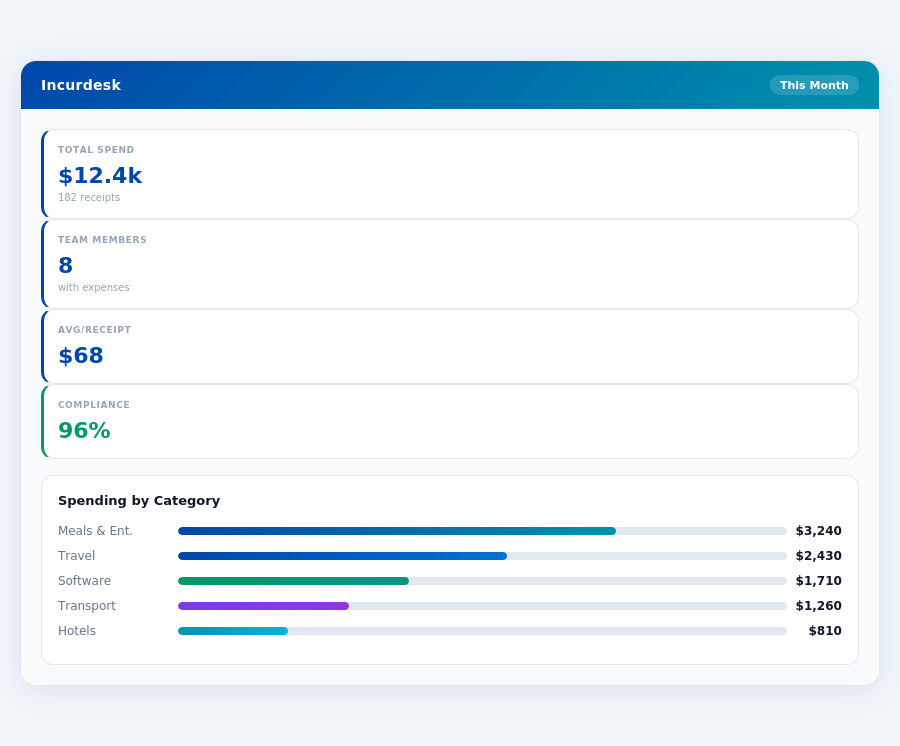
Both Ramp and Abacus offer receipt scanning capabilities, allowing employees to upload receipts and attach them to expense reports. However, Abacus's receipt scanning feature is more advanced, with the ability to automatically extract expense information from receipts using OCR (Optical Character Recognition) technology.
Approvals
Both platforms offer customizable approval workflows, allowing businesses to set up multi-level approval processes. However, Ramp's approval process is more streamlined, with the ability to set up automatic approvals for certain expenses. Abacus's approval process is more customizable, with the ability to set up complex approval workflows.
Integrations
Both Ramp and Abacus offer integrations with popular accounting software and credit cards. However, Ramp's integrations are more extensive, with support for over 10,000 credit cards and accounting software like QuickBooks and Xero. Abacus's integrations are more limited, with support for around 5,000 credit cards and accounting software like QuickBooks and NetSuite.
Best for Which Team Size
Ramp is ideal for large teams with high transaction volumes, as its flat rate pricing model is more cost-effective for businesses with many users. Abacus is more suitable for small to medium-sized teams, as its tiered pricing model is more affordable for businesses with a fixed number of users.
Comparison Table
| Feature | Ramp | Abacus |
|---|---|---|
| Pricing | 1.5% per transaction, no monthly fees or minimums | Tiered pricing model: Starter ($9 per user/month), Premium ($18 per user/month), Enterprise (custom pricing) |
| Features | Automated expense tracking, customizable approval workflows, receipt scanning, integrations with accounting software and credit cards | Automated expense tracking, customizable approval workflows, receipt scanning, integrations with accounting software and credit cards, advanced features like expense forecasting and budgeting |
| Receipt Scanning | Manual receipt scanning and upload | Automated receipt scanning with OCR technology |
| Approvals | Streamlined approval process with automatic approvals for certain expenses | Customizable approval workflows with complex approval processes |
| Integrations | Support for over 10,000 credit cards and accounting software like QuickBooks and Xero | Support for around 5,000 credit cards and accounting software like QuickBooks and NetSuite |
| Best for Which Team Size | Large teams with high transaction volumes | Small to medium-sized teams with a fixed number of users |
In conclusion, Ramp and Abacus are both robust expense management software options, but they cater to different business needs. Ramp is ideal for large teams with high transaction volumes, while Abacus is more suitable for small to medium-sized teams with a fixed number of users. Ultimately, the choice