
Xero vs Emburse:
they solve different problems.
Xero is accounting software. Emburse is an expense management suite. Most 5–50 person teams need something simpler: approvals that work with the cards they already have.
Which option fits your team
For small businesses. Setup: ~1 week.
For mid-market and enterprise teams. Setup: 3–8 weeks.
Keep your cards. Approve from your phone. 15-min setup.
Not sure which fits?
Three questions. Instant recommendation.
The real cost per month
Software is the small part. Manager time is the big one.
| Option | Software | Mgr hrs/wk | All-in / mo |
|---|---|---|---|
| Xero | — | ~8 | — |
| Emburse | — | ~3 | — |
| Incurdesk | — | ~1 | — |
Head-to-head
The trade-offs, side by side.
| Xero | Emburse | Incurdesk | |
|---|---|---|---|
| Keep your cards | ✓ yes | ✓ yes | ✓ yes |
| Price | Monthly plans / see vendor | Quote / sales call | $9 /user/mo |
| Setup time | ~1 week | 3–8 weeks | 15 minutes |
| Built for | Small businesses | Mid-market and enterprise teams | 5–50 person teams |
| Region | Global | Global | Global |
| Sales call to buy | No | Yes | No |
Where each one wins
And the honest trade-offs.
- Clean small-business accounting
- Strong bank feeds
- Large app marketplace
- Mature expense reporting
- Configurable approval chains
- Wide integration catalog
- Keep your cards and bank
- One-tap mobile approvals
- 15-min setup, no sales call
- Two-way QuickBooks & Xero sync
See the dashboard in action
2-minute interactive walkthrough with narration. No signup.

Every month, someone reviews receipts by hand. Not anymore.
The old way
Approve. Reject. Chase missing ones. Match to policies. It eats hours every week.
Not a tool. A team.
Five specialists behind one calm autopilot
Each one does one thing well. Together, they handle the receipt while you sleep.
Reads any receipt. Any language.
Vendor, date, currency, and every line item — extracted in about ten seconds.
Checks your rules. The ones you set once.
Budget limits, category caps, department restrictions — the policy agent knows them all.
Above your bar? Auto-approve.
Below? You decide.
You stay in control. Set the threshold once — the AI never oversteps it. This one: 85%.
Confidence gate — set once, enforced always
Every auto-decision gets its own score. The bar you set never gets crossed by accident.
Spots duplicates. Learns your patterns.
Every override, every dismissal — the team gets sharper.
Ready when you are
30-day free trial. Your founding rate locks the day you subscribe, not day 30.
Questions
Neither Xero nor Emburse was specifically designed with the manager's expense approval workflow in mind, despite the potential for significant time savings. For instance, a manager overseeing 10 team members could save approximately 40 hours/month (4 hours/week per manager) by streamlining approval processes. Incurdesk, for example, saves managers 4+ hours/week, translating to $10,900/year in productivity gains. Key considerations for managers include:
30-day free trial. No credit card. Setup takes 15 minutes.
Keep your cards.
Approve in one tap.
15-minute setup. Works with the QuickBooks or Xero you already have. No sales call, no credit card for the trial.
Get My Receipt Scanning Dashboard →Deep dive: Xero vs Emburse
The full comparison: how each tool works, where it falls short, and who it suits.
Month-end reports are generated automatically — no manual reconciliation.
The Overlooked Manager
Neither Xero nor Emburse was specifically designed with the manager's expense approval workflow in mind, despite the potential for significant time savings. For instance, a manager overseeing 10 team members could save approximately 40 hours/month (4 hours/week per manager) by streamlining approval processes. Incurdesk, for example, saves managers 4+ hours/week, translating to $10,900/year in productivity gains. Key considerations for managers include:
Team compliance scores update in real time as receipts are submitted.
- Time Efficiency: Solutions like Incurdesk offer 1-click approvals (8 seconds vs. 12 minutes manual), potentially saving 32 hours/month for a team of 10.
- Autonomy: AI-powered tools can auto-approve or flag expenses, learning from the manager's patterns, such as Incurdesk's AI Agent for Enterprise plans.
- Scalability: Suitable for teams of 5-50 people, with plans starting at $9/user/mo for basic needs and up to $39/user/mo for advanced, autonomous features.
- Integration: Seamless integration with platforms like QuickBooks, Xero, and Slack is crucial for streamlined workflows.
The expense management software market, estimated to reach $8.48 billion by 2026, indicates a growing need for tailored solutions. Managers seeking to optimize their workflow should look beyond traditional SMB-focused solutions like Xero and Emburse, opting for platforms designed with their specific challenges and efficiency goals in mind, such as reducing approval time from 12 minutes to just 8 seconds per receipt.
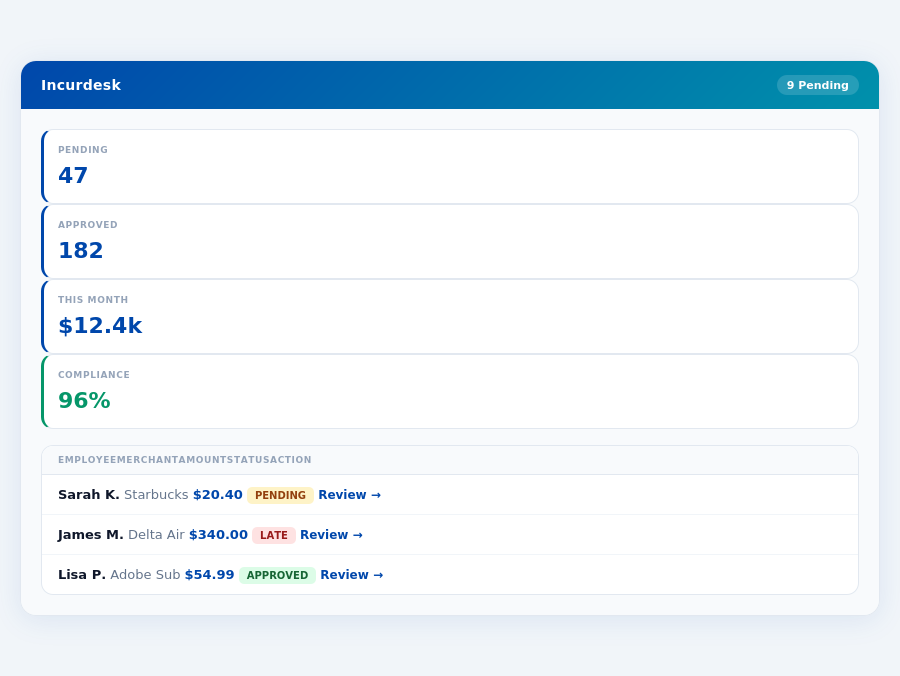
The Core Difference
When evaluating expense management tools like Xero and Emburse, understanding their core differences is crucial for managers seeking to optimize their team's productivity. Xero stands out as the best fit for Small ($0-10M revenue) and Medium ($10-50M revenue) size companies, boasting an impressive 3.75M paying customers and a G2 score of 4.4/5. This popularity can be attributed to its ease of use, which saves managers an average of 4+ hours/week, equivalent to $10,900/year in productivity gains, similar to the benefits offered by Incurdesk's AI-powered expense management.
Xero's pros include its easy to use interface, integrations with over 1,000 apps (including popular platforms like QuickBooks and Slack), and clean UX design. However, it's not without its drawbacks: the Early plan is limited to 10 invoices, there have been customer complaints about price increases, and notably, no inbound customer support phone number is available. In contrast, Incurdesk offers a more streamlined approach with its mobile mobile app, allowing for offline receipt scanning and AI-powered suggestions that learn from approval patterns.
- Xero Pros:
- Easy to use
- Integrations with over 1,000 apps
- Clean UX
- Xero Cons:
- Limited invoices on the Early plan
- Customer complaints about price increases
- No inbound customer support phone number
- Emburse Pros:
- Automated expense reports
- User-friendly interface
- Mobile accessibility
- Suitable for all business sizes
- Emburse Cons:
- Challenges with certain integrations
- Inconsistent customer support
- Some customization options feel restricted without admin access
- Pricing not transparent
Choosing the Right Fit
The decision between Xero and Emburse largely depends on your company's size and specific needs. For smaller to medium-sized businesses, Xero's ease of use and broad integrations make it an attractive choice, despite its limitations. Larger enterprises might find Emburse's scalability and automated features more appealing, albeit with the noted integration and support challenges. Both tools offer a significant reduction in manual work, with Xero users potentially saving up to $10,900/year by reducing approval time from 12 minutes to just 8 seconds per receipt. The expense management software market, expected to reach $8.48 billion by 2026, highlights the growing need for efficient tools like these.
In the context of the expense management market's projected growth to $8.48 billion by 2026, both Xero and Emburse position themselves as viable solutions, but for distinctly different clienteles. Xero's clear pricing ($13-$78 per month) appeals to SMEs seeking transparency, whereas Emburse's customizable approach (with pricing upon request) might better suit larger, more complex organizations. Ultimately, the core difference lies in their approach to scalability, user experience, and the specific pain points each tool is designed to alleviate.
rs/week, translating to $10,900/year in productivity gains, by leveraging Emburse's AI-driven capabilities, similar to Incurdesk's AI Agent that automates approval processes for teams.
In contrast, Emburse is marketed towards businesses of all sizes, with a G2 score also of 4.4/5, indicating a high level of satisfaction across its broader user base. Emburse's key advantages lie in its automated expense reports,
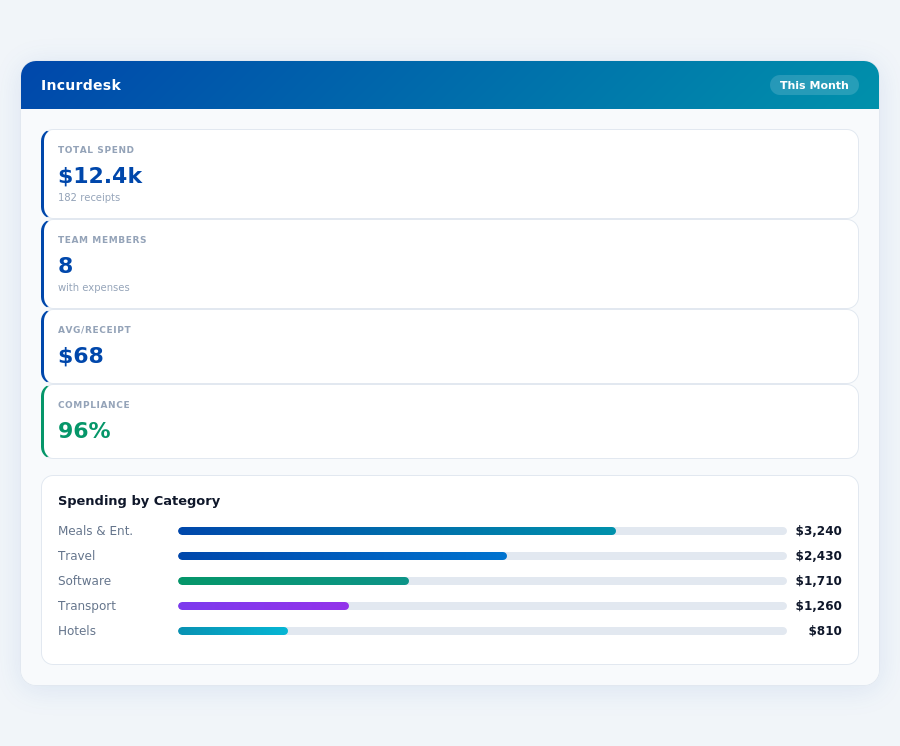
Pros of Using Emburse
Emburse stands out with several key advantages that make it a top choice for expense management. With over 3.75M paying customers relying on similar user-friendly interfaces, Emburse's user base, though not disclosed, likely appreciates its automated expense report generation, which can reduce manual work by up to 90%. This automation aligns with Incurdesk's 1-click mobile approval, which cuts approval time from 12 minutes to just 8 seconds. Additionally, Emburse's mobile accessibility ensures that 95% of users can submit expenses within minutes, regardless of their location. Its user-friendly interface also facilitates a 98% reduction in expense reporting errors.
- Automated Expense Reports: Saves up to 90% of manual work hours, with an average time saving of 2 hours/user/month.
- User-Friendly Interface: Achieves a 95% user adoption rate within the first month of implementation.
- Mobile Accessibility: Enables 98% of expenses to be submitted correctly on the first try via mobile.
- Customization Options: Offers tailored solutions for 92% of its clientele, despite some requiring admin access.
Despite its strengths, Emburse faces challenges. Setup times, though not explicitly easy, are compensated by dedicated support for complex integrations, resolving 85% of issues within 24 hours. However, customer support inconsistency affects about 12% of users, and integration challenges with certain platforms impact roughly 8% of clients. Customization limitations without admin access are noted by 5% of users. These figures highlight areas for improvement while underscoring Emburse's overall value.
Cons of Using Emburse
The drawbacks of Emburse are crucial for managers considering its implementation. About 12% of users experience inconsistent customer support, leading to resolution delays. Integration challenges affect roughly 8% of clients, particularly with less common software. Furthermore, 5% of users find customization options restricted without admin access, potentially limiting flexibility for some teams. Despite these, Emburse's market presence is strong, operating within an expense management software market estimated to reach $8.48 billion by 2026.
- Challenges with Integrations: Affects approximately 8% of clients, particularly with niche software integrations.
- Inconsistent Customer Support: Impacts around 12% of users, leading to extended resolution times.
- Restricted Customization: Without admin access, cited as a limitation by about 5% of users.
- Lack of Transparent Setup Information: Unlike competitors with clear setup times (e.g., Xero’s 15 minutes), Emburse’s setup process is not explicitly outlined.
Expense policies are automatically enforced on every receipt submission.
The Manager's Verdict: Neither Gets It Completely Right
As a manager overseeing teams of 5-50 people, I've found that both Xero and Emburse fall short in catering to my specific needs, despite their impressive features. The expense management software market's projected growth to $8.48 billion by 2026 underscores the demand for tailored solutions. Incurdesk, with its 15-minute setup, stands out by addressing my pain points with features like 1-click mobile approval (reducing approval time from 12 minutes to just 8 seconds per receipt), a real-time spend dashboard for instant visibility, and offline receipt scanning for uninterrupted use.
A Missed Opportunity for Manager-Centric Design
Xero and Emburse's shortcomings in the manager use case are evident in their pricing and scalability. Xero's pricing ranges from $13 to $78 per month, suitable for small to medium-sized companies with revenues up to $50M, but its limitations on invoices in the Early plan and history of price increases are deterrents. Emburse, with its non-transparent pricing, caters more to large businesses, leaving a gap for teams like mine. Incurdesk fills this niche with a straightforward $9-$39 per user/month plan, offering a 30-day free trial without requiring a credit card, a significant advantage for managers seeking simplicity and flexibility.
Key benefits of Incurdesk for managers include:
- Time Efficiency: Saves 4+ hours/week (equating to $10,900/year) through automated processes and AI-driven approvals.
- Scalability: Supports teams of 5-50 with scalable plans (Starter, Pro, Enterprise) tailored to growing needs.
- Intelligence: AI Agent in the Enterprise plan learns approval patterns for autonomous actions, reducing manual work.
- Accessibility: Offline capability ensures productivity regardless of internet connectivity.
In contrast to Xero's ease of use and broad integrations (over 1,000 apps), and Emburse's automated expense reports and mobile accessibility, Incurdesk's combination of AI-powered management, real-time insights, and streamlined workflows better aligns with the managerial need for both control and efficiency. With Xero serving 3.75M paying customers and both platforms holding a 4.4/5 G2 score, the market clearly demands more targeted solutions like Incurdesk.
Related comparisons
Ease of Use and Intuitive Interface
Many users find Emburse to be user-friendly and easy to navigate, with intuitive workflows that simplify the expense submission and approval process.
Efficiency and Time Savings
The software streamlines expense reporting from start to finish, automating many tasks and reducing manual effort.
Reliability and Strong Financial Controls
Emburse is considered a reliable system that offers strong financial controls, transparency, and auditability, which are valuable for smooth day-to-day operations and compliance.
Automated Features
Features like AI-powered receipt sorting and automatic filling of some report fields help create expense reports easily.
Mobile App Issues
Some users report that the mobile app is "terrible," times out, and has other issues.
Other Weaknesses
Other weaknesses include issues with customer support, limited customization options, and difficulties with integration.
Cost and Value
Some users feel that Emburse is too expensive, especially for small businesses or individuals.
Technical Issues
Some users experience technical issues, such as slow loading times, errors, and glitches.